
Spotify: Music and Podcasts – Stream and Listen
Spotify: Music and Podcasts is a free music and audio app by Spotify AB that lets you stream songs, podcasts, and audiobooks.
Get AppSpotify: Music and Podcasts has a file size of 145 MB and requires Android 7.0 or higher. It includes ads and offers in-app purchases for the Premium subscription. The app is designed for a broad audience, including teens, and provides access to a vast catalog of music, podcasts, and audiobooks.
- Size
- 145 MB
- Requires Android
- 7.0
- Updated
- Oct 7, 2026
- Installs
- 1B+
- Rating
- ★ 4.35 (36,473,612)
- Category
- Entertainment
- Developer
- Spotify AB
- Content rating
- Teen
- Package
- com.spotify.music
- Free
- ✓ · Contains ads · In-app purchases
App screenshots
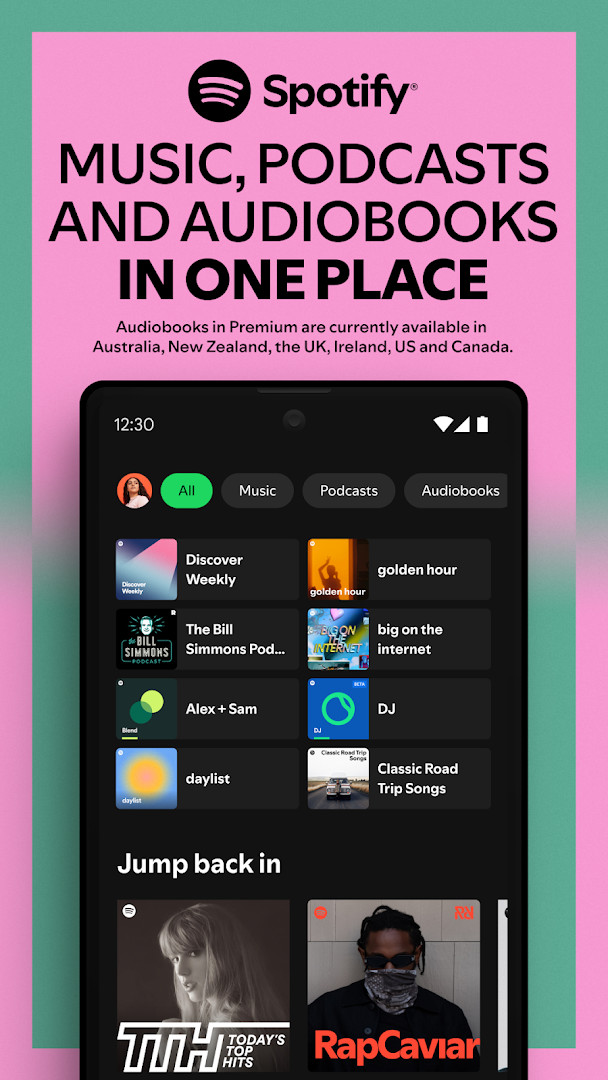
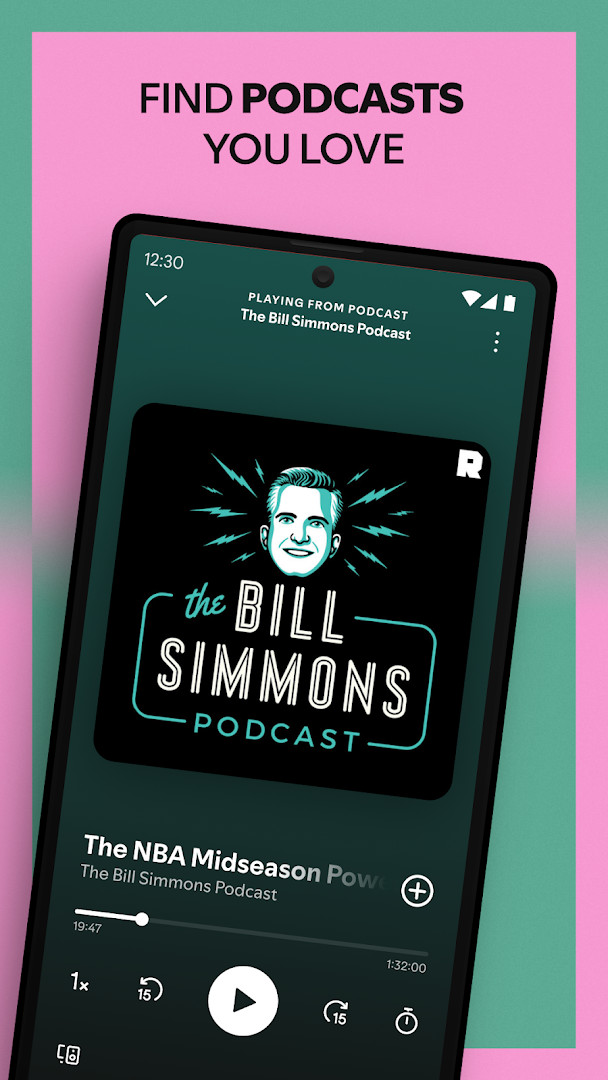
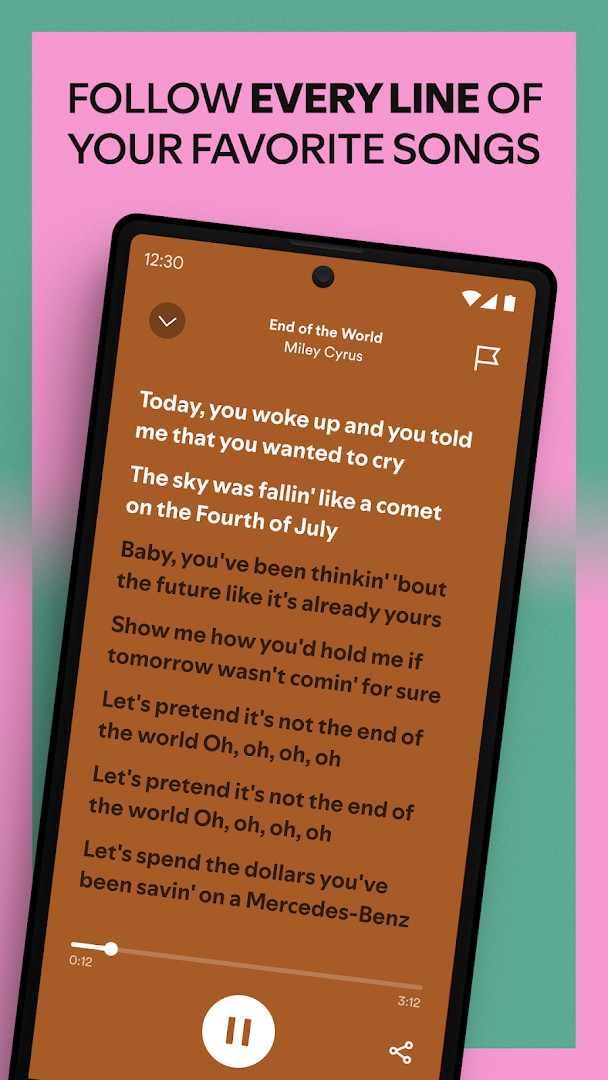
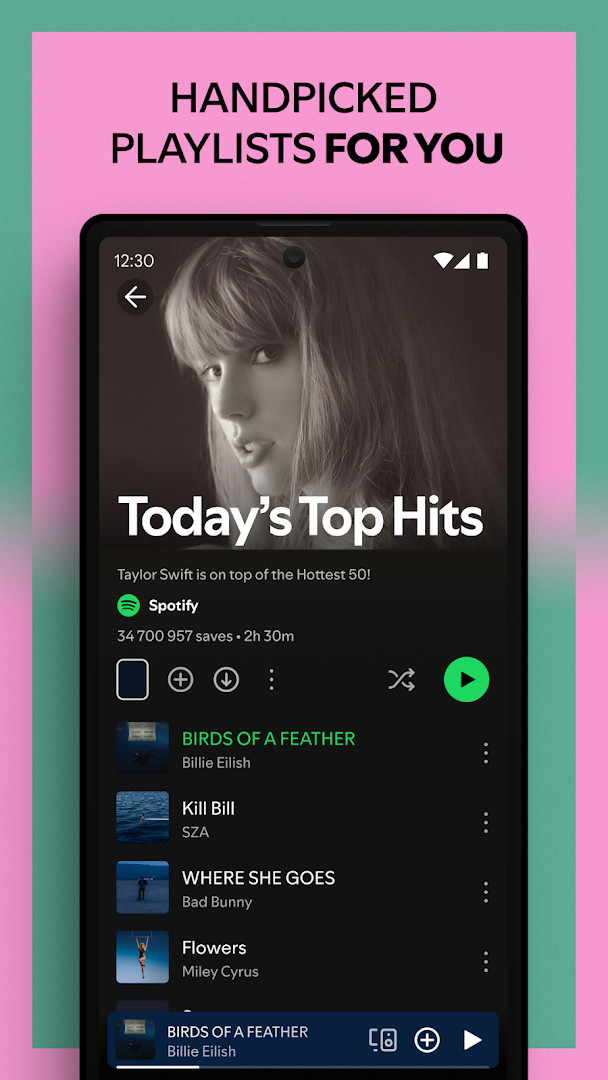
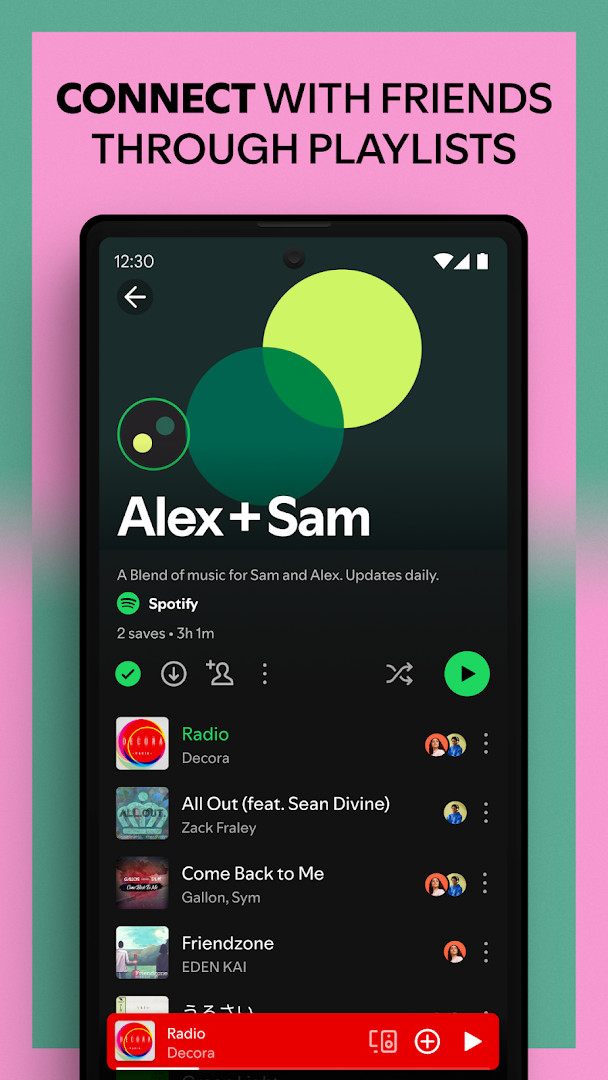
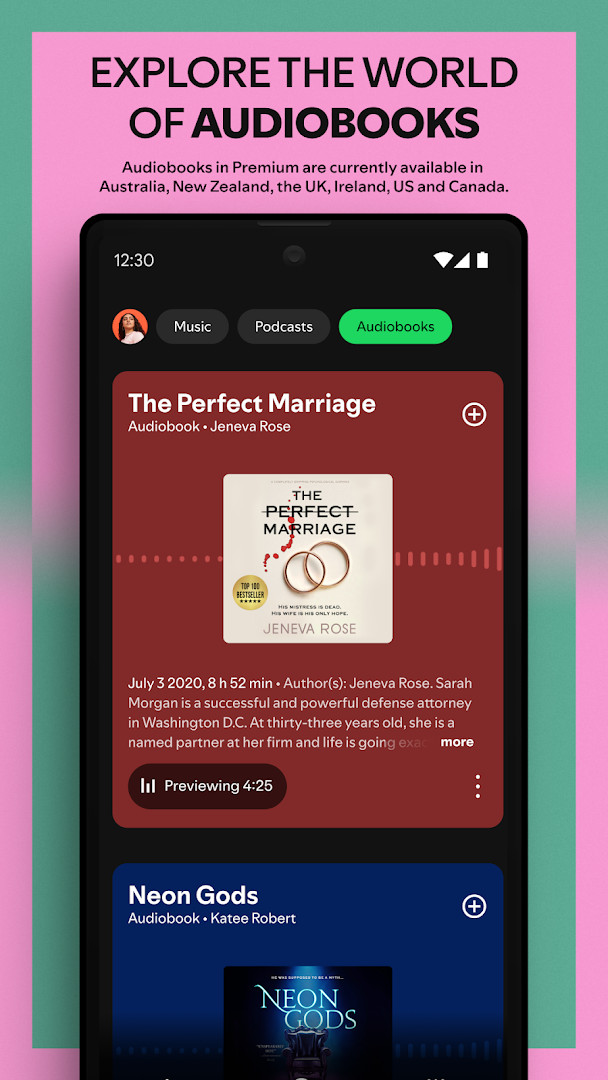
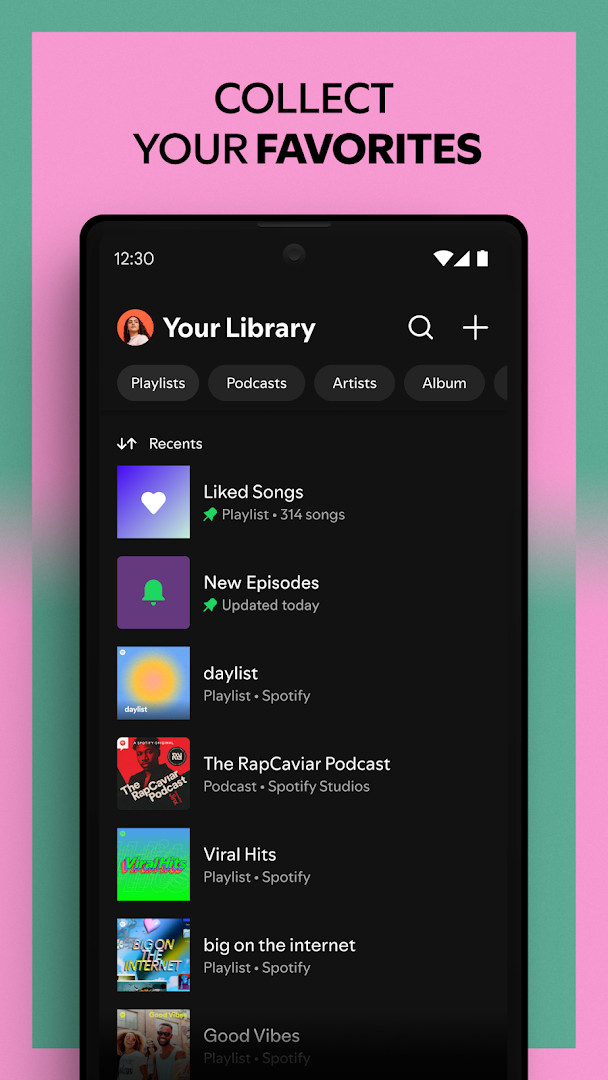
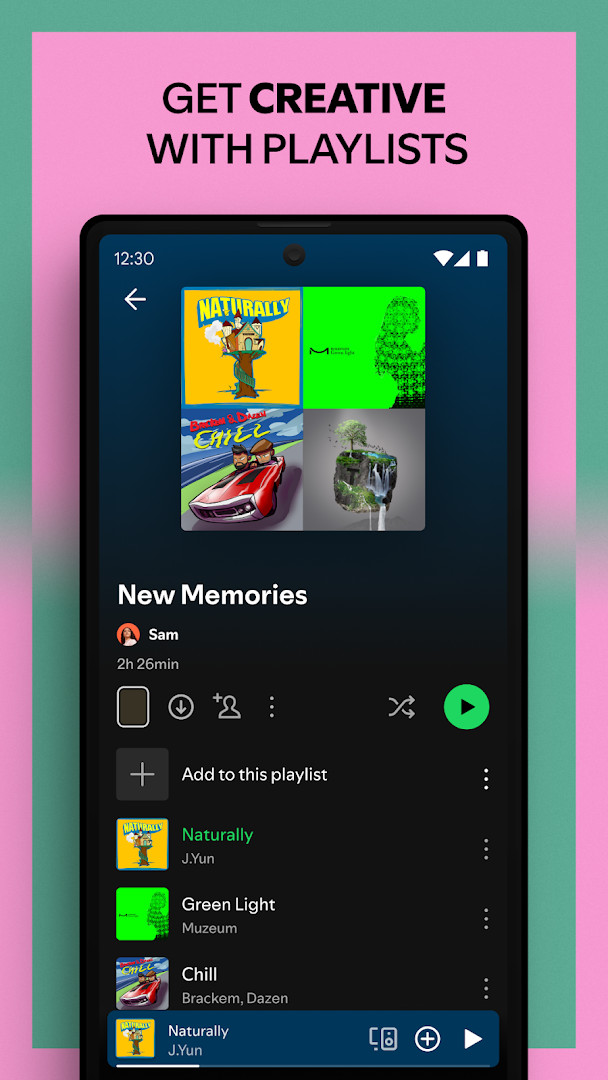
Spotify: Music and Podcasts is a music and audio application by Spotify AB that streams songs, podcasts, and audiobooks to Android devices. It solves the problem of juggling separate services for music, spoken-word shows, and books by bringing all three into one interface with search, playlists, and personalized recommendations. The free, ad-supported tier provides access to a catalog of more than 80 million tracks and 4 million podcasts, plus a growing library of over 300,000 audiobook titles. Users can search by typing a lyric, follow artists, subscribe to podcasts, and build or share playlists. Daily mixes adapt to listening habits, and genre browsing spans roughly 40 categories. Premium subscriptions add offline downloads, ad-free playback, and on-demand listening, with four plan options. The app also includes Nielsen audience measurement software, which users can opt out of in the settings. With more than a billion installs, a rating near 4.35 from tens of millions of reviews, and a 145 MB footprint, it is one of the most widely deployed audio apps on Android and requires Android 7.0 or newer.
Key features
- Stream over 80 million songs and 4 million podcasts on demand
- Access more than 300,000 audiobook titles, with Premium audiobook listening in the US, UK, and Australia
- Search for a song or artist by typing a lyric
- Create, share, and bookmark playlists, including playlists that collect individual podcast episodes
- Receive daily mixes and genre-based discovery covering roughly 40 categories from Pop to Classical
- Subscribe to favorite podcasts and manage a dedicated podcast library
- Control playback and download content from a Wear OS companion experience
- Upgrade to Premium for offline listening, ad-free playback, and plan options for Individual, Duo, Family, and Student
How to install
- 1. Tap the download button on this page to get the Spotify APK file, which is about 145 MB.
- 2. When Android asks, allow your browser or file manager to install apps by enabling the Install unknown apps setting for that source.
- 3. Open the downloaded APK file from your notifications or Downloads folder.
- 4. Tap Install and wait for the installation to finish; this device needs Android 7.0 or newer.
- 5. Open the app and sign in with an existing account or create a new one.
- 6. Review the permission prompts and grant only what you are comfortable with, as most core playback features work without them.
Pros
- Very large catalog covering music, podcasts, and audiobooks in one app
- Free tier available with ad-supported playback
- Lyric-based search makes it easier to find tracks when you only remember a line
- Works across mobile, tablet, TV, Chromecast, and Wear OS devices
- Four Premium subscription tiers with no long-term commitment
- Regularly updated, with a release version dated October 2026
Cons
- The free tier is interrupted by ads
- Offline downloads and ad-free listening require an in-app Premium purchase
- Requests broad permissions, including identity, contacts, location, camera, microphone, and storage
- Includes Nielsen audience measurement software, with opt-out only available inside the app settings
- Large install size at 145 MB requires meaningful storage space
Latest changes
Spotify is regularly updated with changes and improvements. To avoid missing any updates, it is recommended to keep automatic updates enabled. No specific details about this version were provided.
Version history
| Version | Size | Requires Android | Updated |
|---|---|---|---|
| 9.1.84.2231 | 145 MB | 7.0 | Sep 26, 2026 |
| 8.4.90.722 | 4.3 MB | 7.1 | Dec 13, 2019 |
| 1.0.0 | 0.1 MB | — | Jul 16, 2018 |
| 8.4.58.675 | 37 MB | 4.0.3 | Jun 13, 2018 |
This app suits experienced Android users who want a single service for music, podcasts, and audiobooks instead of maintaining several separate apps. It works well for people who rely on algorithmic discovery and daily mixes, as well as for those who actively build and share playlists. Users who are comfortable with periodic ads can stay on the free tier, while those who need offline playback or uninterrupted listening will likely want one of the Premium plans. Given the storage footprint and permission list, it is best for users on modern devices running Android 7.0 or newer with room to spare and a preference for a mature, feature-dense audio platform over a lightweight player.
Typing a lyric instead of a song title can locate tracks faster when the exact name escapes you. If you prefer not to contribute to audience measurement, look for the Nielsen opt-out option in the app settings. For heavy listening on mobile data, keep an eye on streaming quality, and remember that offline downloads are a Premium feature.
Permissions
Frequently asked questions
Does the app allow me to listen offline, and what does Premium include?
Yes, subscribers to Spotify Premium can download music and podcasts for offline listening. The Premium plan also removes ad breaks and offers on-demand playback, with options like Individual, Duo, Family, and Student.
Can I find a track by entering a lyric instead of the title or artist name?
You can search for a song or artist by typing a lyric into the search function. The app supports finding music this way alongside traditional searches.
Is there a way to hear continuous music based on a single artist I like?
There is a Popular Radio playlist feature that curates stations for specific artists. Examples mentioned include Taylor Swift, Drake, Eminem, Coldplay, Paolo Nutini, and Fleetwood Mac.
What can I do with Spotify on my Wear OS smartwatch?
On Wear OS, you can stream music and podcasts without your phone, control playback on other Spotify devices, and download content for offline listening if you have Premium. Tiles and Complications provide quick access.
How many audiobooks are available, and who gets access to them?
Premium Individual subscribers and Duo and Family plan managers can access over 300,000 audiobook titles, with 15 hours of listening available per month in supported markets like the US.
Spotify: Music and Podcasts is a dense, well-established audio app that combines music, podcasts, and audiobooks under one roof. It is a solid choice for Android users who want a huge catalog and are willing to accept ads on the free tier or pay for Premium.
Similar apps





Updated: Oct 21, 2026