
Roblox for Android
Roblox is a social adventure app from Roblox Corporation for playing millions of multiplayer games across every genre on your Android device.
Get RobloxRoblox is for players of all ages who want a large, constantly updated library of games spanning racing, role-playing, horror, and more. The app is free to download with optional in-app purchases, requires Android 8.0 or higher, and needs a network connection to play.
- Requires Android
- 8.0
- Updated
- Oct 8, 2026
- Installs
- 1B+
- Rating
- ★ 4.22 (53,002,090)
- Category
- Adventure
- Developer
- Roblox Corporation
- Content rating
- Teen
- Package
- com.roblox.client
- Free
- ✓ · In-app purchases
App screenshots
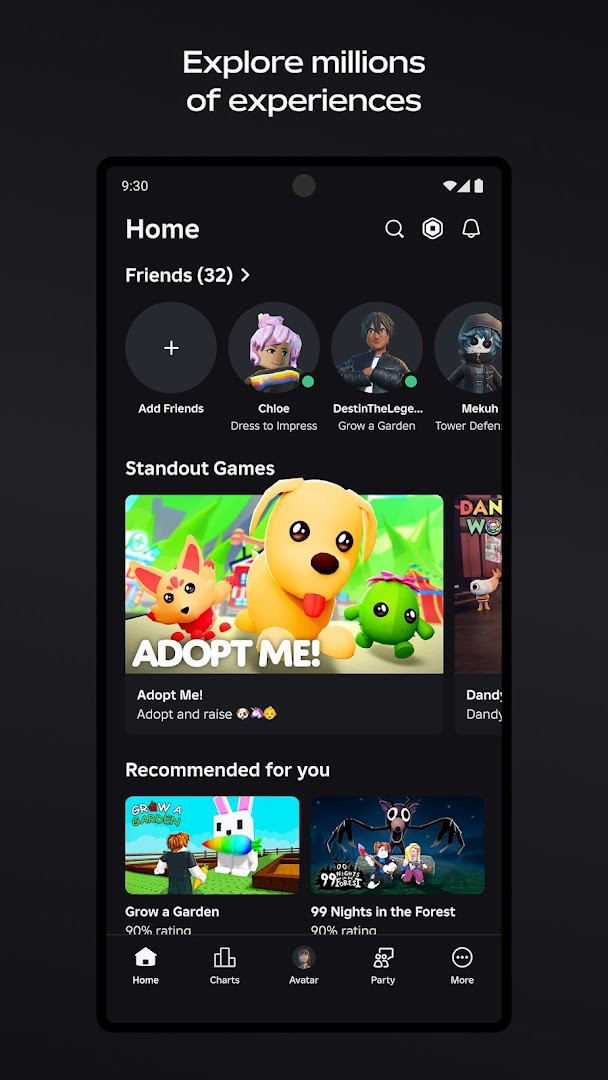
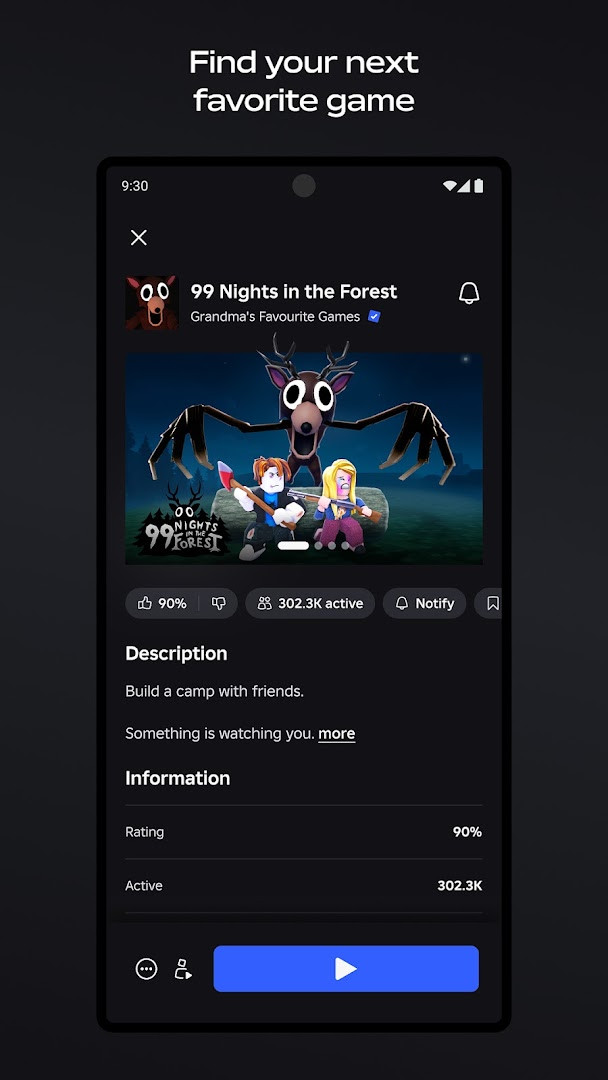
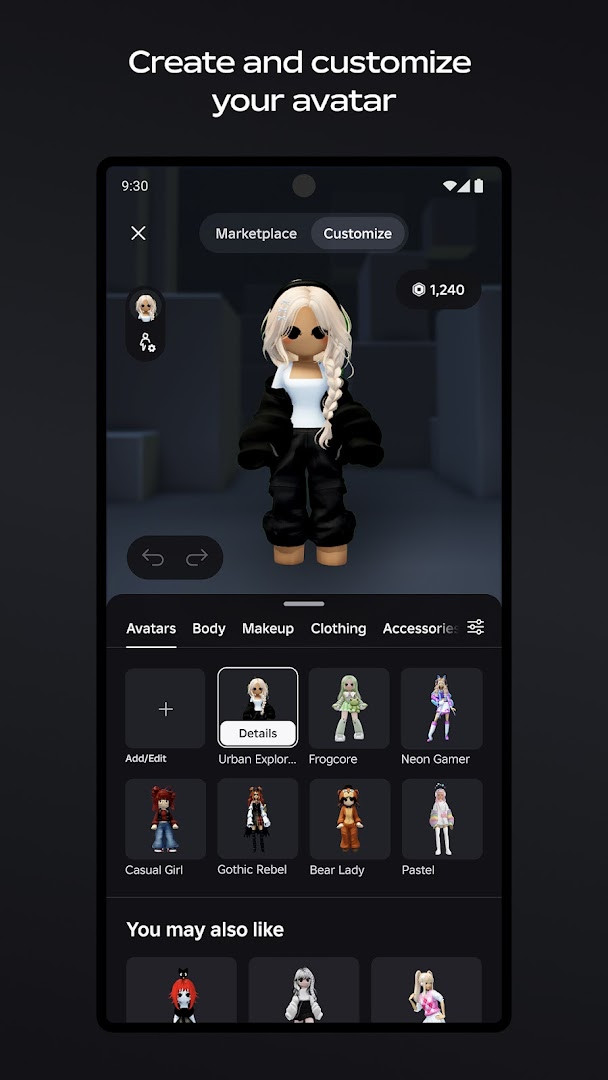
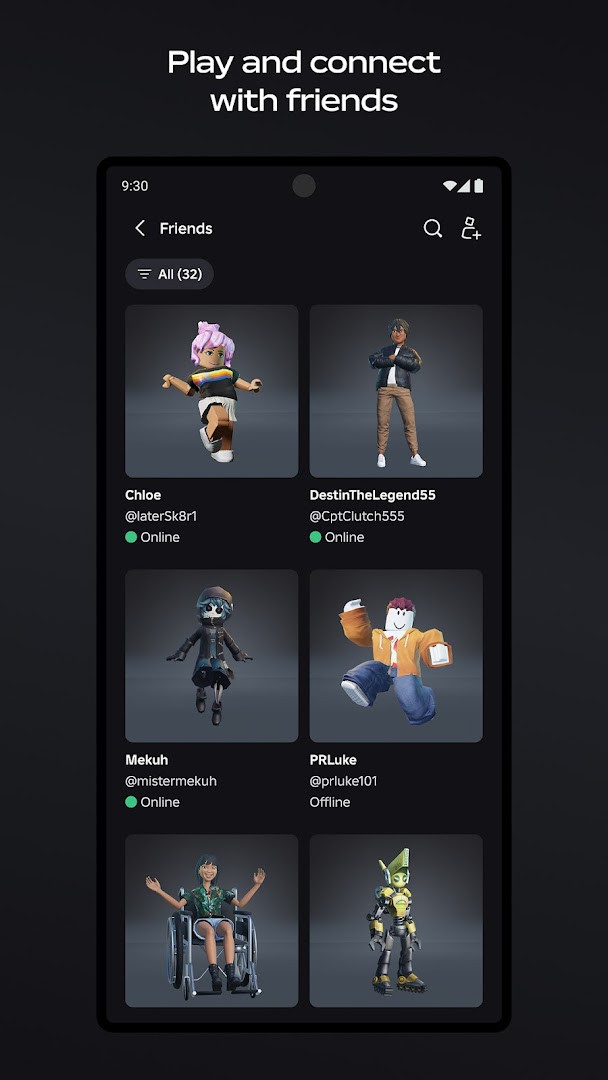
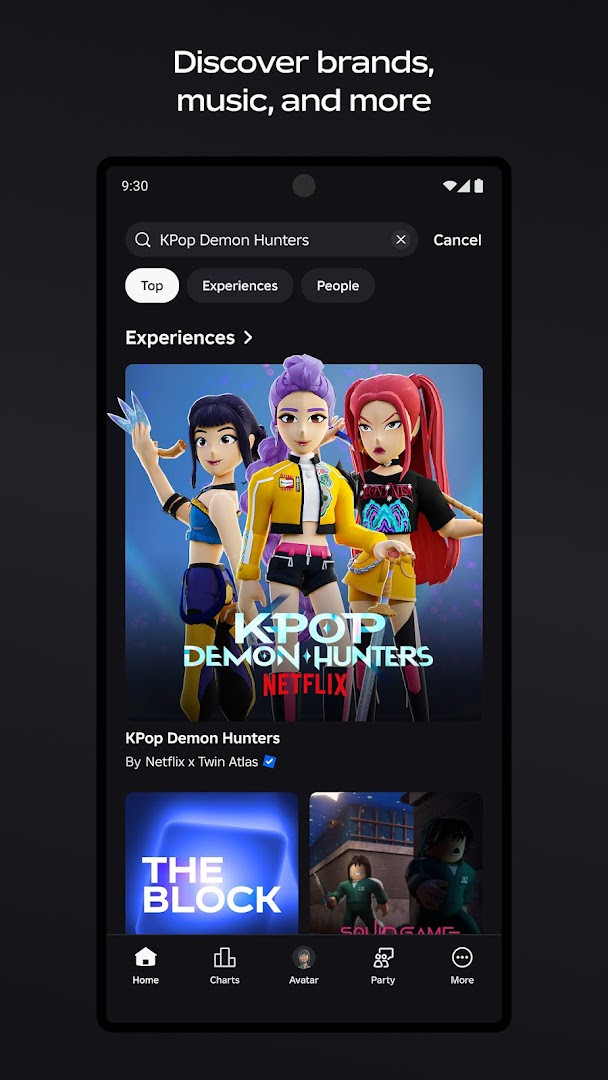
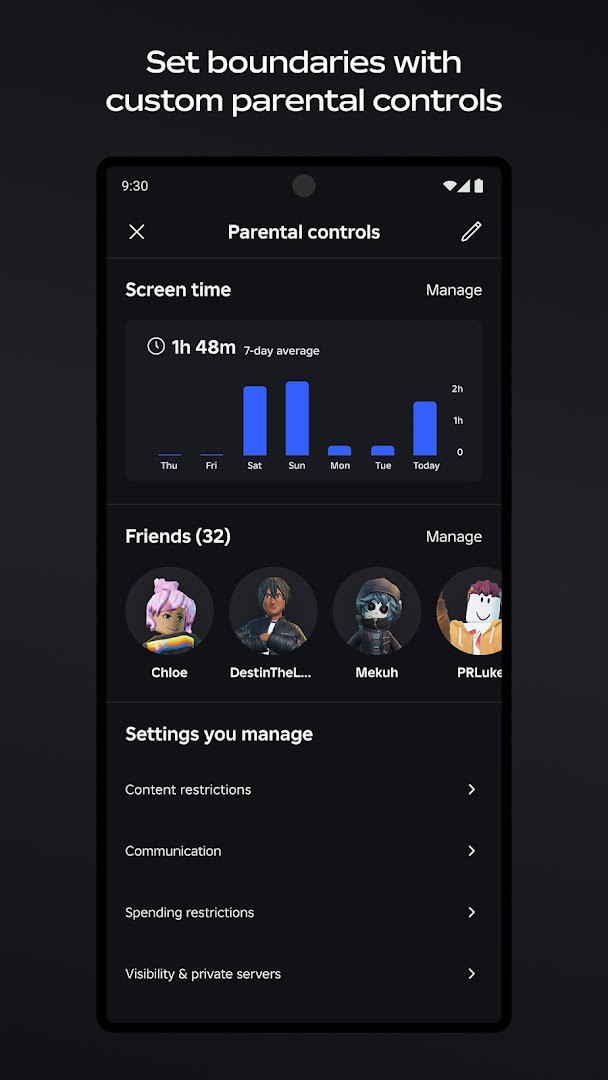
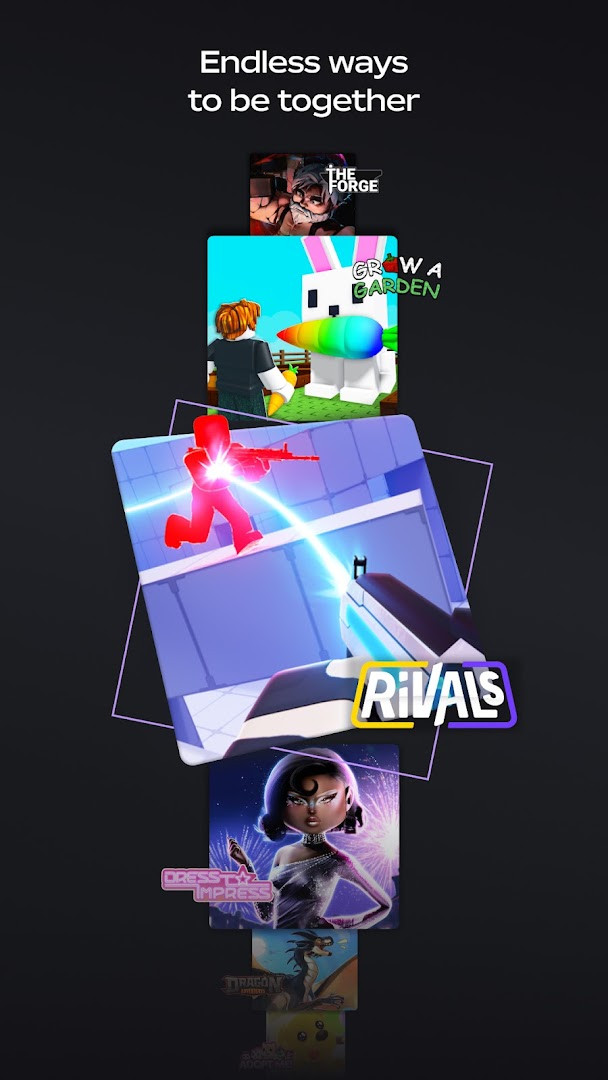
Roblox is an adventure app by Roblox Corporation that offers access to a large and constantly growing library of user-created multiplayer games across many genres. The main problem it solves is the need to download a separate app for every game type: instead, one client opens up racing, role-playing, survival, tycoon, horror, anime, sports, and many other experiences. It does this by hosting each game inside the Roblox environment, so players can jump between popular titles such as Dress to Impress, RIVALS, Brookhaven RP, and Adopt Me!, as well as smaller projects from solo creators and indie teams. The app also handles avatars, friends, chat, parties, and safety moderation in one place, which makes it easier for newcomers to explore daily updates and connect with others without juggling multiple accounts.
Key features
- Play thousands of online multiplayer games in genres such as racing, role-playing, survival, horror, anime, sports, and more.
- Discover new trending experiences daily, with fresh user-created content added all the time.
- Customize an avatar with clothing, accessories, hairstyles, emotes, and thousands of 3D items from the Marketplace.
- Chat, compete, and explore with friends across mobile, tablet, PC, console, and VR headsets, including text and voice chat for age-verified users.
- Create, publish, and share your own games and virtual spaces using the Roblox Studio engine on Windows or Mac.
- Optional Roblox Plus membership provides discounts on in-game items, fee-free Robux transfers, unlimited private servers, and a profile badge.
- Built-in safety tools include advanced content filtering, age-appropriate moderation, clear community guidelines, and options such as Roblox Kids and Select Accounts.
How to install
- 1. Tap the download button on this page to get the APK file for Roblox.
- 2. When Android asks, allow your browser or file manager to install apps by enabling the 'Install unknown apps' setting.
- 3. Open the downloaded APK file from your notifications or Downloads folder.
- 4. Tap Install and wait for the installation process to finish.
- 5. Open the app from your home screen or app drawer.
- Note: the file size is not listed here, and Roblox requires Android 8.0 or newer.
Pros
- Free to download and play, with no ads displayed.
- Huge variety of games available within a single app.
- Cross-platform play across phones, tablets, PCs, consoles, and VR headsets.
- Regular updates that include bug fixes and reliability improvements.
- Strong safety, privacy, and moderation tools for younger audiences.
- Roblox Studio allows players to try creating their own games.
Cons
- In-app purchases are available, which may lead to unexpected spending.
- A network connection is required, and the app works best over Wi-Fi.
- Some capabilities only work if you allow optional permissions for the camera, microphone, or contacts.
- The content is rated Teen, so younger players need parental oversight.
Latest changes
This update is part of the regular delivery of improvements for Roblox. It includes bug fixes along with enhancements aimed at speed and reliability. The developer notes these changes are meant to make the app work better for you.
Roblox is a good starting point for beginners who want a single app with many different games to try, from casual role-playing worlds to action-focused shooters. It also suits families because of its age-appropriate moderation, privacy options, and dedicated accounts designed for kids, although parents should review the Teen content rating and manage settings. Players who enjoy creating things will find value in the built-in game creation tools, while social players can join parties and use text or voice chat once their age is verified. On the other hand, people who prefer one complete premium game or who dislike in-app purchases may find the marketplace and optional subscriptions less appealing.
Connect over Wi-Fi whenever possible, since Roblox needs a network connection and streams much of its content. You can decline optional permissions and still use the app, but features like voice chat and avatar animation will not work without them. For younger players, enable privacy controls such as Roblox Kids or Select Accounts, and keep an eye on in-app purchases.
Permissions
Frequently asked questions
Is Roblox free to install?
Yes, Roblox is completely free to download and play. It does not contain ads, but it offers optional in-app purchases.
What Android version do I need?
You need a device running Android 8.0 or higher. A network connection is required, and the app works best over Wi-Fi.
Do I need a Roblox account to play?
You can play some experiences without an account, but creating a free account is needed to save progress, customize your avatar, and join friends. Most features require logging in.
What permissions does the app ask for?
The app may request access to your microphone for voice chat, camera for avatar animation, and contacts to find friends. Notifications, storage, and Wi-Fi connection info are also listed as optional permissions.
How do I update Roblox?
Updates include bug fixes and improvements for speed and reliability. To get the latest version, download the updated APK from this page.
Roblox bundles a broad catalog of multiplayer experiences into one frequently updated app, which makes it easy for beginners to sample many different games. With parental controls, transparent permissions, and no ads, it is a reasonable choice for users who accept the need for a network connection and optional purchases.
Similar apps


Updated: Oct 21, 2026