Piano - Music Keyboard & Tiles: Music Learning Game
Piano - Music Keyboard & Tiles is a music learning app by Gismart that simulates an electric keyboard with virtual instruments, songs, and mini-games.
Download Now · v1.75Piano - Music Keyboard & Tiles offers a full 88-key keyboard alongside instruments such as grand piano, organ, accordion, and electric guitar, plus Magic Tiles and Magic Keys mini-games for practicing without formal lessons. It is suited to beginners and casual players who want to learn chords, read sheet music, or record and share their own melodies.
- Version
- 1.75
- Requires Android
- 10
- Updated
- Dec 24, 2025
- Installs
- 100M+
- Rating
- ★ 4.12 (1,333,123)
- Category
- Music
- Developer
- Gismart
- Content rating
- Everyone
- Package
- com.gismart.realpianofree
- Free
- ✓ · Contains ads · In-app purchases
App screenshots
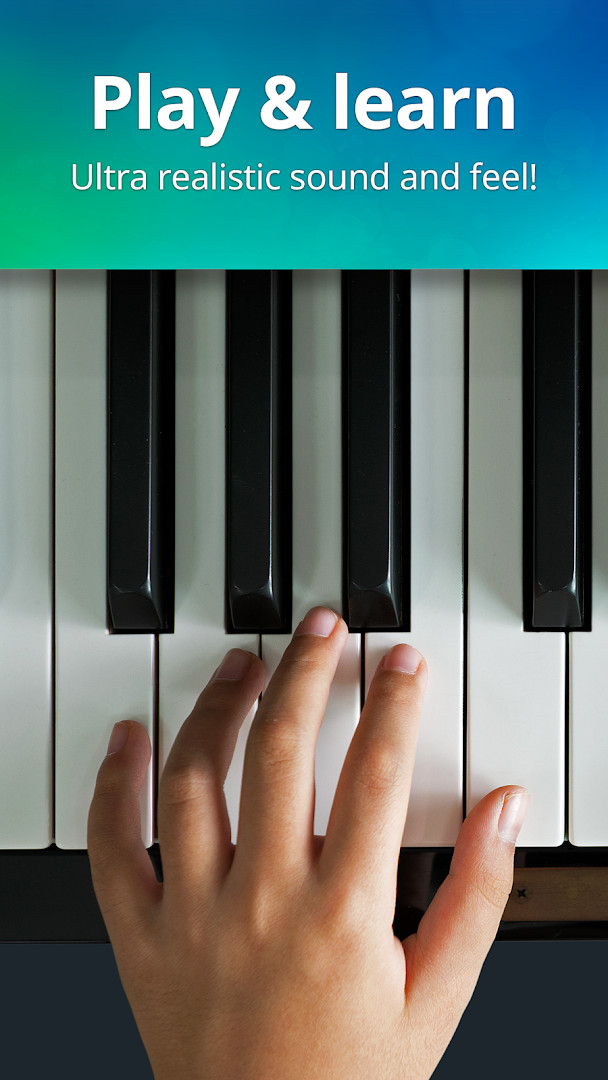
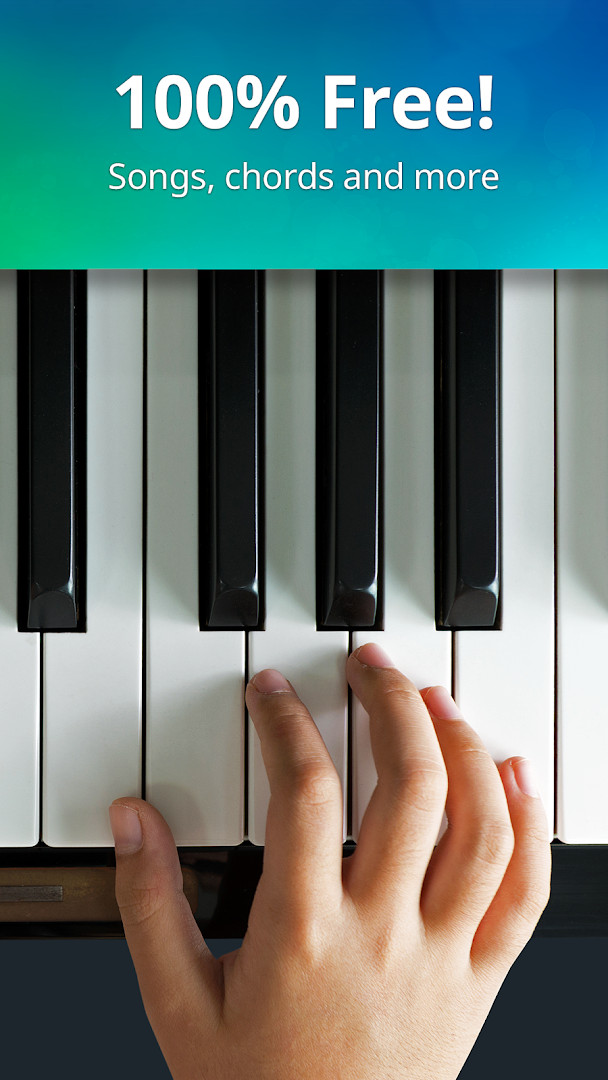
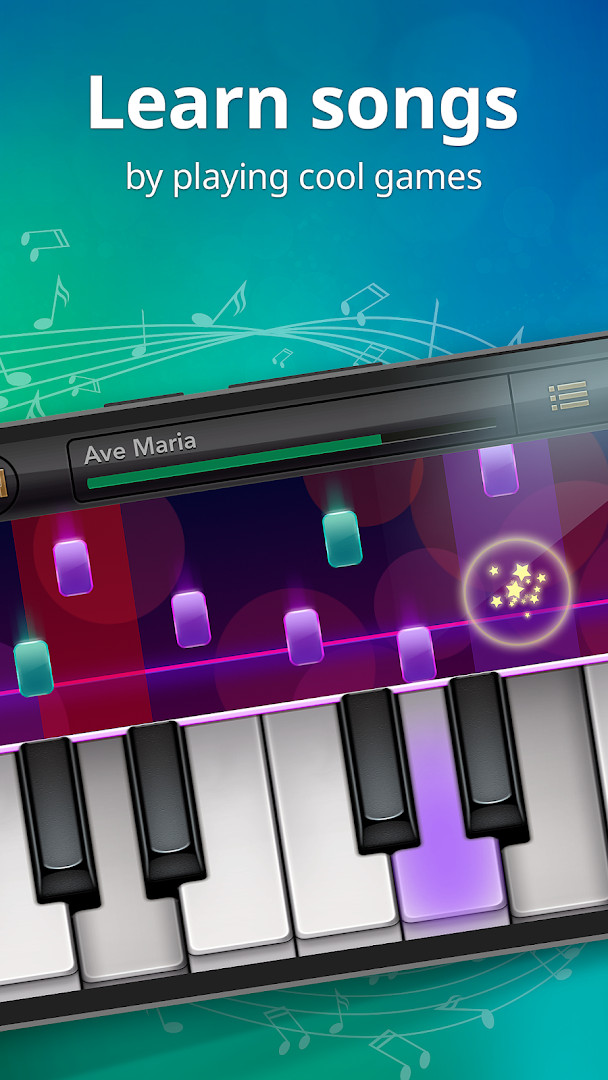
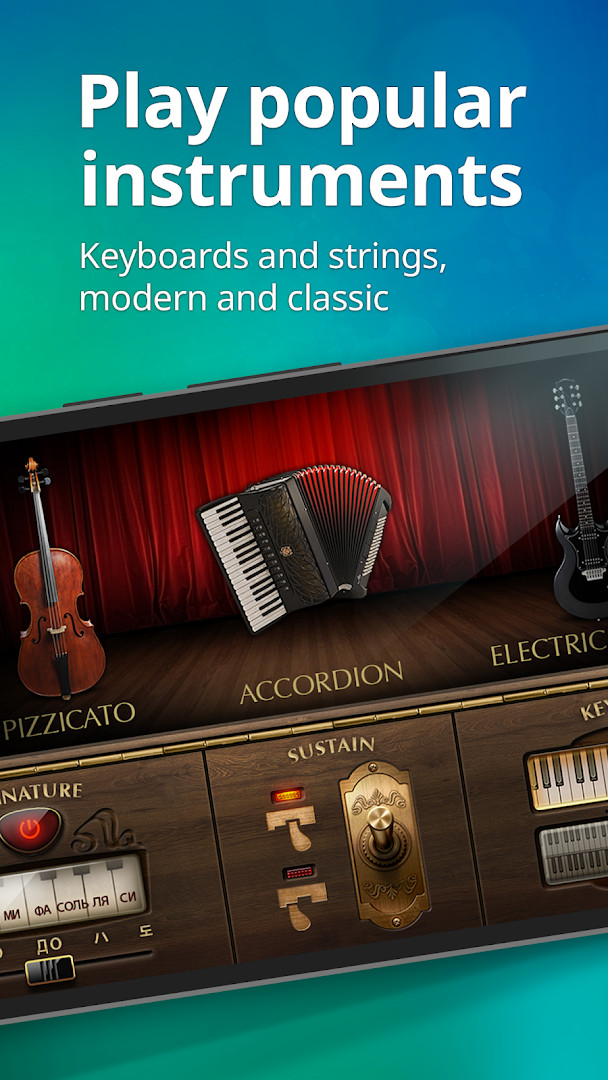
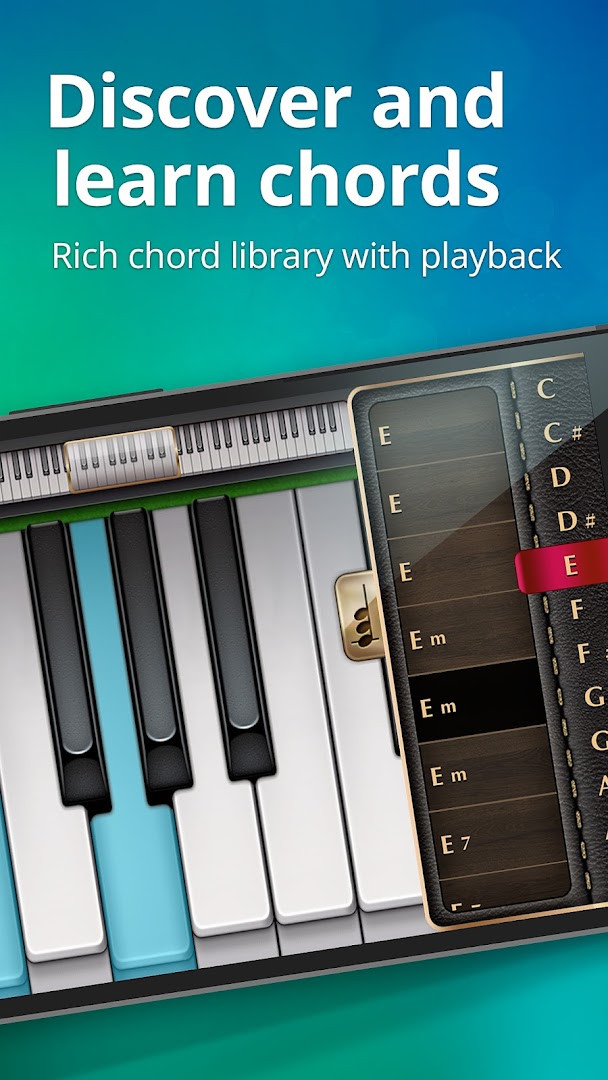
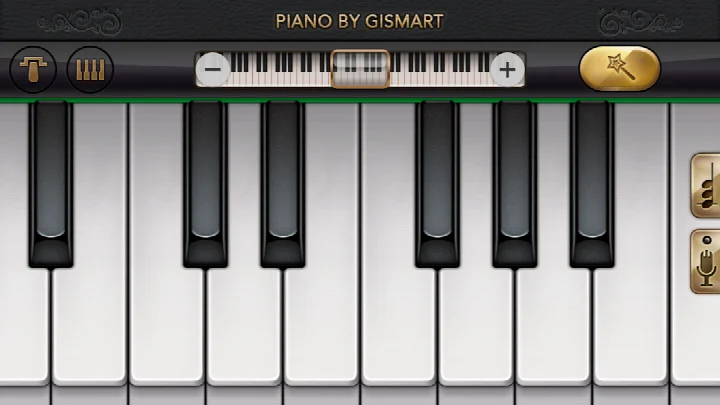
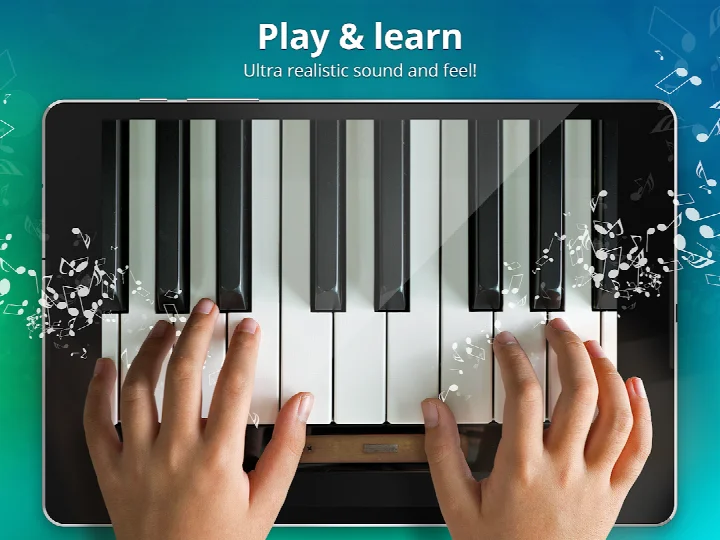
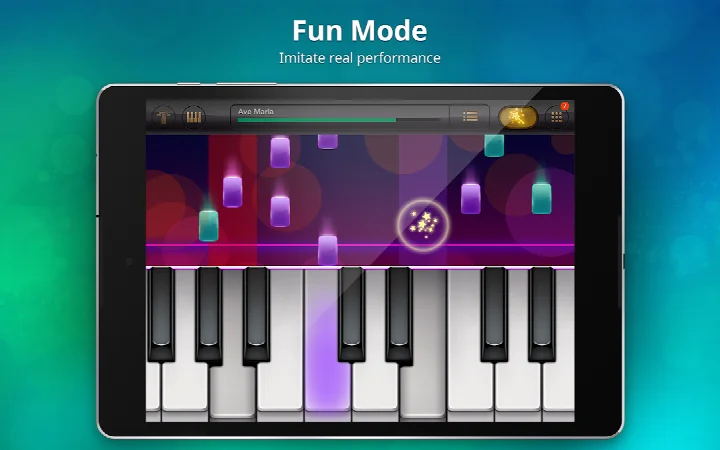
Piano - Music Keyboard & Tiles is a music app by Gismart that turns a phone or tablet into a playable virtual keyboard for learning chords, notes and sheet music. It first appeared in June 2014 and has since become one of the better-known keyboard simulators, with more than 100 million installs and a rating of 4.12 from over 1.3 million reviews. The app is free to use and carries an Everyone content rating, so it fits a wide range of ages.
Because the app is supported by ads and in-app purchases, it is worth checking what it asks for before installing. The permission list is short and fairly typical for this kind of tool: device and app history, photos, media and files, storage, and Wi-Fi connection information. None of these open the door to contacts, the microphone or precise location, which keeps the privacy footprint modest. Storage and media access are the pieces that let recordings be saved and audio or image files be read, while Wi-Fi information supports the ad and purchase components. There is no camera or phone-call permission in the list.
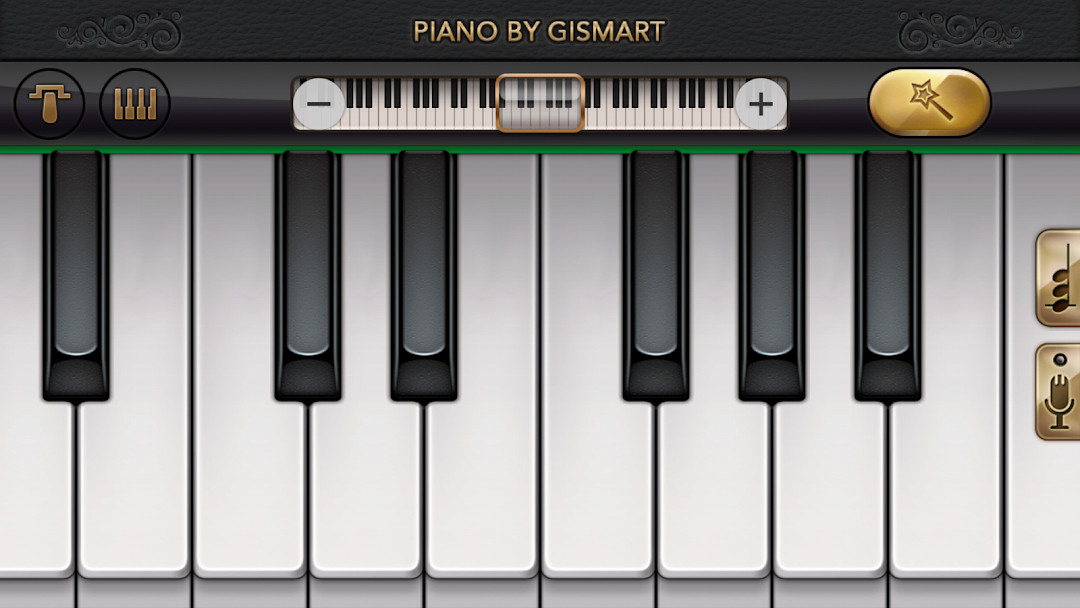
Inside, you get a full 88-key keyboard, single or dual scrollable layouts, and nine instrument voices that range from grand piano and vintage piano to organ, harpsichord, accordion, electric guitar, harp and cello pizzicato. Two mini-games, Magic Tiles and Magic Keys, work on timing and tempo, and a record feature lets you capture and share what you play. Version 1.75, dated December 24, 2025, concentrates on stability improvements and fixes for bugs reported by users, so it reads as a maintenance release rather than a feature drop.
Key features
- Full 88-key virtual keyboard with single or dual scrollable layouts
- Nine instrument sounds, including grand piano, vintage piano, organ, harpsichord, accordion, electric guitar, harp and cello pizzicato
- Magic Tiles mini-game: tap keys under falling tiles to perform well-known songs
- Magic Keys mini-game: tap white and black keys to sharpen timing and tempo
- Free popular and classic songs to practice with
- Recording feature that captures your playing for playback and sharing
- Chord and note-reading lessons aimed at beginners
- Free to download, with ads and optional in-app purchases
How to install
- Tap the download button on this page to get the APK file; the file size is not specified in the available data.
- When Android asks, allow your browser or file manager to install apps by turning on the Install unknown apps setting for that app.
- Open the downloaded APK file from your notifications or your file manager's Downloads folder.
- Tap Install and wait for the process to finish.
- Open the app; it requires Android 10 or newer, so check your system version first if the install fails.
- Review the permission prompts on first launch and grant only what you are comfortable with.
Pros
- Free to use with no mandatory subscription before you can play
- Large instrument selection covers piano, strings, accordion and more
- Mini-games make practice feel less like a chore
- Recording and sharing tools are built in
- Permission list avoids contacts, microphone and location
- Long track record, with a large install base and steady update history
Cons
- Ads and in-app purchases are part of the experience
- Media, storage and Wi-Fi information permissions are still requested
- No file size is listed, so you cannot plan storage ahead of time
- Version 1.75 brings fixes and stability work rather than new features
Latest changes · 1.75
Version 1.75 of Piano - Music Keyboard & Tiles was released on December 24, 2025. This update focuses on stability: the developers improved overall app reliability and fixed bugs that users had reported. No new features or interface changes are described for this release. The app remains free to download, with ads and in-app purchases, and requires Android 10 or later.
Version history
| Version | Size | Requires Android | Updated |
|---|---|---|---|
| 1.75 | — | 10 | Dec 24, 2025 |
This app suits three broad groups: complete beginners who want to try chords and note reading without buying a keyboard, hobbyists who enjoy rhythm mini-games and quick practice sessions, and parents looking for a free, Everyone-rated music activity that does not require extra hardware.
Before installing, open your Android settings and check what is already allowed for your browser or file manager, then switch the Install unknown apps permission back off once the APK is installed, so the setting is not left open afterwards.
Permissions
Frequently asked questions
Is Piano - Music Keyboard & Tiles free?
Yes, it is free to download and use. Optional in-app purchases are available for extra content.
What Android version is required?
You need Android 10 or higher.
Do I need an account to use it?
No, you can start playing without creating an account.
What permissions does the app request?
It may ask for access to device and app history, photos, media and files, storage, and Wi-Fi connection information.
How do I update the app?
The latest version is 1.75, released on 2025-12-24. To update, download the new version from this page.
Does the app contain ads or purchases?
Yes, it includes ads and offers optional in-app purchases.
Piano - Music Keyboard & Tiles is a solid, long-running choice for casual keyboard practice, and its restrained permission list is a point in its favor. The trade-offs are the ads, the in-app purchases and the lack of a stated file size. If you want a free way to learn chords and test your timing, it is worth a try; if you need an ad-free tool, look carefully before committing.
Similar apps


Updated: Oct 21, 2026