WG Tunnel: WireGuard VPN Client
WG Tunnel is a WireGuard and AmneziaWG VPN client by Zane Schepke that provides auto-tunneling, lockdown protection, and local proxying.
Download WG Tunnel · v5.8.2WG Tunnel balances simplicity with advanced privacy controls, making it suitable for both casual and power users. It offers auto-tunneling based on network details, AmneziaWG support, split tunneling, and a lockdown kill switch. The app is free, requires Android 8.0 or newer, and has a download size of 18 MB.
- Version
- 5.8.2
- Size
- 18 MB
- Requires Android
- 8.0
- Updated
- Oct 19, 2026
- Installs
- 500K+
- Rating
- ★ 4.63 (1,888)
- Category
- Communication
- Developer
- Zane Schepke
- Content rating
- Everyone
- Package
- com.zaneschepke.wireguardautotunnel
- Free
- ✓
App screenshots
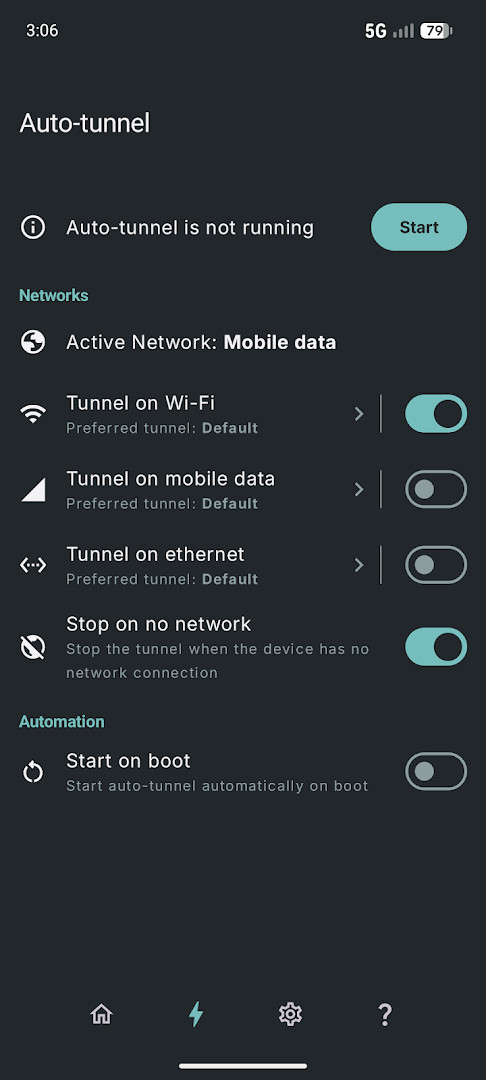
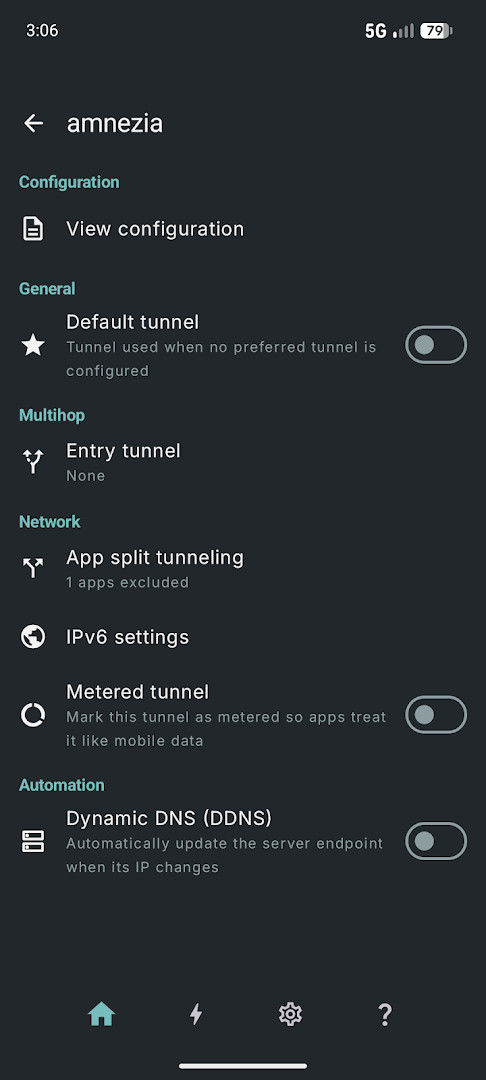
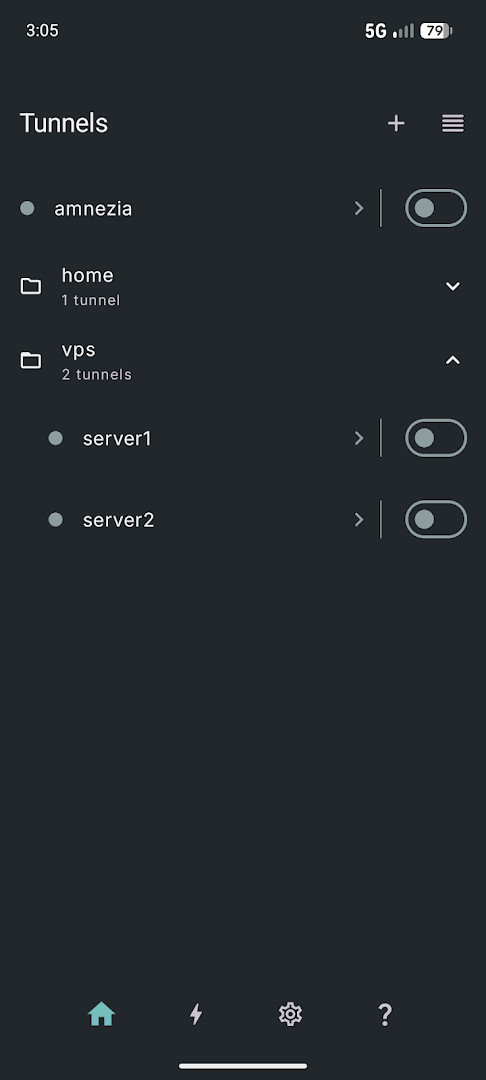
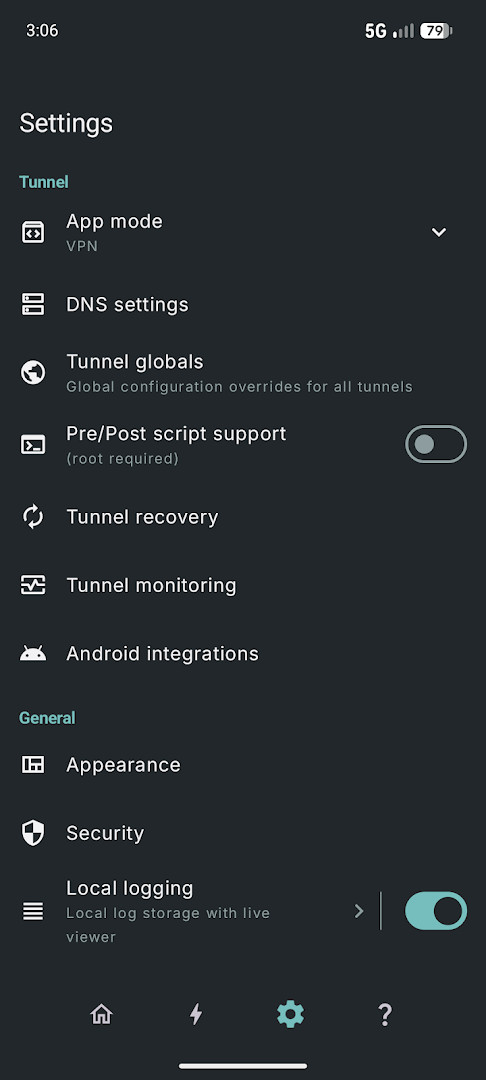
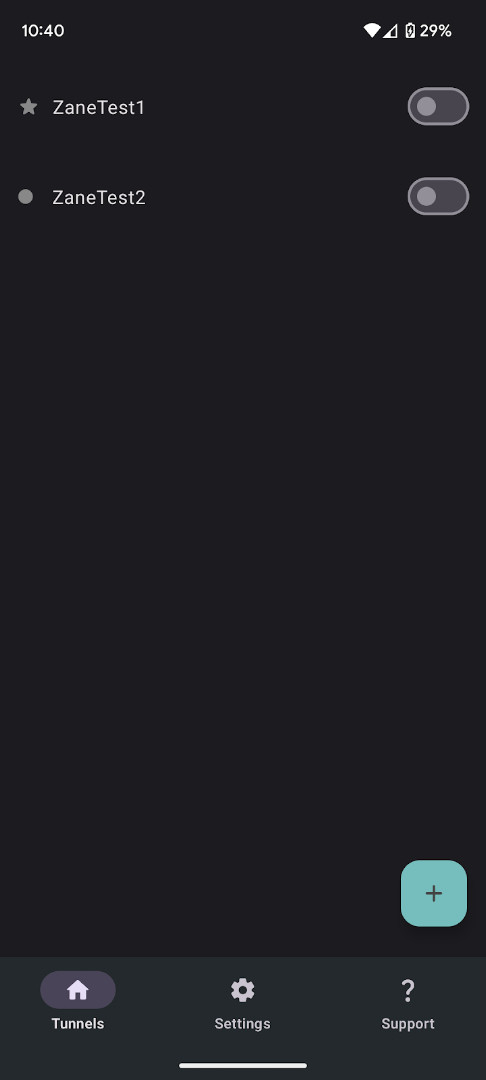
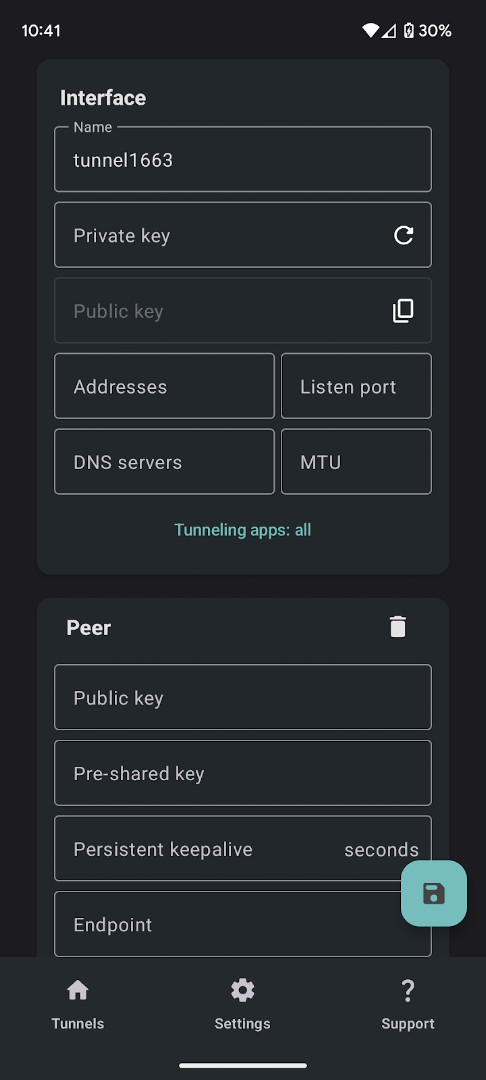
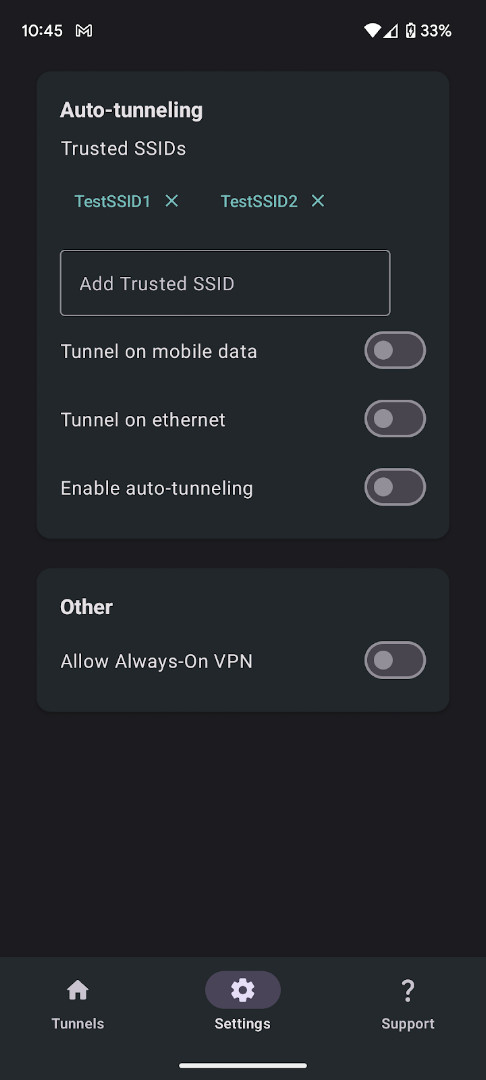
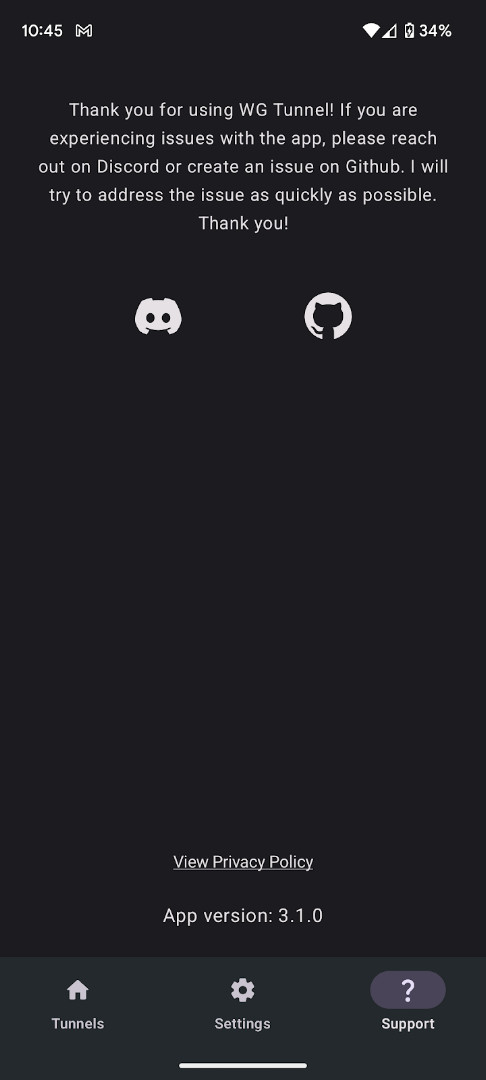
WG Tunnel is a VPN client by Zane Schepke that manages WireGuard and AmneziaWG connections. It focuses on automating when the VPN is active, making it useful for both casual users who want simple rules and power users who need advanced control.
The app lets you set up tunnels that start automatically based on the network you are connected to, such as Wi-Fi or mobile data. It also includes features to improve reliability, like resolving endpoints after the tunnel is up and monitoring handshakes for immediate feedback. For users in restrictive environments, it supports AmneziaWG versions 2.0 through 3.1, which can help with censorship circumvention.
Beyond basic connectivity, WG Tunnel offers split tunneling, flexible DNS options (including DNS over TLS and DNS over HTTPS), and a local proxy mode that exposes the tunnel to other apps via SOCKS5 or HTTP. A lockdown mode acts as an in-app kill switch, blocking all traffic when the tunnel is down. Quick controls and remote automation via intents are also available.
The app is designed for people who want more control over their VPN usage, from home users who want to automate connections to advanced users who need granular routing and automation. It also supports Android TV, so you can use it on a television device. The app is free, contains no ads, and does not offer in-app purchases.
Key features
- Auto-tunneling based on active network details
- Deferred endpoint bootstrapping for better startup reliability and leak protection
- Real-time handshake monitoring for tunnel health
- Support for AmneziaWG 2.0 through 3.1
- Split tunneling for specific apps or traffic
- Split and encrypted DNS (plain DNS, DoT, DoH) with domain suffix splitting
- Local proxy mode via SOCKS5 or HTTP for browsers or firewall apps
- Lockdown mode as an in-app kill switch
- Quick Settings tile and home screen shortcuts
- Intent-based automation for control from automation apps
How to install
- Tap the download button on this page to get the APK file, which is 18 MB in size.
- When Android prompts you, allow your browser or file manager to install apps by enabling the 'Install unknown apps' setting.
- Open the downloaded APK file from your notification bar or file manager.
- Tap 'Install' and wait for the installation to complete.
- Open the WG Tunnel app from your app drawer or home screen.
- The app requires Android 8.0 or higher to run.
Pros
- Free and open source under the MIT license
- No ads and no in-app purchases
- Comprehensive feature set for power users
- Supports modern VPN protocols including AmneziaWG
- Android TV support
- Active development with regular updates
Cons
- Requests several permissions, including location, camera, and storage, which might be more than expected for a VPN app
- The interface may be complex for beginners
- No in-app purchase option, but also no paid tier for support
Latest changes · 5.8.2
Version 5.8.1 fixes resolution problems with the SOCKS5 proxy and Lockdown DNS that appeared in the previous release.
Version history
| Version | Size | Requires Android | Updated |
|---|---|---|---|
| 5.8.2 | 18 MB | 8.0 | Oct 19, 2026 |
| 5.8.1 | 18 MB | 8.0 | Oct 12, 2026 |
| 5.7.5 | 18 MB | 8.0 | Sep 26, 2026 |
WG Tunnel is for users who want a flexible and powerful WireGuard client that can automate connections, use advanced features like split tunneling and proxy modes, and work on Android TV. It suits both casual users who want simple automation and power users who need granular control and censorship circumvention.
After installation, check the app's permission settings and grant only the permissions you are comfortable with. Use the auto-tunneling feature to connect automatically when you join a trusted Wi-Fi network. If you use a firewall app like AdGuard, try the local proxy mode to route traffic through the tunnel.
Permissions
Frequently asked questions
Is WG Tunnel free to use?
Yes, WG Tunnel is free. It costs $0.00, contains no ads, and offers no in-app purchases.
Which Android version is required to install WG Tunnel?
WG Tunnel requires Android 8.0 or newer. It also supports Android TV.
How large is the WG Tunnel APK?
The app has a file size of 18 MB.
What permissions does WG Tunnel request?
WG Tunnel requests access to Location, Photos/Media/Files, Storage, Camera, and Wi-Fi connection information. These permissions are used for the app's VPN and tunneling features.
How do I update WG Tunnel to the latest version?
To update, simply download the newest version available on this page. Recent versions include 5.8.2 (released 2026-10-19), 5.8.1 (released 2026-10-12), and 5.7.5 (released 2026-09-26).
WG Tunnel is a robust VPN client that offers a wide range of features while remaining free and open source. Its focus on automation and advanced options makes it a strong choice for users who want to control their VPN connections with precision. If you are looking for a feature-rich WireGuard client, WG Tunnel is worth trying.
Similar apps




Updated: Oct 28, 2026