
Google Chrome: Fast and Secure Web Browser
Google Chrome is a communication-focused web browser by Google LLC that offers fast, secure browsing with Google search, Lens, and Translate built in.
Download ChromeGoogle Chrome is a free web browser from Google LLC that combines fast performance with security features such as enhanced protection mode, safety checks, and a built-in password manager. It is designed for users who want seamless sync of bookmarks, tabs, and passwords across devices, plus tools like Google Lens and Translate for a richer browsing experience.
- Size
- 215 MB
- Requires Android
- 12L
- Updated
- Oct 7, 2026
- Installs
- 10B+
- Rating
- ★ 4.12 (49,425,698)
- Category
- Communication
- Developer
- Google LLC
- Content rating
- Everyone
- Package
- com.android.chrome
- Free
- ✓ · Contains ads
App screenshots
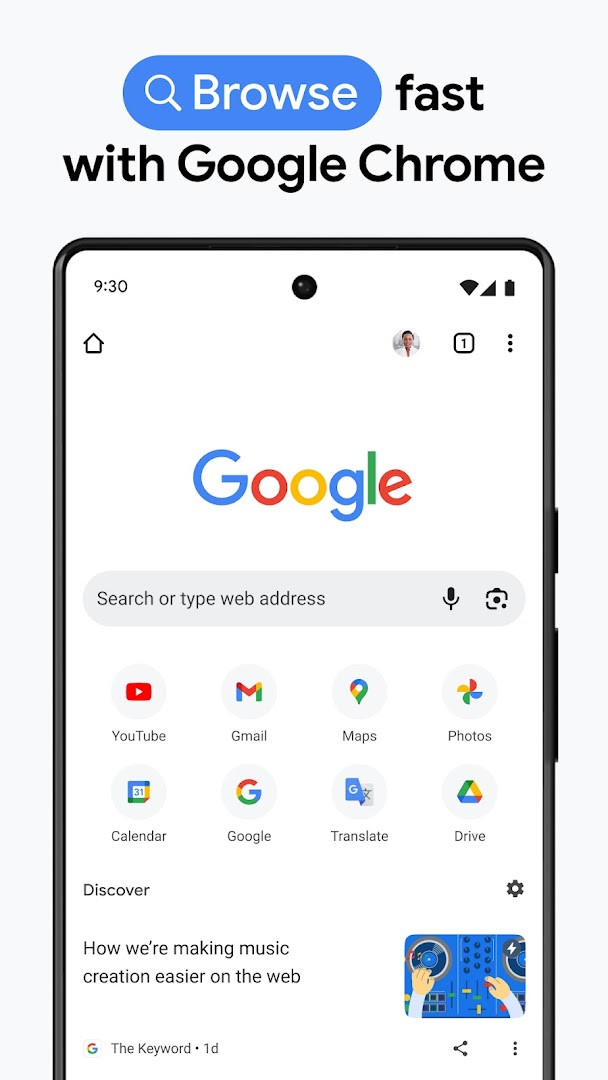
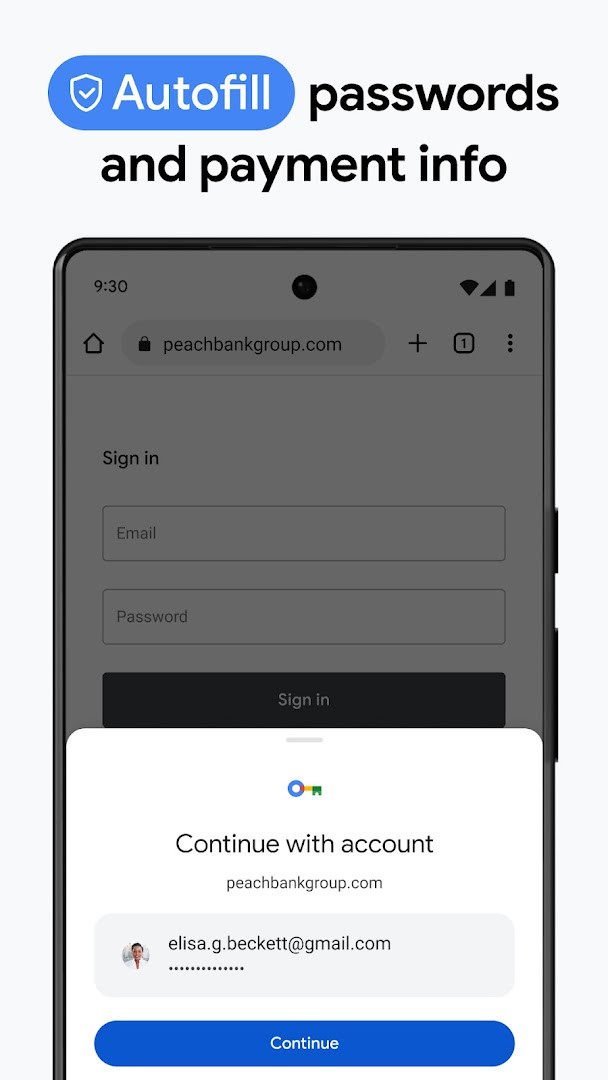
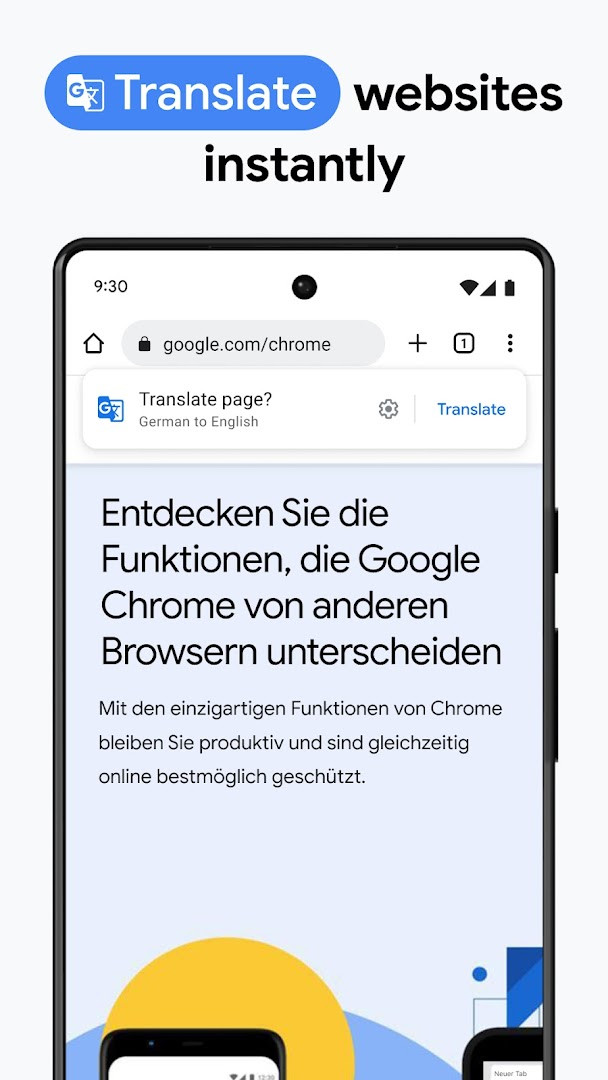
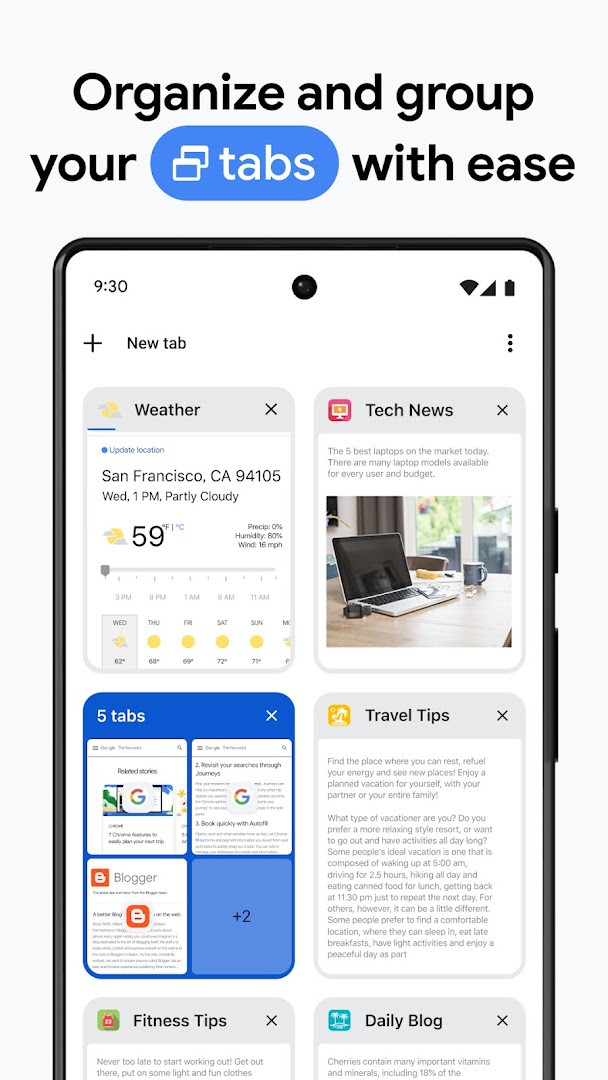
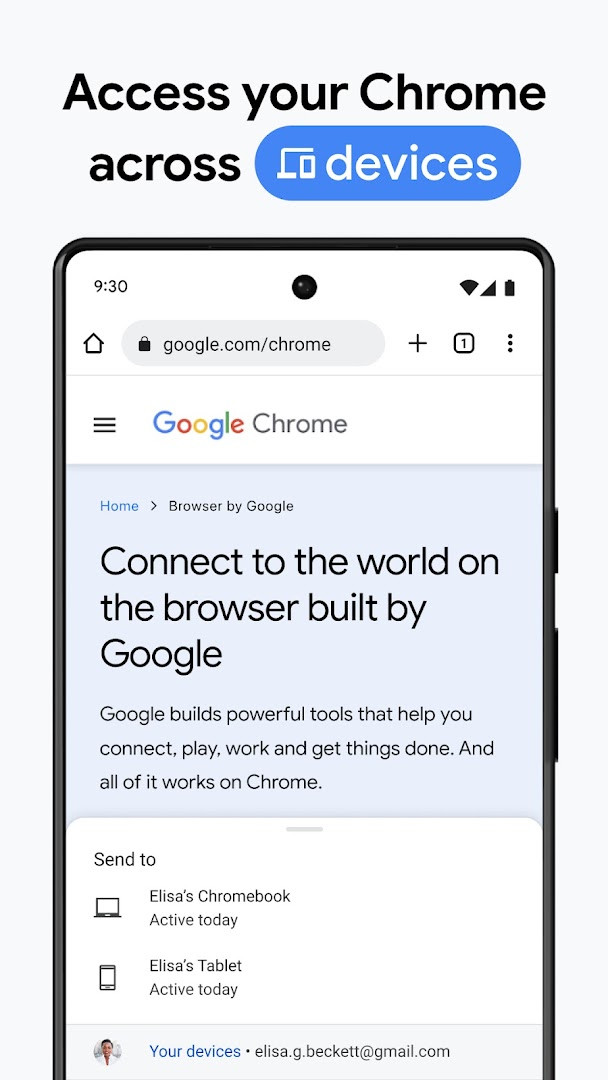
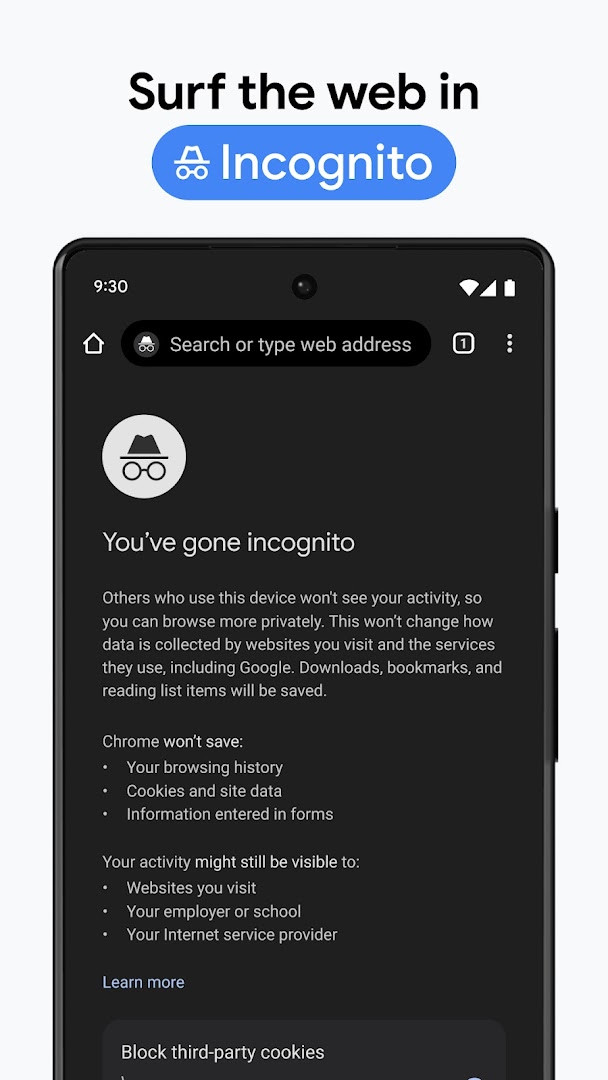
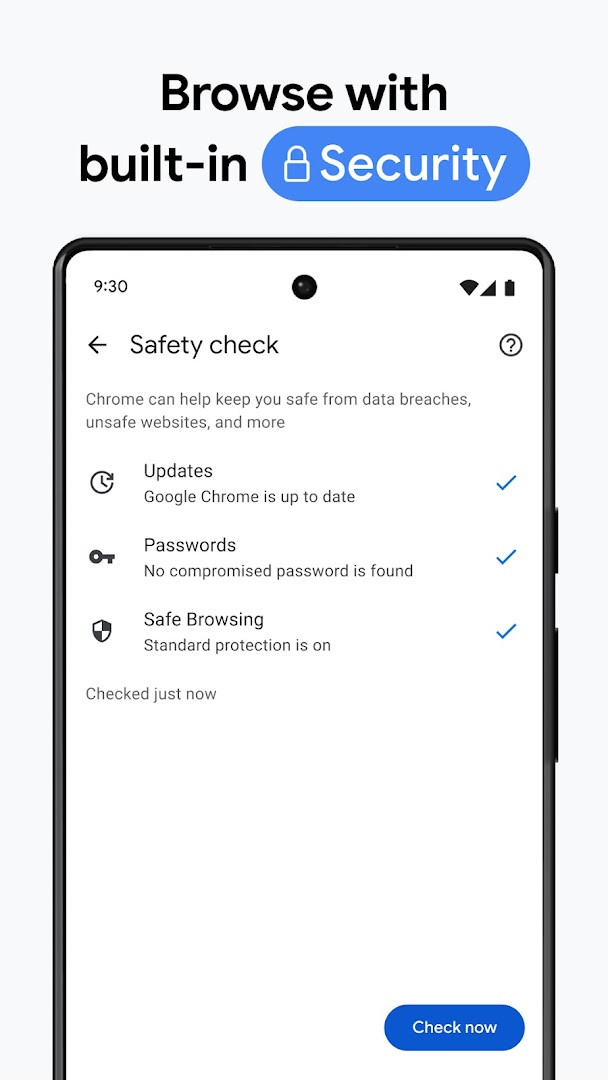
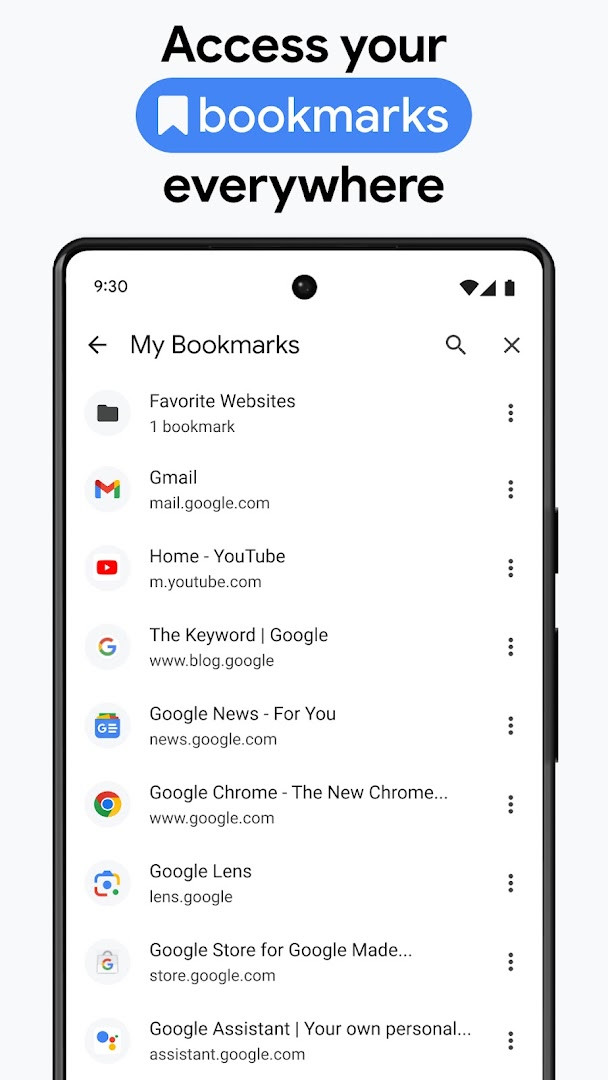
Google Chrome is a web browser by Google LLC that lets people load web pages, search, and use online services quickly and securely. It is one of the most widely used browsers on Android, with roughly ten billion installs and a 4.12 average rating drawn from more than 49 million reviews at the time of the latest data snapshot. The app has been around since February 7, 2012, and the newest listed version, 154.0.8037.126 from October 6, 2026, mainly delivers stability and performance refinements rather than flashy new capabilities, which fits its role as a dependable everyday tool. Because it is a browser, it sits in the communication category: much of what people do with it, from reading articles to video calls in a tab, involves exchanging information across the web. On the privacy side, the app packs several protective layers worth knowing about before you install it. An Enhanced Protection mode raises the browser's security level while you surf, a Safety Check provides proactive alerts about potential risks, and the Google Password Manager generates, saves, and flags passwords that may have been exposed. At the same time, the permission list is broad and deserves attention. Chrome can request access to device and app history, identity, contacts, location, phone, photos and media files, storage, camera, microphone, Wi-Fi connection information, and device ID and call information. Many of those requests are contextual: the camera powers Google Lens, the microphone supports hands-free voice search, and location helps sites that genuinely need it. Still, the sheer range means users should review exactly what they allow rather than tapping through blindly. Compatibility is limited to Android 12L and newer, and the download is about 215 MB, so this is not a lightweight addition to a phone. The browser itself is free, includes ads, and has no in-app purchases, with a content rating of Everyone. The listing was last refreshed on October 7, 2026, and Google notes that feature availability can vary by country and language, and that compatibility differs across devices. In short, it offers a polished, feature-rich browsing experience for those who are comfortable managing permission settings.
Key features
- Google search with optional voice input for hands-free queries
- Google Lens to identify objects and text using the camera
- Google Translate for browsing the web in more than 130 languages, with one-click site translation
- Enhanced Protection mode for a higher level of browser security
- Safety Check that gives proactive alerts about browsing risks
- Google Password Manager to generate, save, and audit saved credentials
- Sync of bookmarks, tabs, passwords, and autofill data across signed-in devices
- Tab groups to keep browsing sessions organized
How to install
- Tap the download button on this page to get the 215 MB Google Chrome APK.
- When Android asks, allow your browser or file manager to install apps by enabling the "Install unknown apps" setting for that app.
- Open the downloaded APK file from your notifications or file manager; note that the app requires Android 12L or later.
- Tap Install and wait for the installation to finish.
- Open Chrome, choose your preferences, and optionally sign in with a Google account to sync bookmarks and passwords.
Pros
- Fast page loading and smooth browsing on supported devices
- Deep integration with Google services such as Search, Lens, and Translate
- Built-in password manager with risk alerts
- Sync across signed-in devices for bookmarks, tabs, and settings
- Proactive safety features like Safety Check and Enhanced Protection
- Free to use with no in-app purchases
Cons
- Requests a broad range of permissions, including location, contacts, and call information
- Contains ads
- Large 215 MB download size
- Requires Android 12L or newer
Latest changes
Thanks for choosing Chrome! This release, version 154.0.8037.126, focuses on stability and performance improvements to keep your browsing smooth and reliable. As always, you'll continue to benefit from the fast, secure browsing experience that Chrome is known for, along with features like enhanced protection mode and safety check.
Version history
| Version | Size | Requires Android | Updated |
|---|---|---|---|
| 154.0.8037.126 | 215 MB | 12L | Oct 6, 2026 |
| 153.0.8010.53 | 214 MB | 12L | Sep 27, 2026 |
| 149.0.7827.103 | 13 MB | 10 | Jun 12, 2026 |
| 148.0.7778.167 | 12 MB | 12L | May 15, 2026 |
| 148.0.7778.121 | 12 MB | 12L | May 12, 2026 |
| 148.0.7778.120 | 12 MB | 12L | May 12, 2026 |
| 138.0.7204.179 | 227 MB | 8.0 | Oct 30, 2025 |
| 119.0.6045.194 | 132 MB | 7.0 | Jan 15, 2024 |
| 106.0.5249.126 | 115 MB | 6.0 | Oct 19, 2022 |
| 81.0.4044.138 | 52 MB | 4.4 | May 9, 2020 |
Everyday users who rely on Google services, travelers who want built-in translation while browsing, and Android owners who value automatic syncing of passwords and bookmarks across their devices.
After installing, open the permission settings and disable anything you will not actually use; you can always grant camera, microphone, or location access temporarily the next time a feature or website asks for it.
Permissions
Frequently asked questions
What does the latest version 154.0.8037.126 focus on?
The release notes for version 154.0.8037.126, dated October 6, 2026, mention stability and performance improvements, along with a general thanks to users for choosing Chrome.
Which Google services are integrated directly into the browser?
Chrome includes Google Search with voice input, Google Lens for searching with your camera, and Google Translate, which can translate entire websites in one click across 130+ languages.
What security features does the app highlight?
It highlights Enhanced Protection Mode, which is described as the highest level of Chrome's security, and Safety Check, which provides proactive safety alerts. The Google Password Manager also generates and saves passwords and alerts you if they are at risk.
How can I keep my bookmarks, tabs, and passwords consistent across my devices?
By signing in to Chrome on your phone, computer, or tablet, you can sync saved items like bookmarks, tabs, and passwords. Tab groups can also be created and accessed across devices, and Autofill can save time by filling in your saved payments, addresses, and passwords.
What are the app's size, release date, and minimum operating system requirement?
The app is about 215 MB in size, was originally released on February 7, 2012, and requires a minimum OS of Android 12L. Note that feature availability can vary by country and language, and compatibility may differ.
Google Chrome remains a capable and widely trusted browser for Android, pairing strong Google integration with useful safety tools. The large permission footprint and 215 MB size mean it suits users who are willing to manage access settings in exchange for a feature-rich, synced browsing experience.
Similar apps




More from this developer




Updated: Nov 3, 2026