Amazon Kindle: Reading App for Ebooks
Amazon Kindle: Reading App is a free ebook reader by Amazon Mobile LLC that lets you read and sync millions of books.
Get the AppAmazon Kindle: Reading App has a size of 147 MB and requires Android version 9 or higher. It contains ads and offers in-app purchases, and it has received 4.77 out of 5 stars from over 4.8 million ratings. The app suits readers who want to read books, magazines, comics, and manga on their phone or tablet.
- Size
- 147 MB
- Requires Android
- 9
- Updated
- Oct 6, 2026
- Installs
- 100M+
- Rating
- ★ 4.77 (4,838,035)
- Category
- Education
- Developer
- Amazon Mobile LLC
- Content rating
- Teen
- Package
- com.amazon.kindle
- Free
- ✓ · Contains ads · In-app purchases
App screenshots
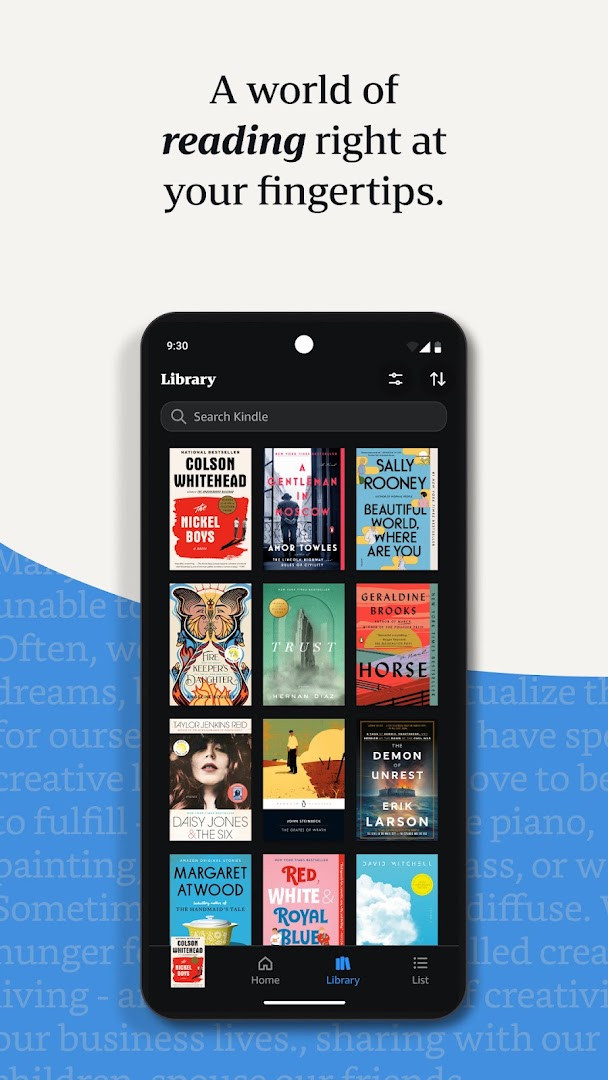
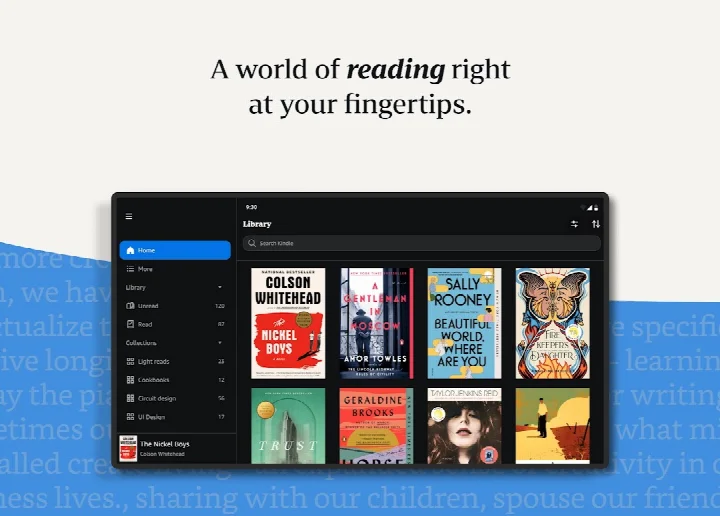
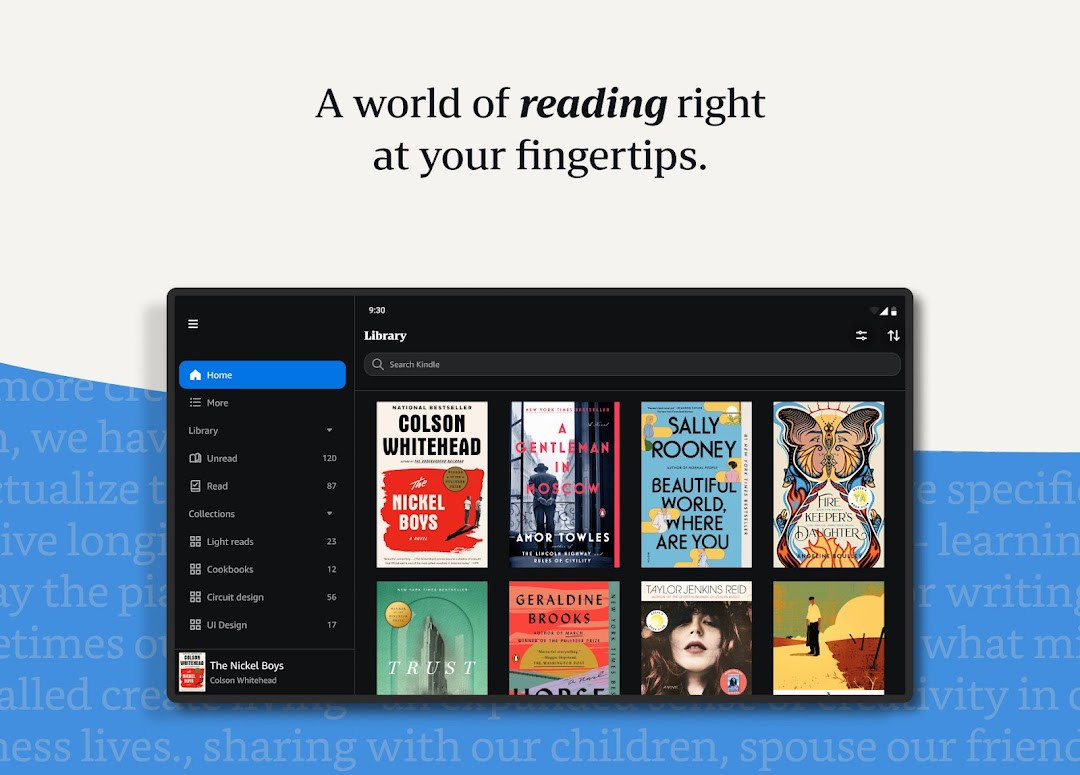
Amazon Kindle: Reading App is a book and reference application by Amazon Mobile LLC that lets you read ebooks, magazines, newspapers, comics, and manga directly on your Android phone or tablet. It serves as a portable library, giving you access to millions of titles, including new releases, best sellers, and classics, without needing to own a dedicated e-reader device. You can browse, sample, and purchase books, and then read them with a range of customization options designed to make long reading sessions comfortable.
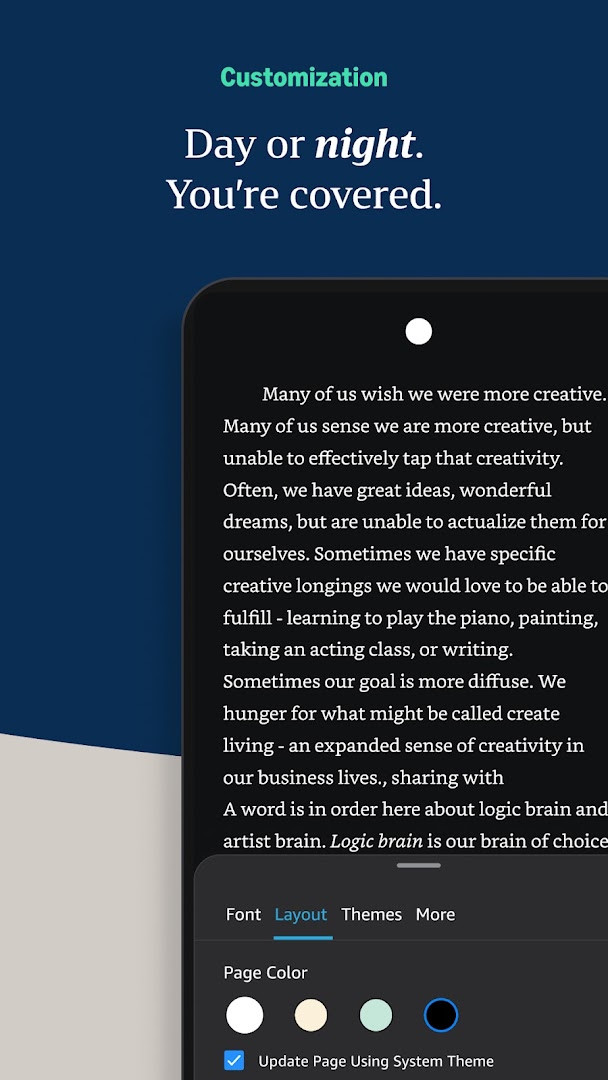
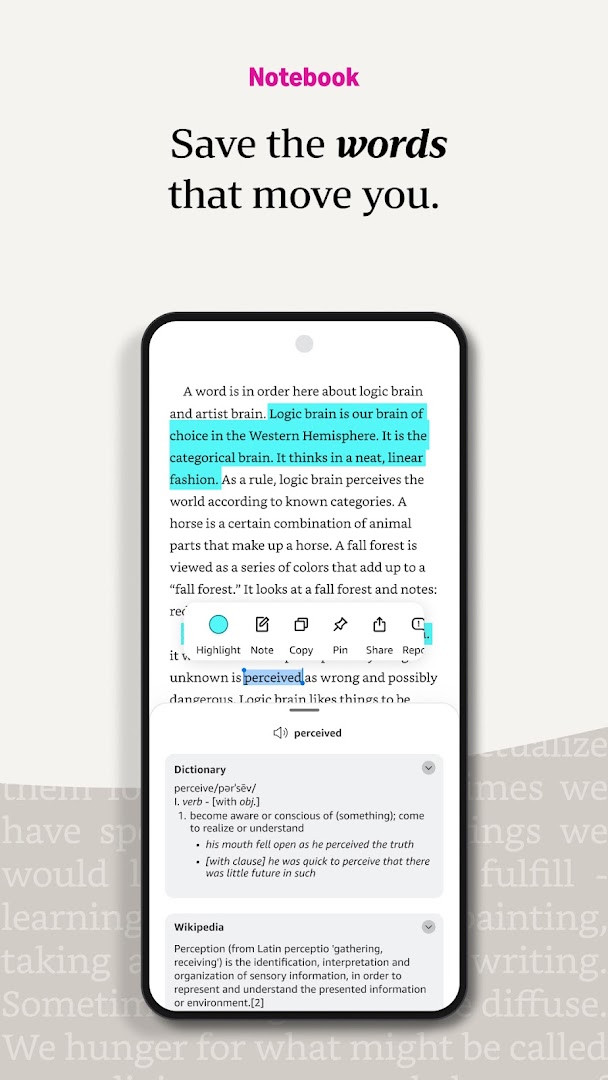
The app is built for everyday reading in a variety of situations—on a commute, during a break, or at home. It offers tools to personalize your reading experience, such as adjustable text size, font type, margins, brightness, and background colors. You can also look up words with a built-in dictionary, access Wikipedia and instant translations, track your progress, bookmark pages, and take notes. For visual content, the app supports zooming into high-definition images in books, magazines, comics, and manga.
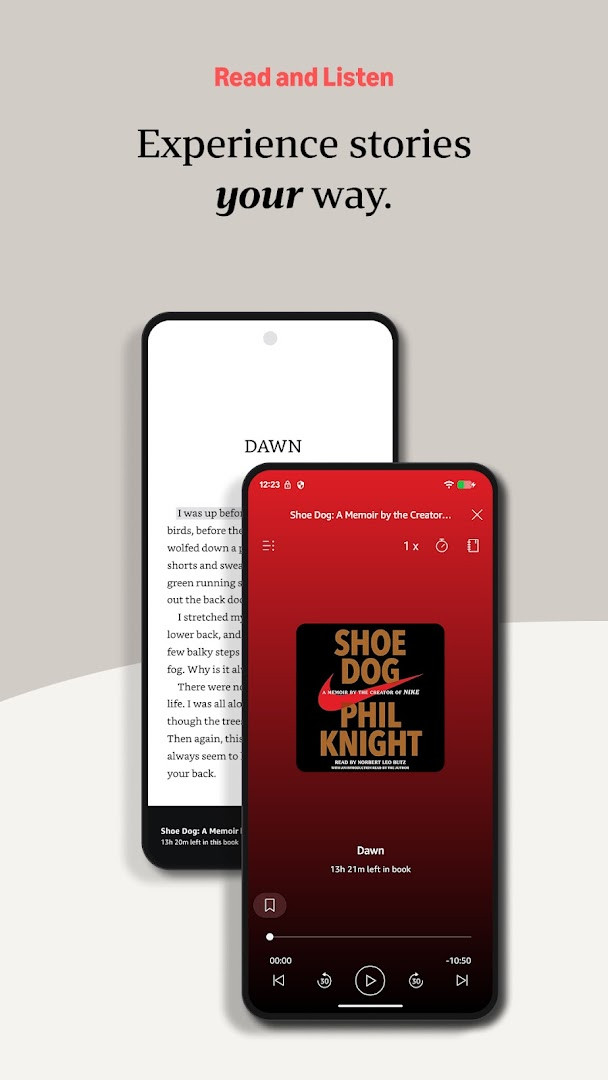
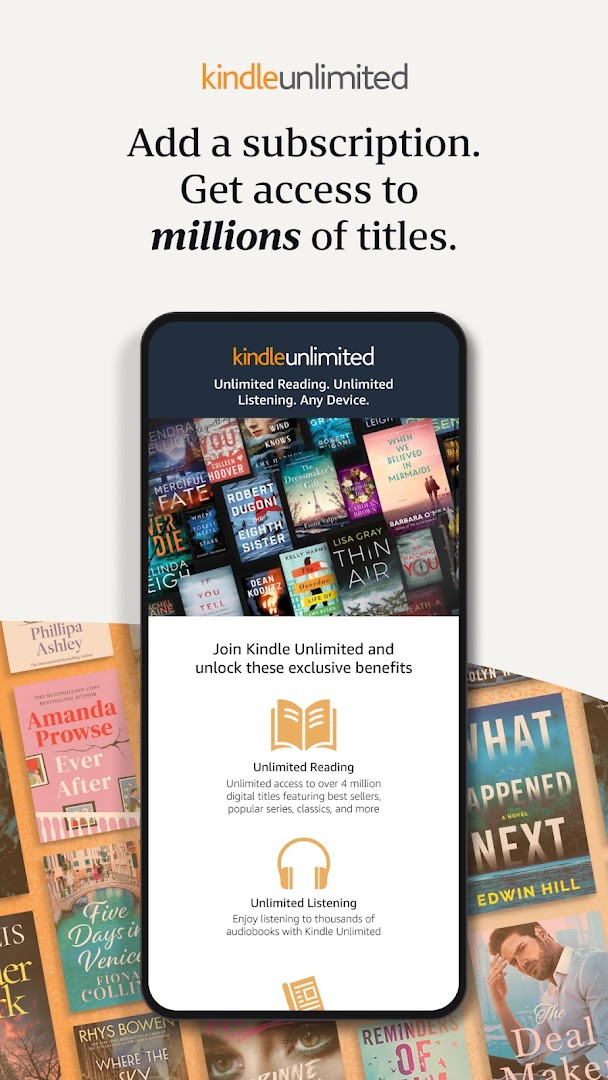
A key strength is its cross-device syncing. When you read on one device, your furthest page, bookmarks, highlights, and notes are automatically saved and restored on another, so you can switch between your phone and tablet without losing your place. The app also integrates Audible narration, allowing you to switch between reading and listening. For subscribers, it supports Kindle Unlimited and Amazon Prime benefits, which include access to a large catalog of titles. The app is free to download, though it contains ads and offers in-app purchases for books and subscriptions.
Key features
- Read millions of ebooks, magazines, newspapers, comics, and manga
- Customize text size, font type, margins, alignment, and orientation (portrait or landscape)
- Adjust brightness and background colors for day and night reading
- Look up words with built-in dictionary, X-Ray, Wikipedia, and instant translations
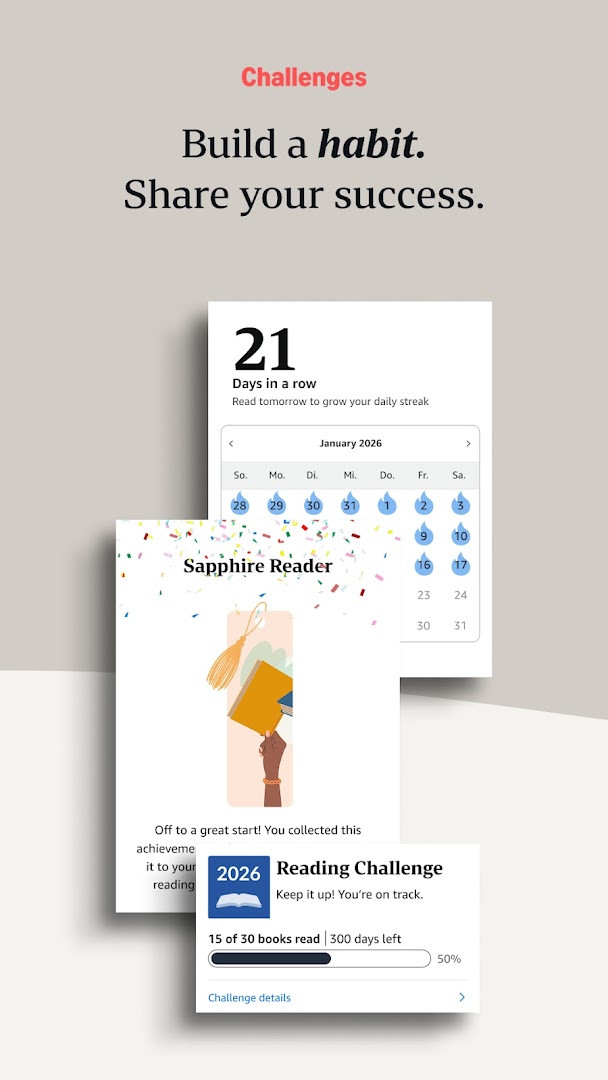
- Track reading progress, including percent read, page numbers, and time left in chapter
- Bookmark pages, highlight text, and take notes, all collected in My Notebook
- Use Page Flip to skim and jump through the book while saving your place
- Zoom into high-definition color images in books, magazines, comics, and manga
- Sync your reading position, bookmarks, highlights, and notes across devices
- Switch seamlessly between reading and listening with Audible narration
How to install
- Tap the download button on this page to get the APK file for Amazon Kindle: Reading App. The file size is 147 MB.
- When your browser or file manager asks for permission, allow it to install apps by enabling the 'Install unknown apps' setting for that app.
- Locate the downloaded APK file in your device's Downloads folder or notification bar.
- Open the APK file to start the installation process.
- Tap the Install button when prompted, and wait for the installation to complete.
- Once installed, open the app from your app drawer or home screen. Note that this app requires Android 9 or higher to run.
Pros
- Free to download with a large catalog of titles
- Extensive customization for comfortable reading
- Cross-device syncing of progress and notes
- Built-in dictionary, X-Ray, and translation tools
- Integration with Audible for listening to books
- Widget for quick access to your last read book
Cons
- Contains ads and in-app purchases for content
- Requests access to device identity, location, and storage
- May require an Amazon account to use fully
Latest changes
The latest update, released on October 6, 2026, introduces a new “Last Book Read” widget for your Android Home screen, making it easier to jump straight back into your most recent Kindle title. To use it, long-press the Kindle app icon, select Widgets from the popup menu, then long-press the widget and drag it to your desired spot on the Home screen.
Version history
| Version | Size | Requires Android | Updated |
|---|---|---|---|
| 8.158.0.100(2.0.109808.0) | 127 MB | 11 | Oct 9, 2026 |
| 8.51.1.0(1.3.272119.0) | 62 MB | 5.0 | Oct 9, 2026 |
| 8.157.0.100(2.0.104818.0) | 128 MB | 11 | Oct 8, 2026 |
| 8.154.0.100(2.0.95887.0) | 125 MB | 10 | Sep 22, 2026 |
| 7.8.1.5 | 53 MB | 4.1 | Nov 12, 2025 |
| 14.122.100(2.0.41248.0) | 147 MB | 9 | May 30, 2025 |
| 14.121.100(2.0.40027.0) | 146 MB | 9 | May 11, 2025 |
| 14.113.100(2.0.29451.0) | 168 MB | 9 | Jan 30, 2025 |
| 14.34.100(1.3.228187.0) | 43 MB | 5.0 | Oct 28, 2020 |
| 14.23.42_1226465010 | 47 MB | 4.4 | Oct 7, 2019 |
This app is for anyone who reads regularly on their phone or tablet, from casual readers to heavy bookworms. It suits students, commuters, and travelers who want a portable library, as well as fans of magazines, comics, or manga. It's also ideal for those who already use Kindle devices or Amazon services and want their reading synced across multiple devices.
To get the most out of the app, try sampling a book before buying it. Use the Aa menu to set up comfortable text size and background colors, especially for night reading. Take advantage of the built-in dictionary by tapping and holding any word. If you read across devices, ensure sync is enabled so you never lose your place. For visual content, zoom into images for a closer look. Consider exploring Kindle Unlimited or Prime benefits if you read a lot, as they offer access to many titles for a subscription fee.
Permissions
Frequently asked questions
How do I install the Amazon Kindle APK on my Android device?
To install the Kindle app, download the APK file from this page and open it on your device. Your phone must run Android 9 or higher. After installation, sign in with your Amazon account to access your library.
What is the current version of the Amazon Kindle app?
The latest version is 8.158.0.100 (2.0.109808.0), released on October 9, 2026. An older version, 8.51.1.0 (1.3.272119.0), was also released on the same date.
Does the Kindle app contain ads or in-app purchases?
The app is free to download and includes ads as well as in-app purchases. You can buy books, magazines, and audiobooks directly, and you may also see promotional content within the app.
Can I read books offline with the Kindle app?
Yes, you can download books to your device for offline reading. The app also syncs your reading progress, bookmarks, highlights, and notes across devices when you are online.
Are there alternatives to the Kindle app for reading ebooks?
Yes, several other ebook reader apps are available in the Books and Reference category. These apps typically offer similar features like customizable fonts, note-taking, and library management, though their catalogs and pricing may differ.
What is the app size and how many people have installed it?
The Kindle app has a file size of 147 MB and has been installed over 100 million times. It has a rating of 4.77 based on more than 4.8 million user ratings.
Does the Kindle app work on older Android devices?
No, the app requires Android 9 or later. If your device runs an older version of Android, you will not be able to install or use the Kindle app.
Amazon Kindle: Reading App is a versatile and practical tool for turning your Android device into a full-featured reading library. With its extensive customization, syncing capabilities, and access to millions of titles, it serves both casual and dedicated readers. While it includes ads and in-app purchases, the core reading experience is solid and free to start. If you enjoy reading on the go, this app is worth installing.
Similar apps




More from this developer
Updated: Nov 3, 2026