
Amazon Shopping: Browse & Buy
Amazon Shopping is a free shopping app by Amazon Mobile LLC that lets you browse, search, and buy millions of products.
Get App · v32.18.0.100Amazon Shopping has been installed over 1 billion times and carries a 4.39 rating from more than 4.7 million reviews. The app requires Android 12 or later, includes ads, and offers in-app purchases. It suits shoppers who want order tracking, price-drop alerts, and product scanning on their phone.
- Version
- 32.18.0.100
- Requires Android
- 12
- Updated
- Sep 16, 2026
- Installs
- 1B+
- Rating
- ★ 4.39 (4,724,345)
- Category
- Shopping
- Developer
- Amazon Mobile LLC
- Content rating
- Teen
- Package
- com.amazon.mShop.android.shopping
- Free
- ✓ · Contains ads · In-app purchases
App screenshots
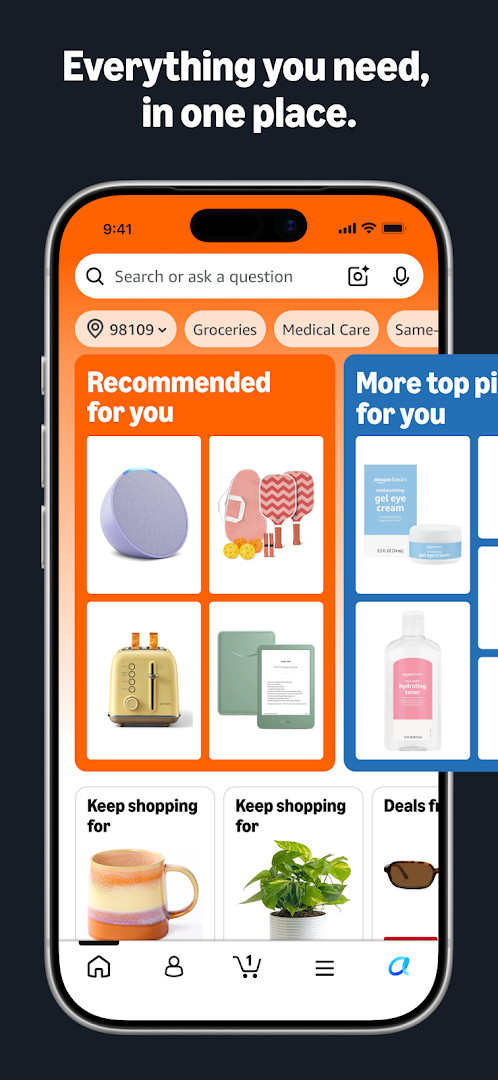
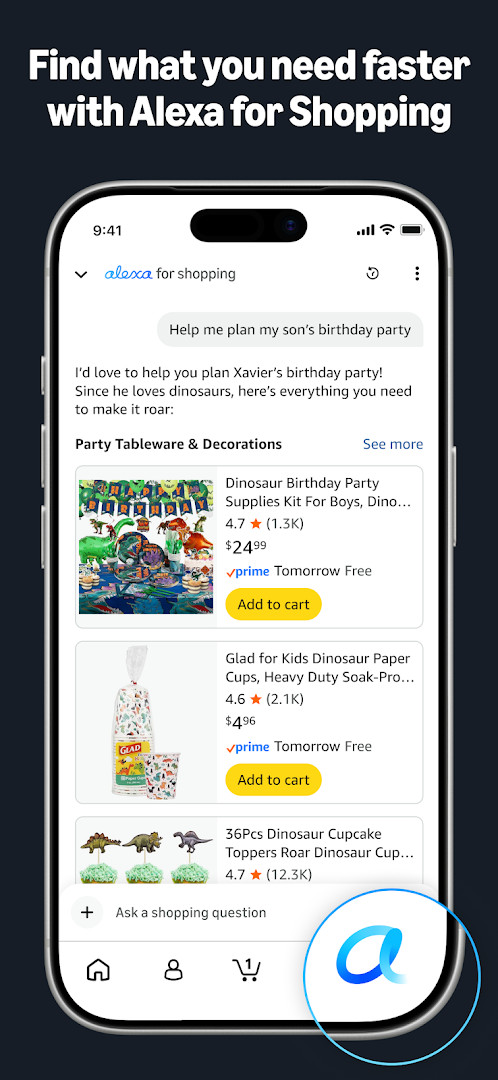
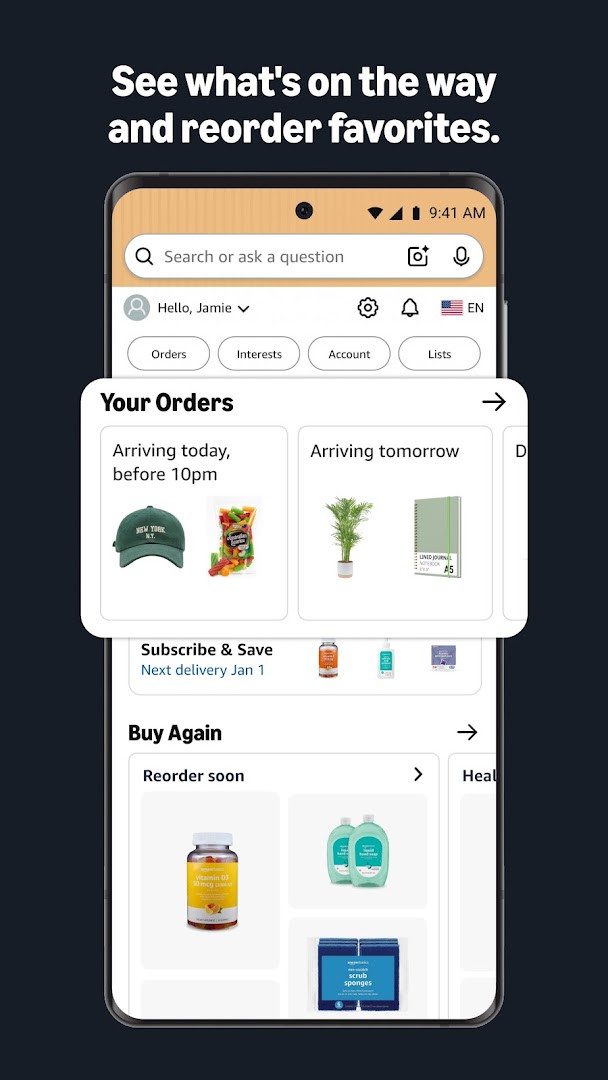
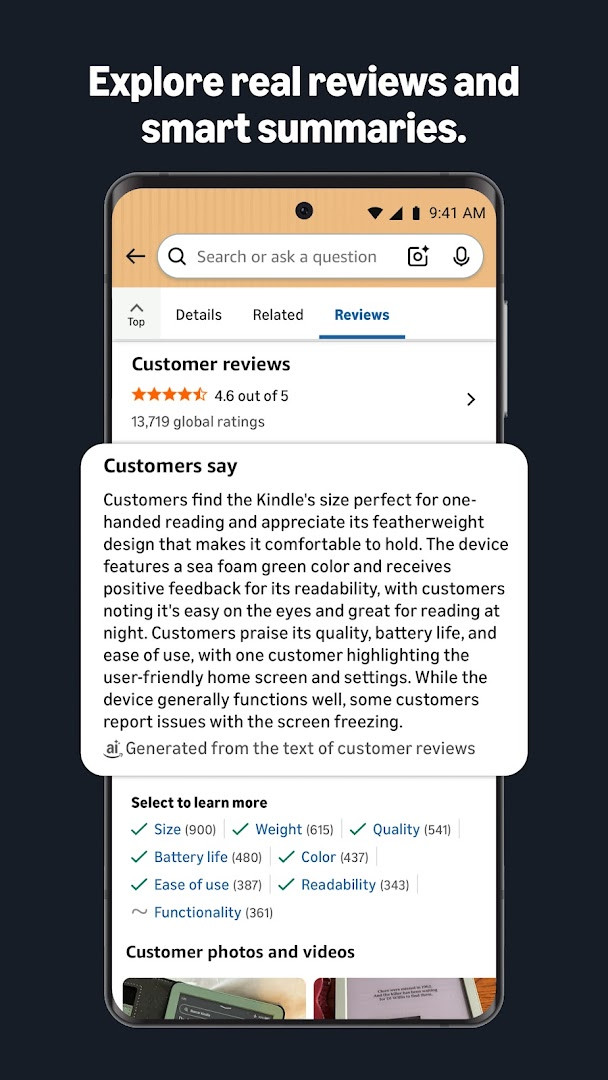
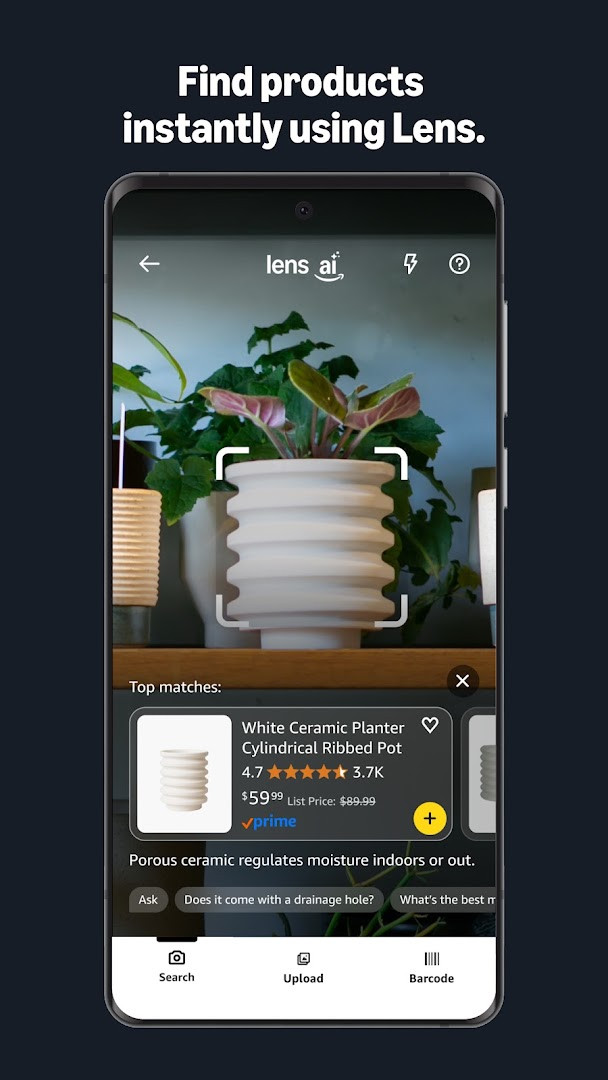
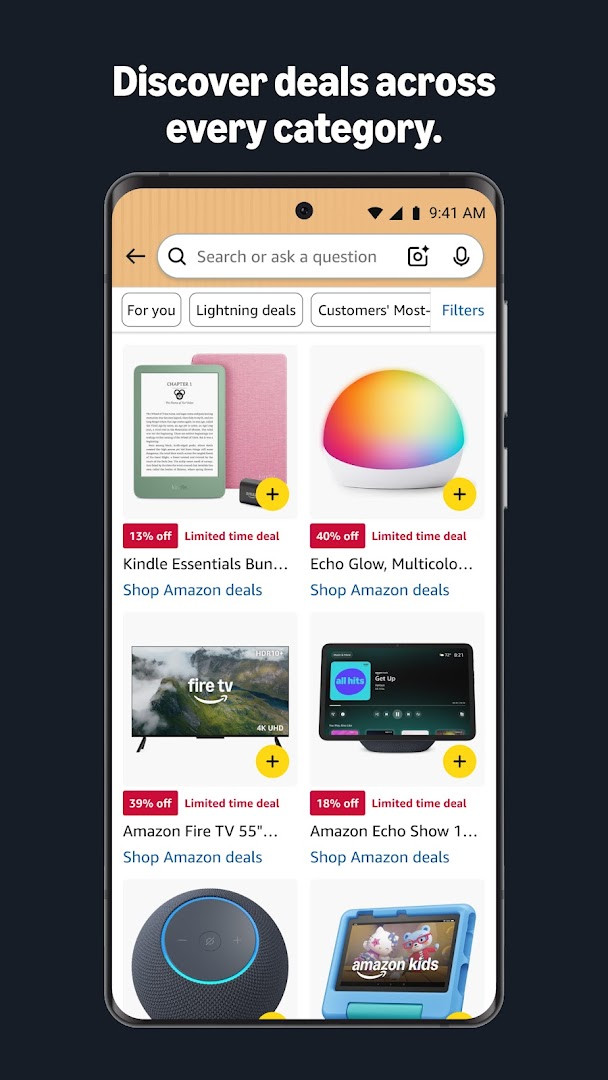
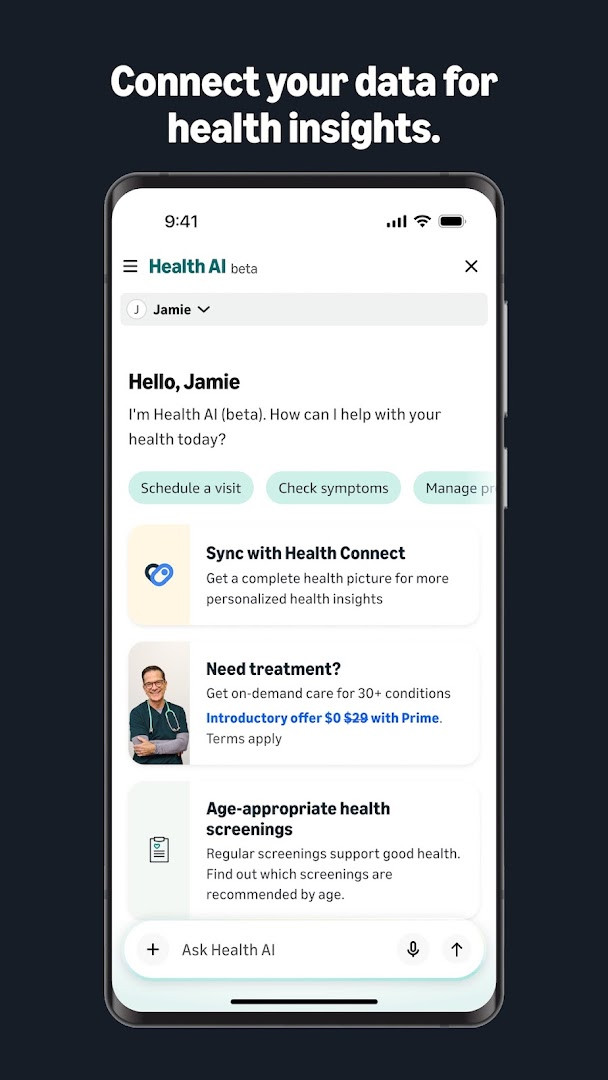
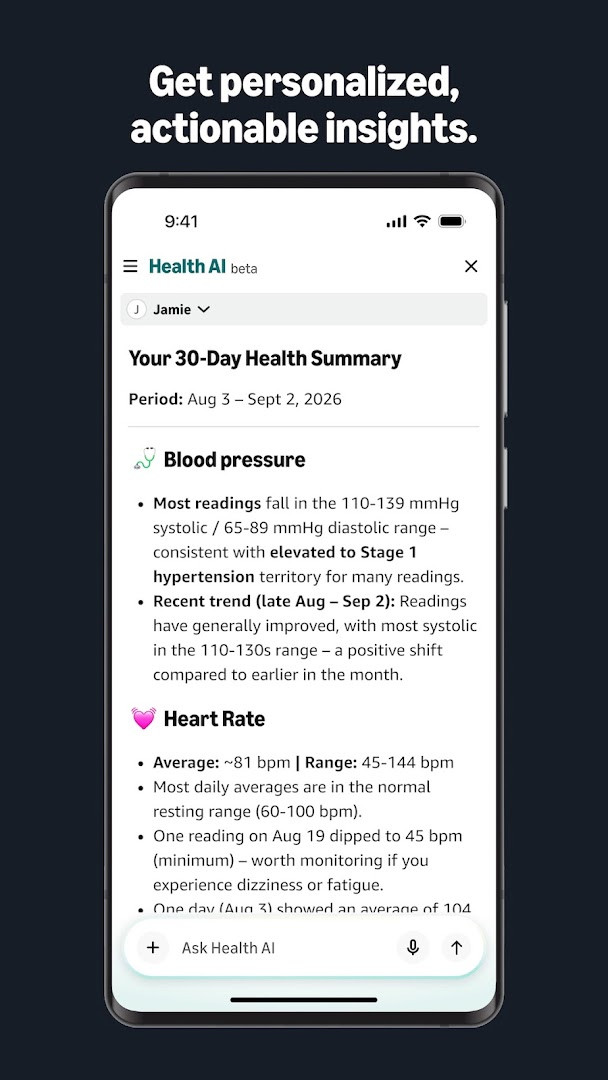
Amazon Shopping is a shopping application by Amazon Mobile LLC that lets you browse, search, and buy millions of products directly from your Android device. It brings the full Amazon marketplace to your phone, making it easy to shop on the go with features designed to speed up the process and keep you informed. The app has been available since late 2014 and has become one of the most widely used shopping tools on Android, with over a billion installs and a high user rating. The latest version, 32.18.0.100, introduces new shortcuts that let you quickly jump to Orders, Daily Deals, Shopping Cart, and Search by simply tapping and holding the app icon, plus various bug fixes and performance improvements for a smoother experience.
Beyond basic browsing and purchasing, the app offers several tools that make shopping smarter. You can track deliveries in real time and get notifications so you never miss a package. A 360-degree product view lets you inspect items from every angle, and the "View in your room" feature uses your phone's camera to see how furniture or decor might look in your space. You can also save items to lists and receive alerts when prices drop, helping you catch deals without constantly checking. For quick product discovery, the built-in scanner lets you photograph an item or its barcode to find it in the catalog.
Security and convenience are also emphasized. The app allows you to stay signed in securely, or use facial or fingerprint recognition to log back in quickly. Live chat support is available 24/7, and once you start a conversation, it stays active for 24 hours. The app also supports voice search and can use your location to find local offers. It works with Android 12 and up, and the current version is free to download, though it does contain ads and offers in-app purchases. The app requests several permissions, including camera, microphone, location, contacts, and storage, to enable features like scanning, gift sending, and personalized recommendations.
Key features
- Real-time package tracking and delivery notifications
- 360-degree product view to inspect items from all angles
- View in your room feature using phone camera and VR to see items in your space
- Price drop alerts for items saved to Your Lists
- Secure sign-in with facial or fingerprint recognition
- 24/7 live chat support with 24-hour session continuity
- Scan product barcodes or covers to find items quickly
- Voice search and assistant integration
- Quick shortcuts for Orders, Daily Deals, Shopping Cart, and Search via app icon long-press
How to install
- Tap the download button on this page to get the APK file. The file size is not specified, but the app requires Android 12 or higher.
- When your browser or file manager asks for permission to install apps, allow it by enabling the 'Install unknown apps' setting for that app.
- Open the downloaded APK file from your notification bar or file manager.
- Tap 'Install' on the installation screen and wait for the process to complete.
- Once installed, tap 'Open' to launch Amazon Shopping and sign in or create an account.
Pros
- Wide selection of millions of products
- Useful shopping tools like barcode scanning and AR view
- Real-time tracking and price drop alerts
- Convenient biometric login options
- 24/7 live chat support
- Free to download and use
Cons
- Contains ads and in-app purchases
- Requires many permissions for full functionality
- May be overwhelming for first-time users due to numerous features
Latest changes · 32.18.0.100
This update introduces app icon shortcuts that let you quickly jump to Orders, Daily Deals, Shopping Cart, and Search by tapping and holding the Amazon app icon. It also includes bug fixes and general improvements for a smoother shopping experience.
Version history
| Version | Size | Requires Android | Updated |
|---|---|---|---|
| 32.18.0.100 | — | 12 | Sep 16, 2026 |
Amazon Shopping is ideal for frequent Amazon shoppers who want a convenient way to browse and buy on the go, as well as for people who appreciate tools like barcode scanning and price drop alerts to save money. It's also great for beginners who are new to mobile shopping and want a straightforward, feature-rich app to manage orders and deliveries.
Use the long-press shortcut on the app icon to quickly access your shopping cart or daily deals without opening the app fully—this can save a few taps when you're in a hurry.
Permissions
Frequently asked questions
Is the Amazon Shopping app free to download?
Yes, the app is free to download with a price of $0.00. It does include ads and offers in-app purchases, but no upfront payment is required.
Which Android version is required?
The app requires Android 12 or newer. The current version available on this page is 32.18.0.100, updated on September 16, 2026.
Do I need an Amazon account to use the app?
Yes, you need an Amazon account to sign in and use features such as shopping, tracking orders, and saving items to lists. You can stay signed in securely and use facial or fingerprint identification to sign back in if you sign out.
What permissions does the Amazon Shopping app request?
The app requests access to your camera to scan barcodes and use the view-in-your-room feature, microphone for voice search, location for local offers and address selection, contacts for sending gift cards or invitations, and storage for saving preferences. It also uses phone, Wi-Fi connection information, device ID, and call information to support features like customer service and Dash device setup.
How do I update the Amazon Shopping app?
To update, simply download the newest version from this page and install it over your current installation. The latest version listed here is 32.18.0.100.
Does the app contain ads or in-app purchases?
Yes, the app includes ads and offers in-app purchases. The app itself is free, but you may encounter promotional content within the shopping experience.
Amazon Shopping is a robust and feature-packed app that brings the full Amazon experience to your Android device. With its extensive product catalog, handy scanning and AR tools, and reliable order tracking, it's a solid choice for anyone who shops on Amazon regularly. While the many permissions and occasional ads might be a minor drawback, the overall convenience and functionality make it well worth downloading for both new and experienced shoppers.
Similar apps







More from this developer
Updated: Oct 21, 2026