
Invitation Maker: Cards + RSVP: Digital invitation and guest management app
Invitation Maker: Cards + RSVP is an events app by Photo Studio & Picture Editor Lab that lets you design invitation cards, send invites, and collect RSVPs.
Download free · v175.0Invitation Maker: Cards + RSVP helps anyone create personalized invitations for birthdays, weddings, baby showers, corporate events, and many other occasions without design skills. The app is free to download with ads and in‑app purchases, requires Android 8.0 or newer, and was updated on October 12, 2026.
- Version
- 175.0
- Requires Android
- 8.0
- Updated
- Oct 12, 2026
- Installs
- 5M+
- Rating
- ★ 4.91 (149,423)
- Category
- Events
- Developer
- Photo Studio & Picture Editor Lab
- Content rating
- Everyone
- Package
- com.optimumbrewlab.invitationcardmaker
- Free
- ✓ · Contains ads · In-app purchases
App screenshots
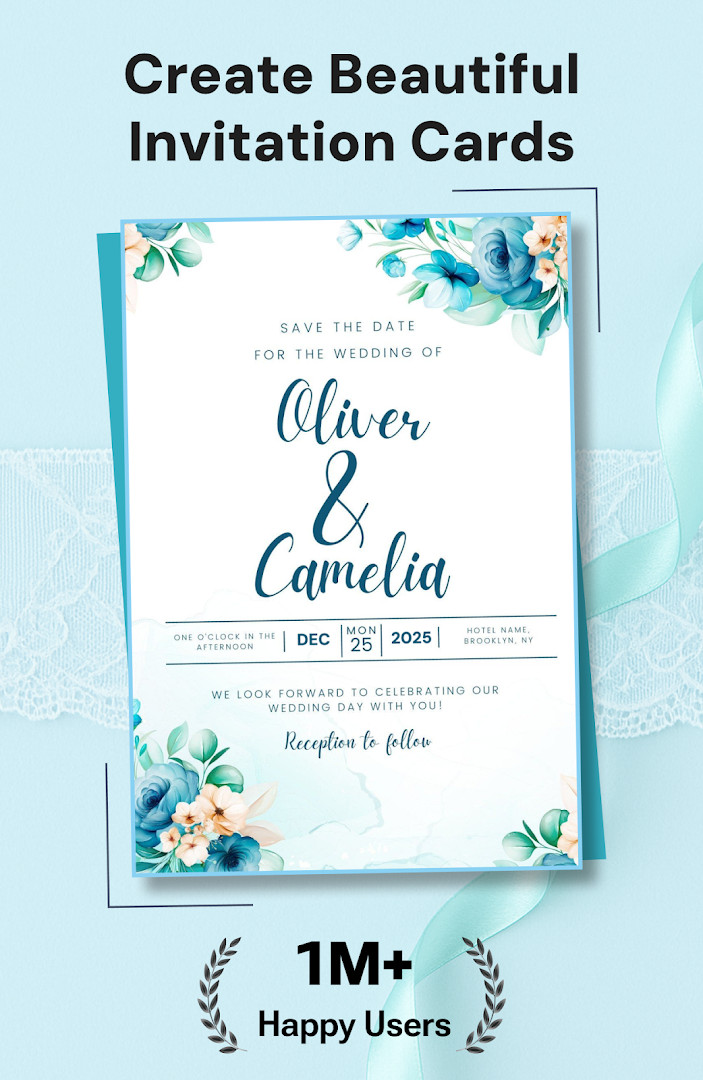
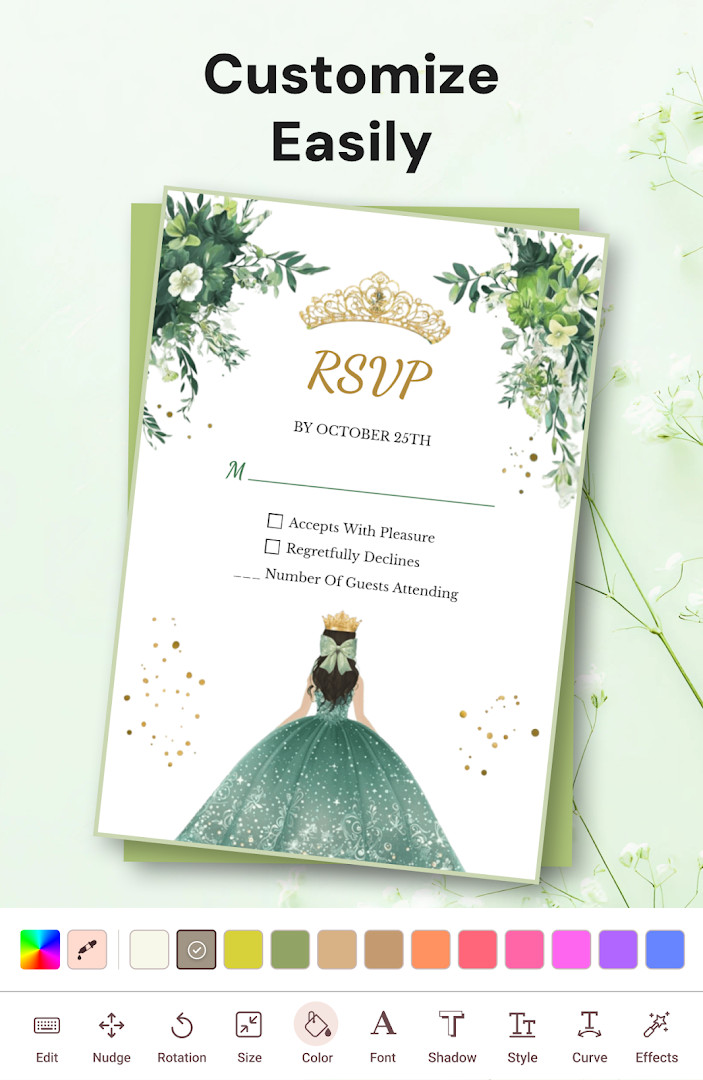
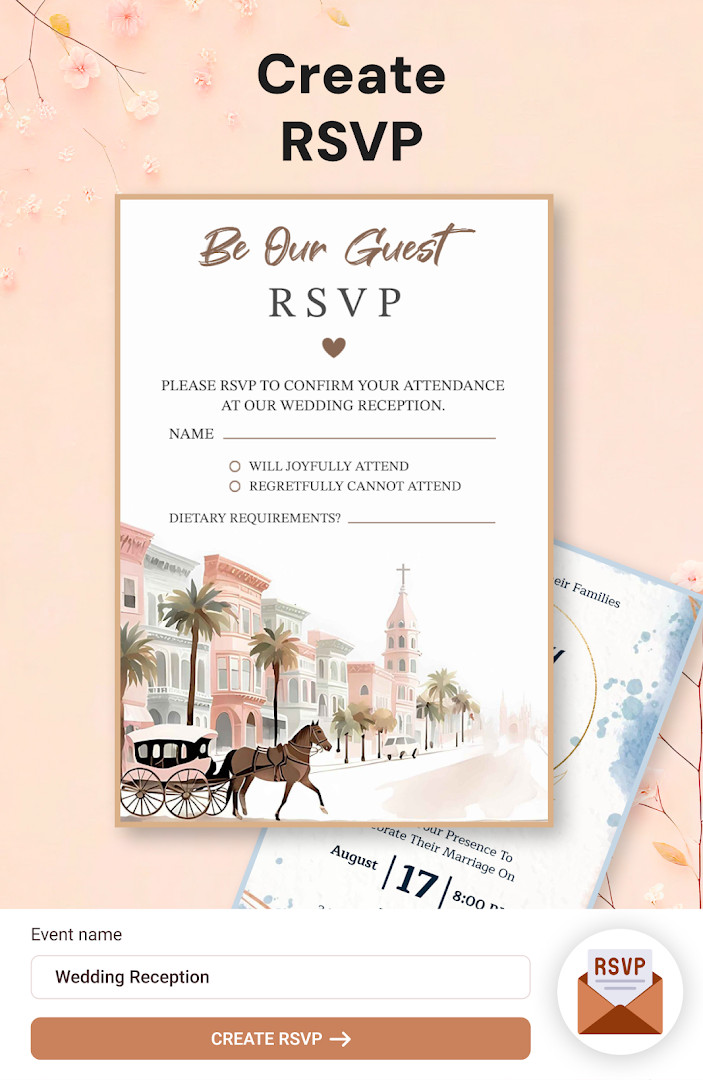
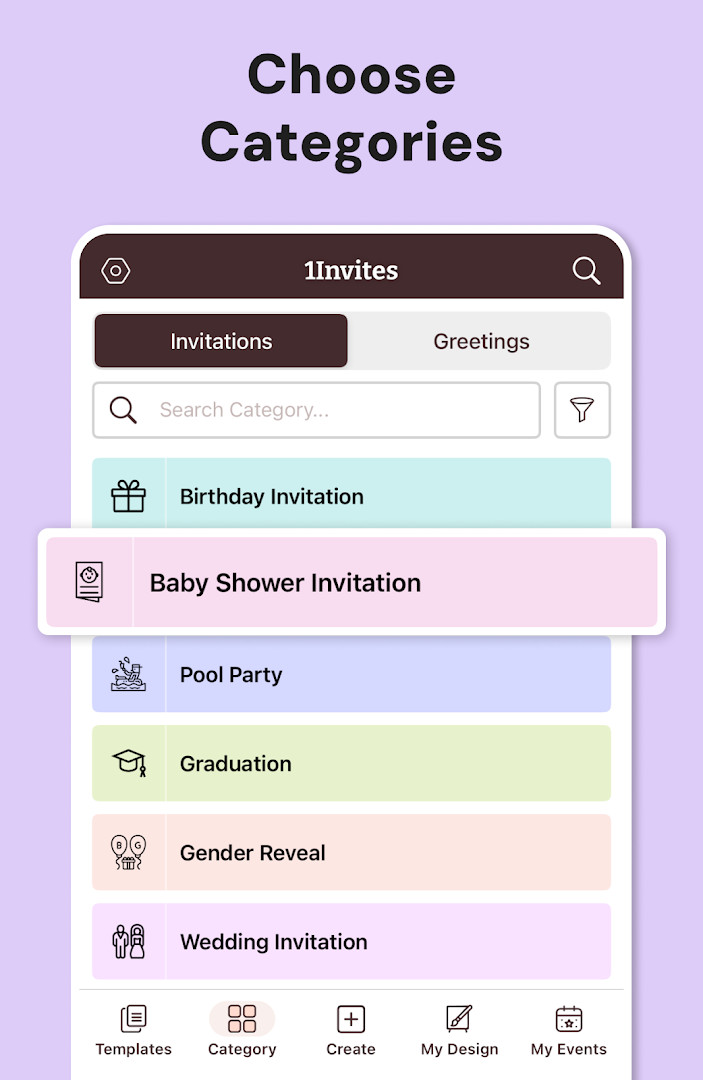
Invitation Maker: Cards + RSVP is a utility app by Photo Studio & Picture Editor Lab that lets you design, send, and track invitations for a wide range of events. It combines a template-based design studio with built-in RSVP management, aiming to replace both paper invites and separate event-management tools. The app is free to use with ads and optional in-app purchases, and it has been available since February 2018, with the latest update (version 175.0) released in October 2026.
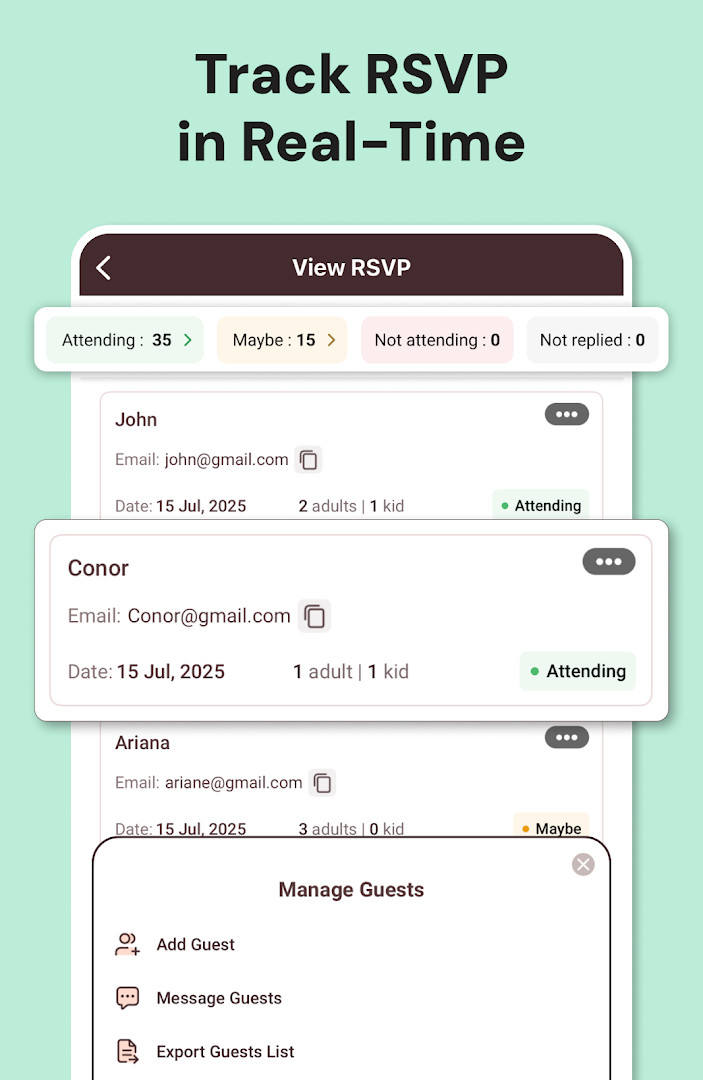
For someone who has tried several invitation apps, the core appeal here is the integration of creation and response tracking. You start with a professionally designed template from a large library, then customize text, fonts, colors, backgrounds, and add your own photos. Once the card looks right, you can share it instantly via messaging or social media, and the app collects RSVPs so you can see who has confirmed, declined, or not yet responded. The workflow is straightforward: pick a template, edit, send, and monitor responses from a single dashboard.
Version 175.0, the most recent update, focuses on polishing the design experience and improving RSVP reliability. The changelog highlights beautifully designed invites, faster sharing, and smarter RSVP tracking, along with an all-in-one event manager approach. While the core functionality has been stable for years, this update suggests the developer is actively refining the user experience, particularly around response management and the overall event organization flow.
Key features
- Thousands of professionally designed templates for birthdays, weddings, baby showers, graduations, corporate events, and more
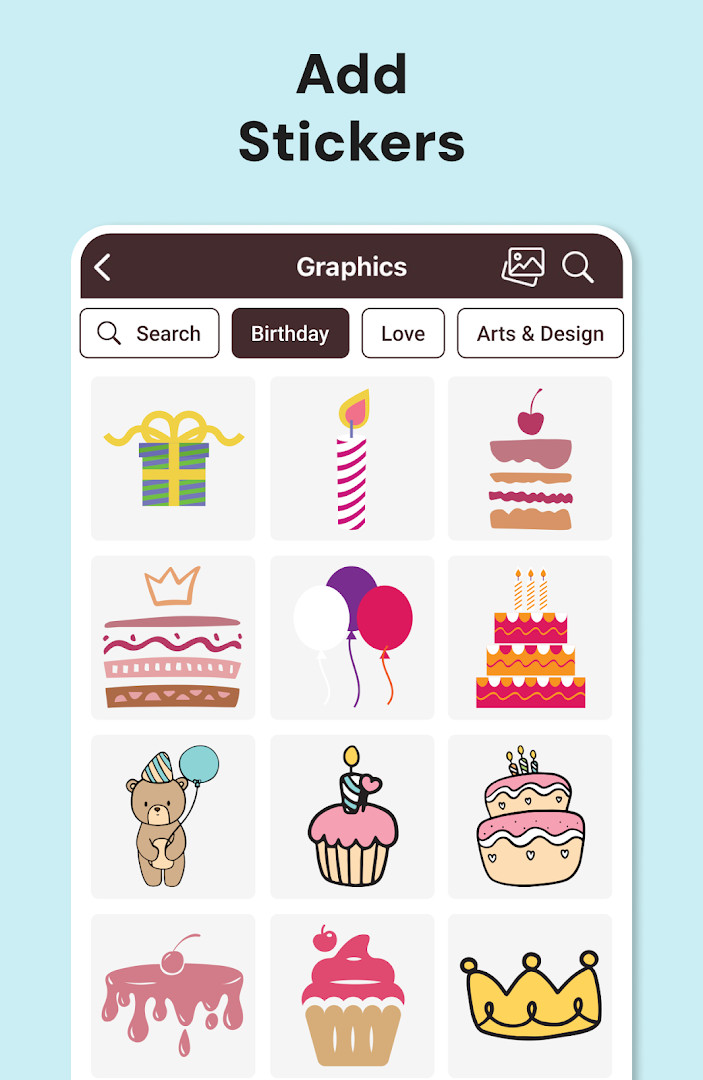
- Customizable text, fonts, colors, backgrounds, and the ability to add your own photos and graphics
- Built-in RSVP collection with guest confirmation tracking and easy response management
- Add event date, time, venue information, Google Maps location, and website links to your invitation
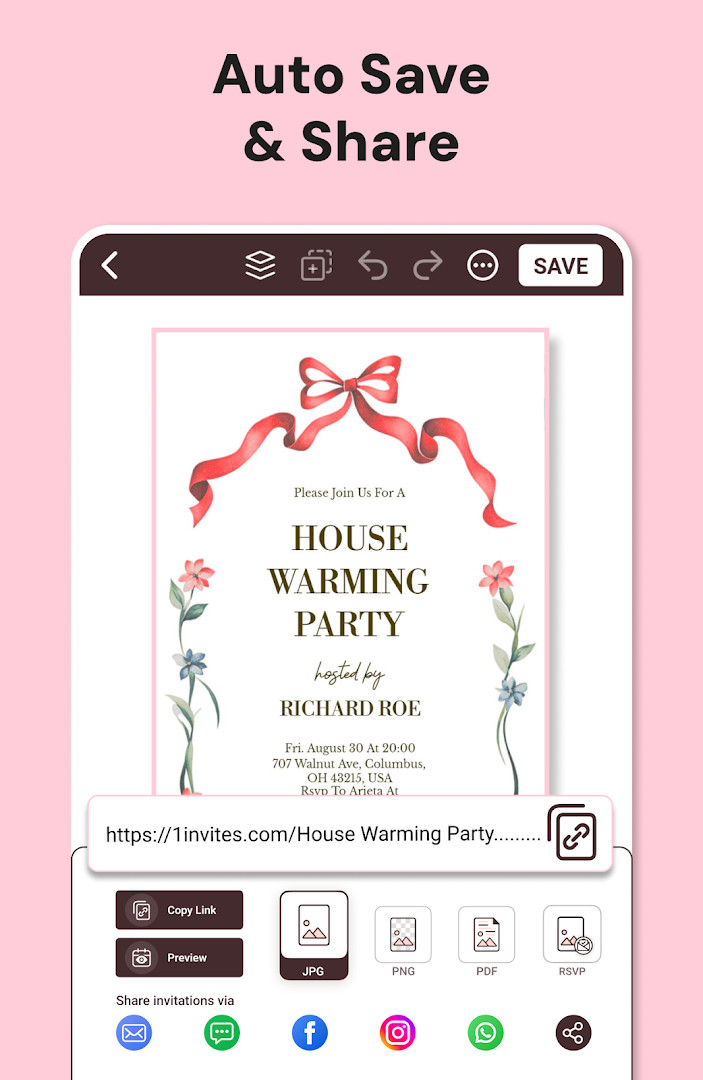
- Share invitations instantly via WhatsApp, email, or social media, or download high-resolution cards
- Export invitations as PDF for professional printing or at-home printing
- One-tap editing tools that require no graphic design experience
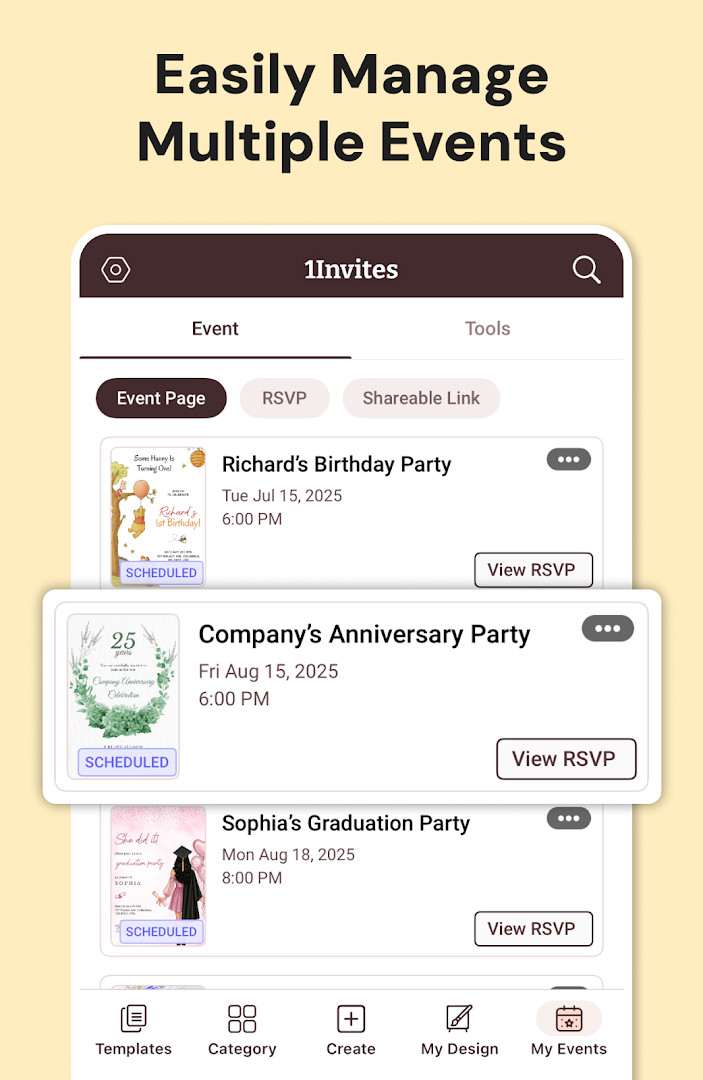
- All-in-one event manager that combines invitation creation with guest response tracking
How to install
- Tap the download button on this page to get the APK file (file size is not listed in the available data).
- When Android prompts you, allow your browser or file manager to install apps by enabling the 'Install unknown apps' setting for that app.
- Open the downloaded APK file from your notification bar or file manager.
- Tap 'Install' on the installation screen and wait for the process to complete.
- Open the app from your app drawer or home screen. The minimum Android version required is 8.0.
Pros
- Combines invitation design and RSVP tracking in one tool, saving time and effort
- Large template library covers many occasions, from casual to formal
- No design skills needed—editing is simple and template-based
- Supports both digital sharing and high-quality PDF printing
- Free to use with optional premium features via in-app purchases
- Regular updates, with the latest version 175.0 released in October 2026
Cons
- Contains ads, which may interrupt the creative process
- Requires access to many permissions, including contacts, location, phone, and storage, which might be a privacy concern for some users
- Premium features are locked behind a subscription that renews automatically unless canceled
- RSVP management may be basic compared to dedicated event-planning platforms
- The app's interface can feel crowded with options, especially on smaller screens
Latest changes · 175.0
Version 175.0 focuses on creating attractive invitations while keeping track of guest responses. This update showcases visually polished invitation designs that can be shared in just a few seconds. It also brings smarter RSVP tracking and positions the app as a complete event management tool, so users can handle invitations and guest lists in one place.
Version history
| Version | Size | Requires Android | Updated |
|---|---|---|---|
| 175.0 | — | 8.0 | Oct 12, 2026 |
This app is ideal for event organizers who want a quick, self-contained tool for creating invitations and tracking guest responses—such as busy parents planning birthday parties, couples organizing weddings or baby showers, and small business owners or community leaders coordinating corporate or social events. It also suits anyone who wants to avoid graphic design software and prefers a template-driven approach.
Before sending a mass invitation, send a test version to yourself and a friend to check how the RSVP link appears on different devices—this ensures your guests can easily respond without confusion.
Permissions
Frequently asked questions
Can I create an invitation for a corporate event or holiday party using this app?
Yes, the app includes templates for corporate events, holiday celebrations, festivals, and community events, in addition to personal occasions like birthdays, weddings, and baby showers.
How does RSVP tracking work in Invitation Maker?
The app lets you send invitations instantly and collect RSVPs in one place. You can track guest confirmations, add event date, time, and venue details, and share via WhatsApp, email, or social media. This helps you manage guest responses without losing track.
Can I include a map or website link in my digital invitation?
Yes, you can add a Google Maps location and include event website links. This lets guests find the venue and access event details with just one tap, which is useful for weddings, birthday parties, baby showers, and business events.
Is it possible to print the invitations I create, or are they only digital?
You can export invitations as PDF and download high-resolution cards for printing at home or through a professional service. The same design works for both online sharing and printed cards.
What customization options are available without any design experience?
You can personalize templates by changing text, fonts, colors, and backgrounds, and you can add your own photos and graphics. The editing tools are simple and designed for beginners, so you can create professional-looking invites in minutes without prior design skills.
Invitation Maker: Cards + RSVP is a practical choice for users who value convenience and all-in-one functionality. While it has some drawbacks like ads and a broad permission set, its template library, easy customization, and integrated RSVP tracking make it a strong alternative to juggling separate design and event tools. For occasional event planners, it offers good value, though heavy users may want to consider the subscription for an ad-free experience.
Similar apps




Updated: Oct 21, 2026