
TickPick - Live Event Tickets for Android
TickPick is a ticket marketplace app from TickPick LLC for buying and selling live event tickets without service fees.
Get TickPick · v6.0.23TickPick is for concert, sport, and theater fans who want cheaper tickets and an easy way to discover upcoming events. The app has a 4.76 rating from 60,808 ratings, has been installed 5 million times, and requires Android 8.0 or higher. TickPick offers 360 seat views, seat ratings, and event tracking, and it works without an account for browsing events and checking schedules.
- Version
- 6.0.23
- Requires Android
- 8.0
- Updated
- Oct 8, 2026
- Installs
- 5M+
- Rating
- ★ 4.76 (60,808)
- Category
- Events
- Developer
- TickPick LLC
- Content rating
- Everyone
- Package
- com.tickpickllc.ceobrien.tickpick
- Free
- ✓
App screenshots
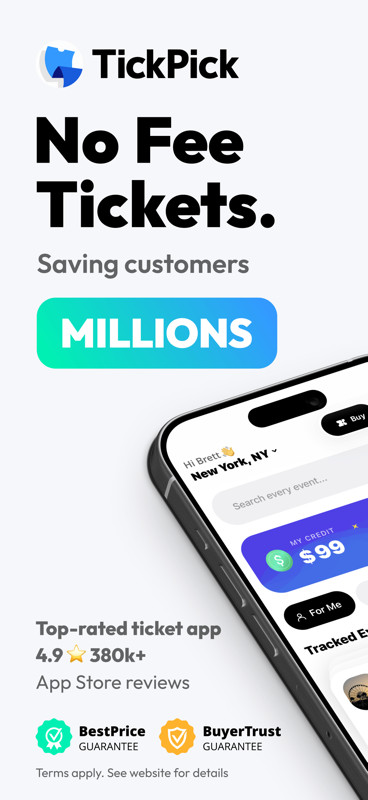
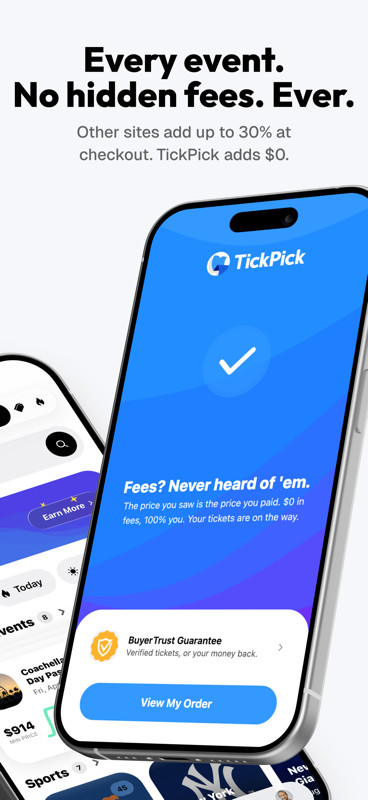
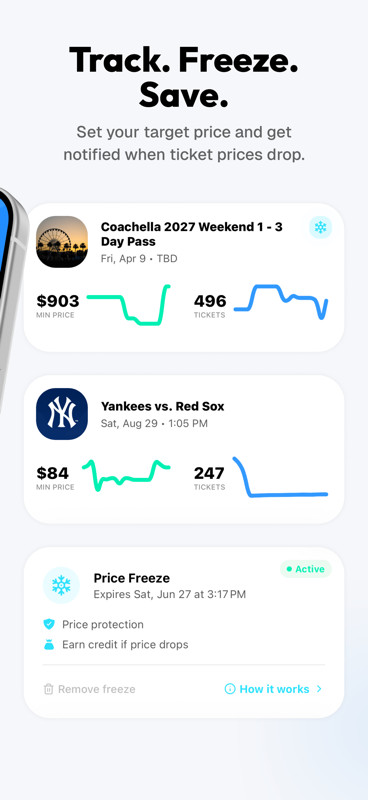
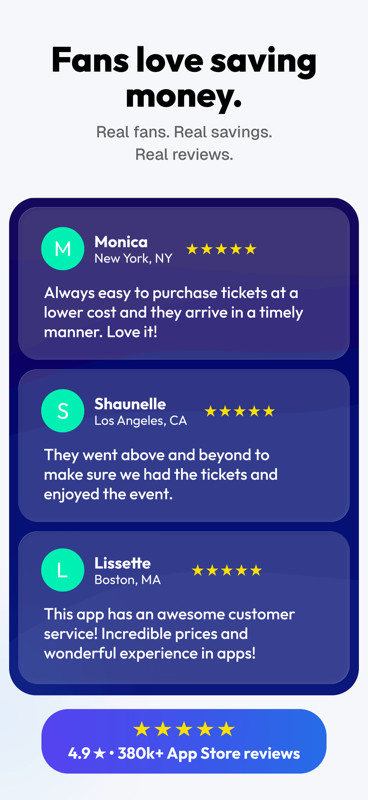
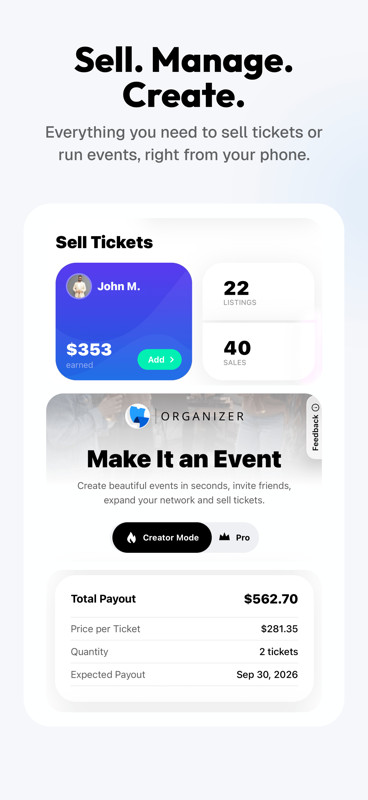
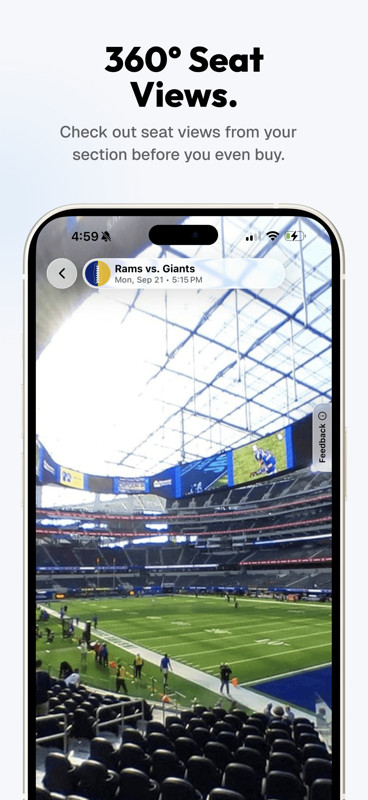
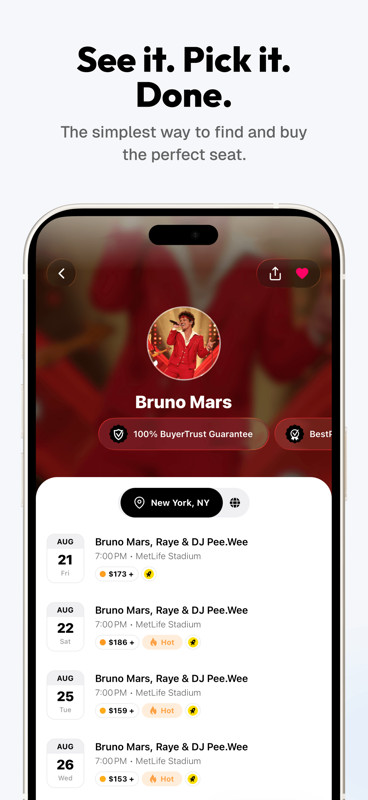
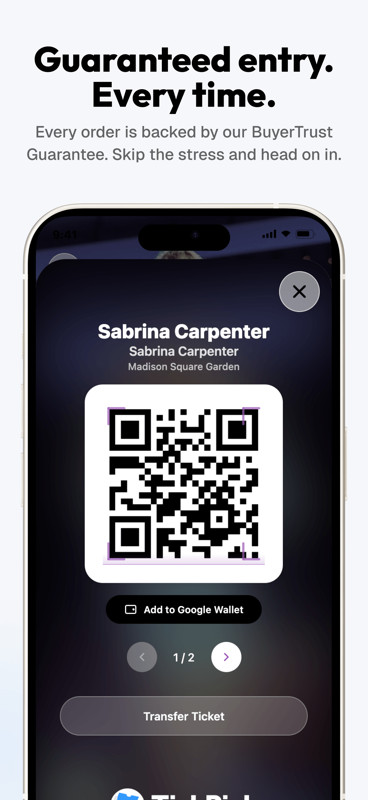
TickPick is a live event ticket marketplace app by TickPick LLC that lets users buy and sell tickets for sports, concerts, and theater events. The core proposition is straightforward: the platform does not add service fees to ticket purchases, which the company says makes its all-in prices roughly 10 percent lower than comparable listings on larger competitors. Beyond the pricing model, the app bundles discovery tools, seat-quality ratings, and mobile entry features into a single interface. Launched in November 2014, the app has been updated continuously; the current version, 6.0.23, was released on October 8, 2026, and continues to focus on reducing friction in the ticket-buying process. The app is free to download, contains no ads, and offers no in-app purchases, though ticket transactions themselves obviously carry their own costs. The marketplace covers major professional leagues—NFL, NBA, MLB, and NHL—as well as concert and theater events, with listings that may be priced above or below face value depending on demand. A notable aspect is the BuyerTrust Guarantee, which states that all tickets are valid for entry and that buyers receive a full refund for any cancelled events. This guarantee, combined with the absence of buyer fees, positions the app as a cost-focused alternative in a market where hidden charges are common. The app also includes seller tools, allowing users to manage their own ticket listings and track past sales directly from their profile. In version 6.0.23, the emphasis remains on these core functions rather than introducing a radically new interface; the update refines existing workflows for searching, comparing, and purchasing tickets. The app requests a fairly broad set of permissions, including location, camera, microphone, storage, and device ID, which are typical for a ticketing service that needs to display local events, scan tickets, and support communication features. Overall, the app aims to combine price transparency with practical tools for event discovery and entry, making it a functional choice for anyone who regularly attends live events and wants to avoid surprise fees at checkout.
Key features
- No-fee ticket purchasing: buyers are not charged any additional service fees on top of the listed price
- Best Deal ranking uses a patented Score Report that weighs price and seat location to highlight the best value options
- Seat Rating system sorts available tickets from the best seats in the venue to the worst
- Discovery tools for finding last-minute events, just-announced concerts, and schedules for any team, artist, event, or venue
- 360-degree virtual seat views for major sports, letting you see the view from a specific seat before buying
- Event tracking lets you monitor average ticket prices and available inventory for an event without committing to a purchase
- Favorite artists feature with a heart icon to quickly pull up all events for artists you follow
- Payment options include Apple Pay, PayPal, major credit cards, and buy-now-pay-later plans
- Mobile ticket scanning allows you to display and scan your tickets directly from your phone at the venue
- Post-transaction tools include ordering an Uber, getting directions, and sharing e-tickets with friends
How to install
- Tap the download button on this page to get the APK file for version 6.0.23; the file size is not specified in the available data.
- When Android prompts you, allow your browser or file manager to install apps from that source by enabling the 'Install unknown apps' setting.
- Open the downloaded APK file from your notification bar or file manager.
- Tap 'Install' on the confirmation screen and wait for the installation to complete.
- Open the TickPick app from your app drawer; the minimum Android version required is 8.0.
- Log in or create an account to start browsing events and purchasing tickets.
Pros
- No buyer service fees, which can result in lower all-in prices compared to competitors
- BuyerTrust Guarantee provides refunds for cancelled events and promises valid tickets
- Comprehensive discovery tools including 360-degree seat views and event price tracking
- Flexible payment options including buy-now-pay-later plans
- Free to download with no ads or in-app purchases
- Strong user rating of 4.76 based on over 60,000 ratings
Cons
- Requests a broad set of permissions including location, camera, microphone, and device ID
- Ticket prices can be above or below face value, so deals are not guaranteed
- Seller tools are available but may require a separate listing process
- No in-app purchases means all transactions happen through the ticket purchase flow, which may be complex for new users
Version history
| Version | Size | Requires Android | Updated |
|---|---|---|---|
| 6.0.23 | — | 8.0 | Oct 8, 2026 |
This app is well-suited for frequent concert-goers who want to avoid service fees, sports fans looking for tickets to NFL, NBA, MLB, or NHL games, and theater enthusiasts who want to compare seat quality and prices before buying. It is also useful for occasional sellers who want to manage their own ticket listings from a mobile device.
Before purchasing, use the event tracking feature to monitor average ticket prices for a few days; this can help you decide whether to buy immediately or wait for a better price, especially for events that are not sold out.
Permissions
Frequently asked questions
Is TickPick free to download and use?
Yes, the app is free to download and does not include ads or in-app purchases. You only pay for the tickets you buy.
Which Android version do I need?
The app requires Android 8.0 or higher. The current version is 6.0.23, updated on October 8, 2026.
Do I need to create an account to use the app?
Yes, you need an account to buy and sell tickets, track events, and manage your listings or sales. The account also supports features like favorite artists and payment plans.
What permissions does the app request?
The app requests access to your location, phone, photos/media/files, storage, camera, microphone, Wi-Fi connection information, and device ID and call information. These are used for features like mobile ticket scanning, 360 seat views, and sharing tickets.
How do I update the app?
To update, simply download the newest version from this page and install it over your current version. The latest release is version 6.0.23, dated October 8, 2026.
Is my ticket purchase protected?
Yes, all tickets are backed by the BuyerTrust Guarantee, which ensures tickets are valid for entry and provides a 100% refund for cancelled events.
TickPick delivers on its promise of a no-fee ticket marketplace with a polished app that covers discovery, comparison, and entry. The lack of buyer service fees is a genuine differentiator, and the BuyerTrust Guarantee adds a layer of security that many competitors lack. While the app requests a wide range of permissions and prices can fluctuate above or below face value, the overall experience is solid for both buyers and sellers. For anyone who regularly attends live events and wants to minimize costs, this app is a practical and reliable choice.
Similar apps




Updated: Nov 3, 2026