FaceApp: Perfect Face Editor for Android
FaceApp: Perfect Face Editor is a photography app from FaceApp Technology Ltd for one-tap retouching of selfies and portraits.
Download FaceAppFaceApp: Perfect Face Editor is for people who want to retouch selfies and portraits without doing manual editing work. The app is free to use, has no ads, and lists more than 60 photorealistic filters covering makeup, hairstyles, beard, aging, and gender swap. FaceApp requires Android 5.0 or later, takes up 36 MB, and has more than 500 million installs.
- Size
- 36 MB
- Requires Android
- 5.0
- Updated
- Oct 9, 2026
- Installs
- 500M+
- Rating
- ★ 4.32 (5,359,049)
- Category
- Photography
- Developer
- FaceApp Technology Ltd
- Content rating
- Everyone
- Package
- io.faceapp
- Free
- ✓ · In-app purchases
App screenshots
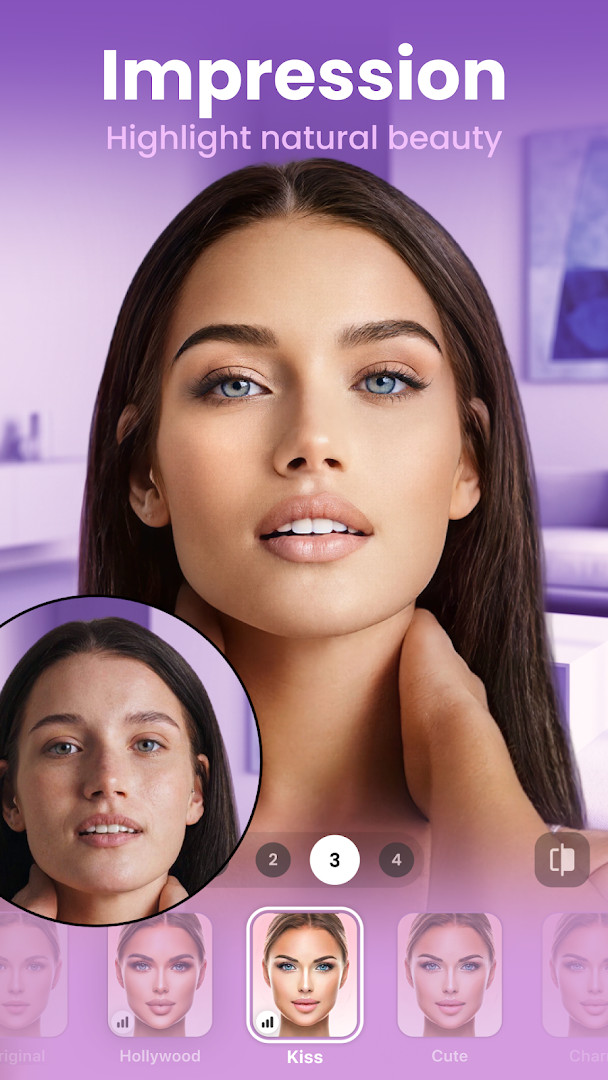
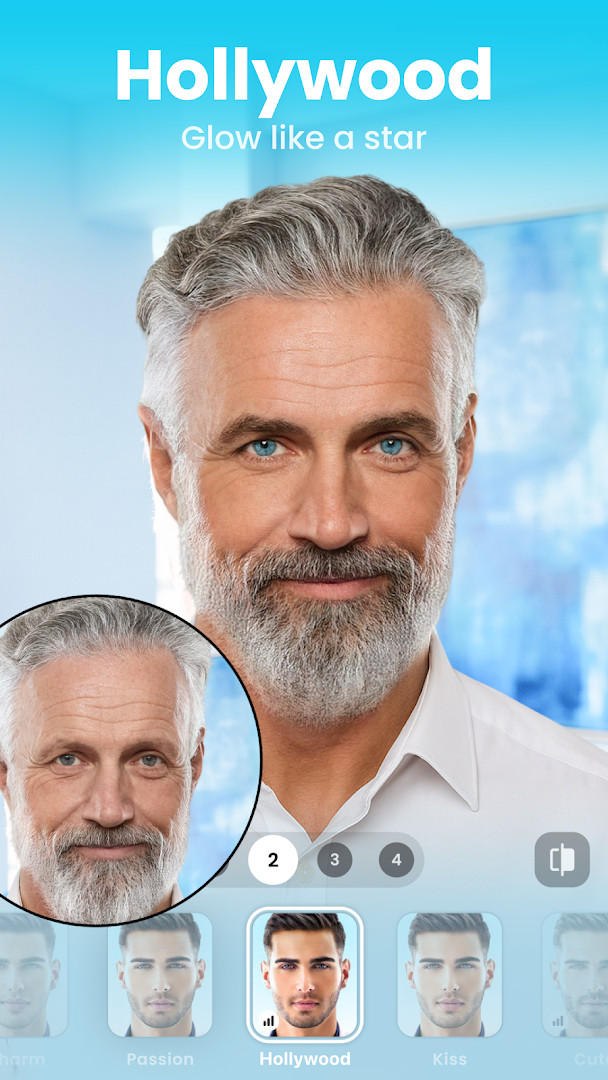
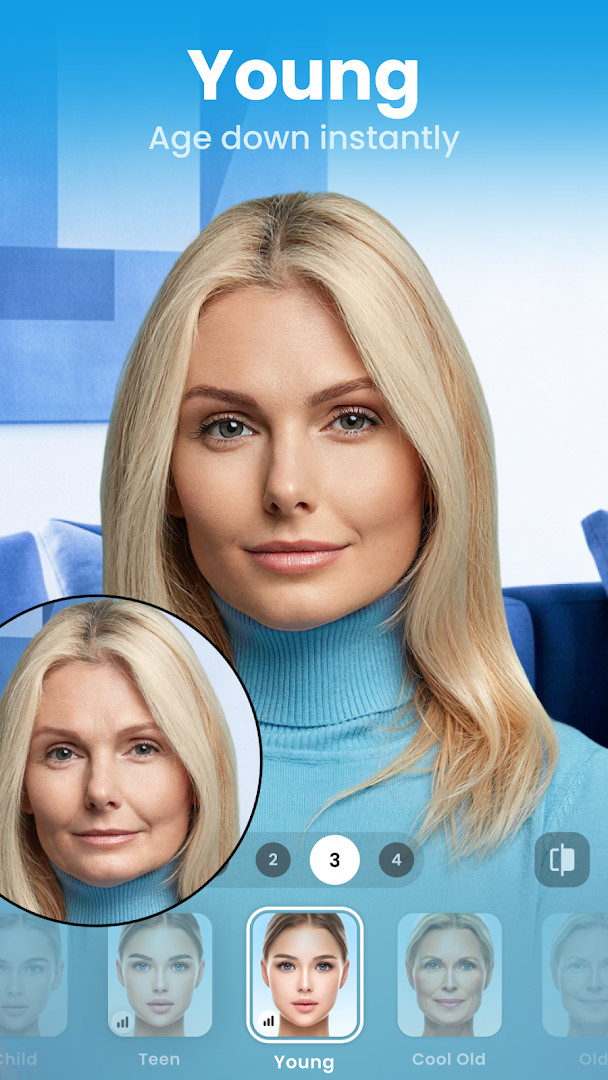
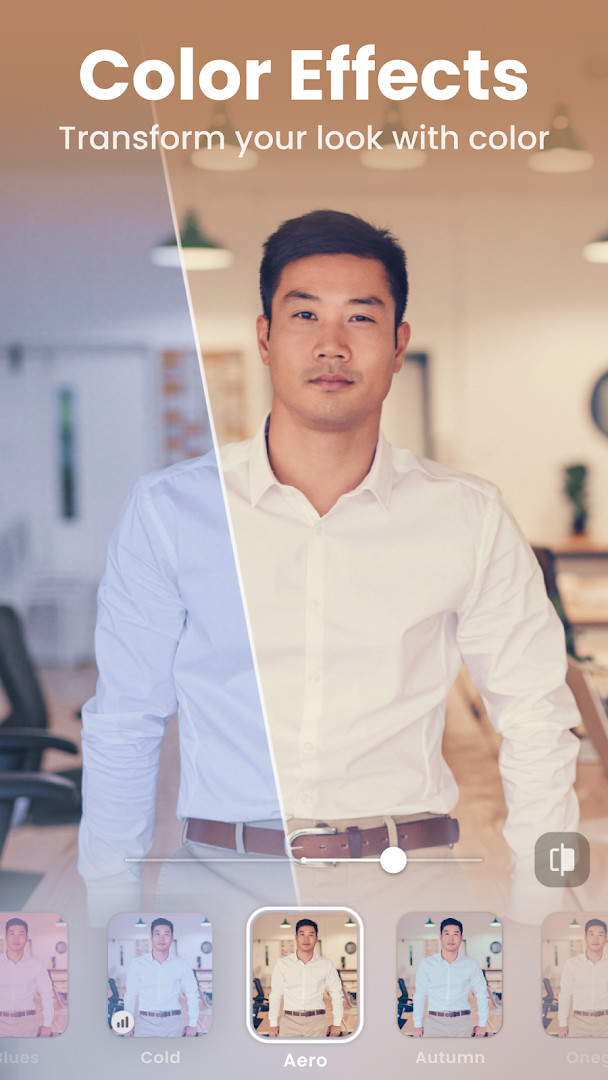
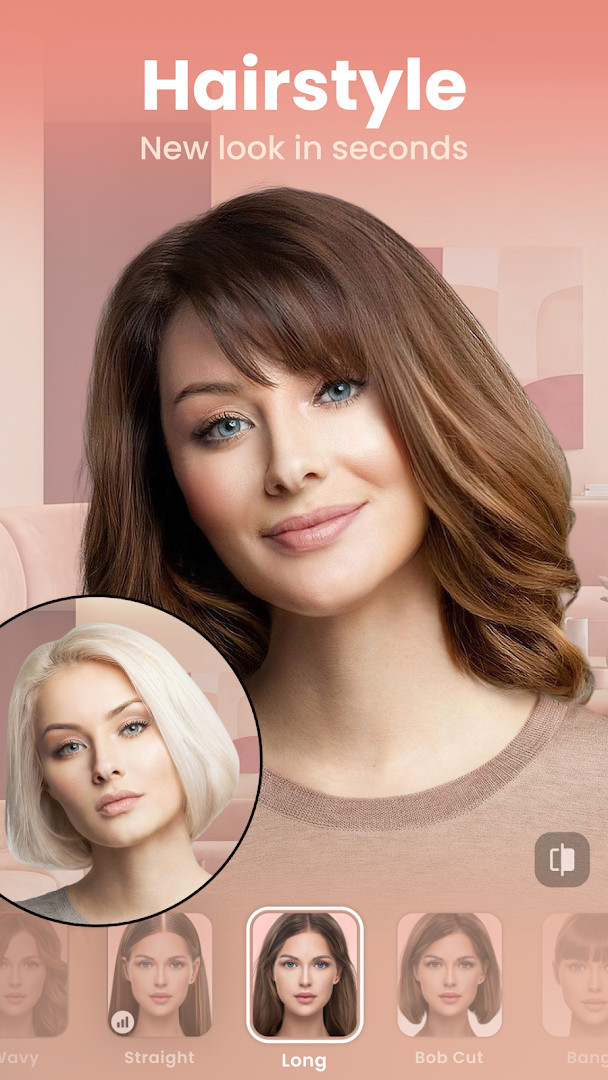
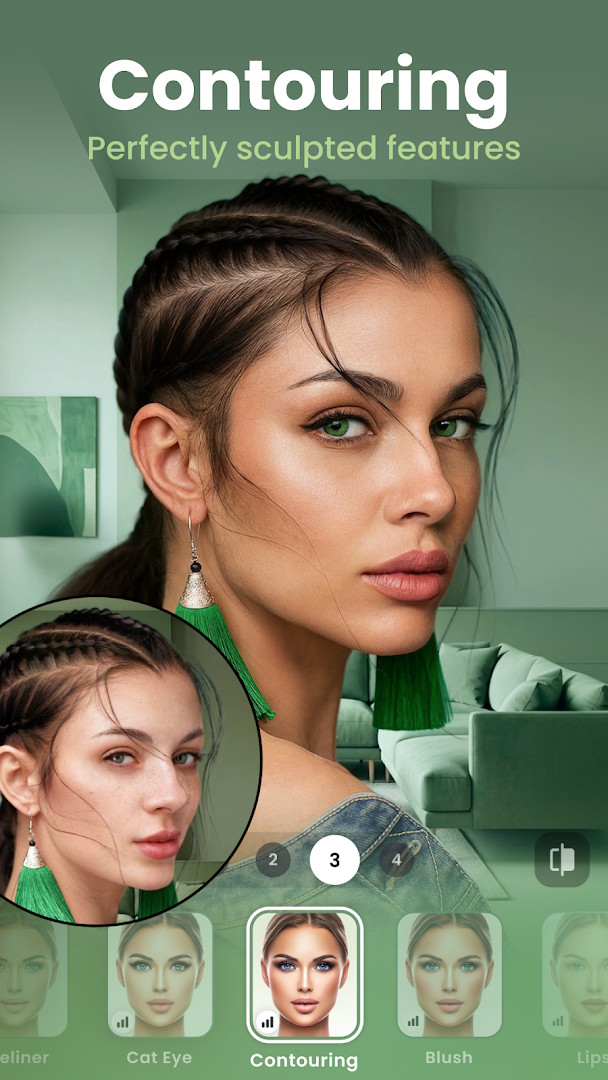
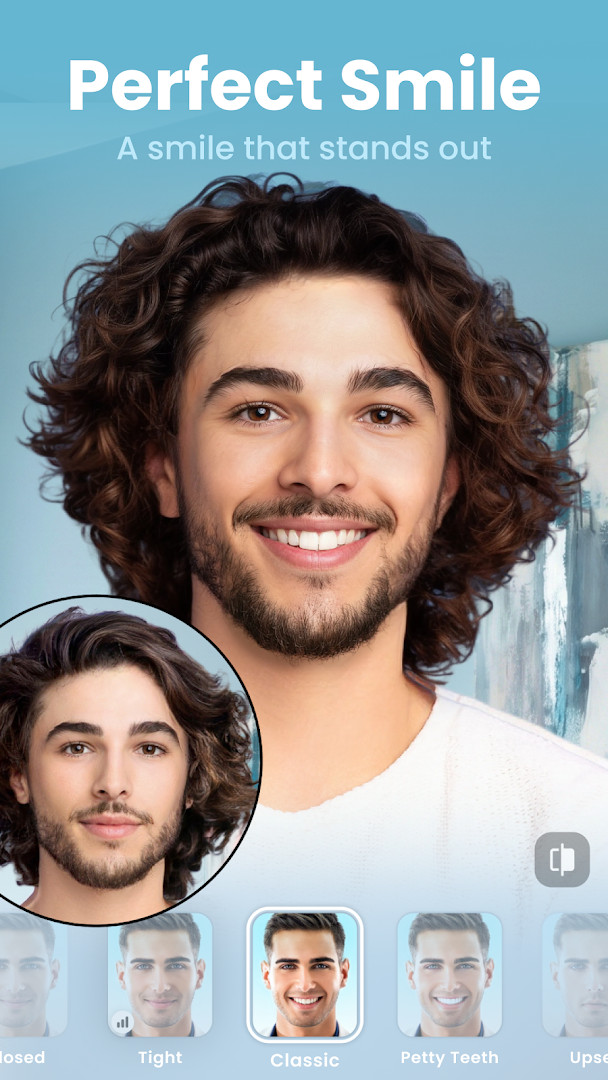
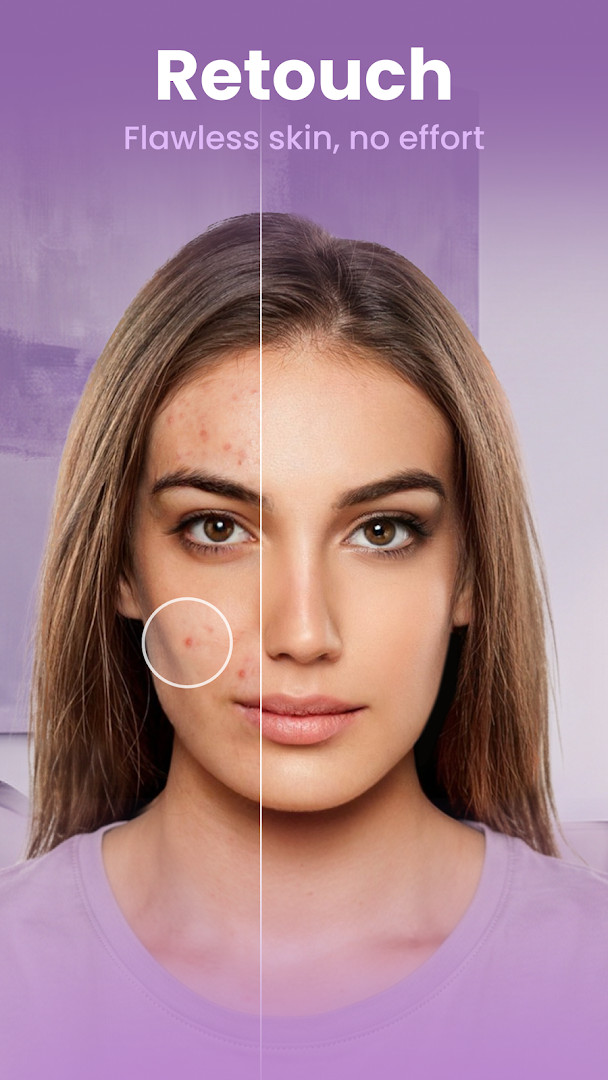
FaceApp: Perfect Face Editor is a photography app by FaceApp Technology Ltd that retouches selfies and portraits with photorealistic filters and effects. Built around the idea of one-tap editing, it lets you turn an ordinary photo into a polished portrait without spending hours in a complex photo editor. The app is aimed at people who want quick, natural-looking results for social media posts, as well as anyone who enjoys experimenting with their appearance for fun.
The app has been available since 2017 and has gathered hundreds of millions of installs, with a recent update focused on minor fixes and stability improvements. It runs on devices with Android 5.0 or higher and takes up about 36 MB of storage, so it works well even on older or lower-end phones. The interface is straightforward: open a photo, pick a filter or tool, and the edit appears almost instantly.
For everyday use, the appeal is convenience. You can smooth skin, remove blemishes, adjust facial features, change hair color or style, try makeup looks, and apply creative light effects. There are also playful options such as aging, gender swap, and weight filters. With more than 60 photorealistic filters and a built-in Compare tool, the app makes it easy to tweak a portrait step by step and see exactly what changed. It is free to download and shows no ads, though some effects and tools are available through in-app purchases.
Key features
- More than 60 photorealistic filters for faces and portraits
- One-tap edits that apply filters, effects, and backgrounds seamlessly
- Impression filters designed to perfect selfies
- Add a beard or mustache with a single adjustment
- Change hair color, hairstyle, and add volume to hair
- Trendy makeup filters and creative light effects
- Skin cleanup tools that remove acne and smooth wrinkles
- Adjust facial features and try color contact lenses
- Compare tool for before-and-after viewing at every step
- Fun options such as gender swap, age filters, and weight adjustments
How to install
- Tap the download button on this page to get the 36 MB APK file.
- If your browser or file manager asks, allow it to install unknown apps using the 'Install unknown apps' setting.
- Open the downloaded APK file from your notifications or the Downloads folder.
- Tap Install when the Android system prompt appears.
- Wait for the installation to finish, then tap Open to launch the app.
- Make sure your device runs Android 5.0 or higher before installing.
Pros
- Free to download and completely ad-free
- One-tap workflow makes retouching fast and easy
- Wide range of filters and playful face effects
- Compare tool helps you see changes clearly
- Lightweight app size of about 36 MB
- Works on older Android versions starting at 5.0
Cons
- Includes in-app purchases for some features
- Requests access to photos, media, and storage
- Some effects may look less natural on certain photos
Latest changes
The latest update brings minor fixes and stability improvements to keep FaceApp running smoothly. These changes help deliver a more consistent and reliable editing experience.
Version history
| Version | Size | Requires Android | Updated |
|---|---|---|---|
| 4.5.0.10 | 36 MB | 5.0 | Jul 27, 2021 |
| 3.4.2.2 | 12 MB | 4.4 | Jun 21, 2019 |
FaceApp is for anyone who wants to improve selfies and portraits quickly, from casual social media users to people who enjoy experimenting with age, gender swap, and hairstyle filters for fun. It is also a handy tool for those who prefer a simple, one-tap approach over advanced desktop-style editing.
For the most natural results, start with an Impression filter and then fine-tune temperature and saturation. Use the Compare tool at every step to see whether an edit actually improves the photo, and try to keep the face well lit in the original shot for smoother skin effects.
Permissions
Frequently asked questions
What do I need to install FaceApp as an APK on Android?
Your device needs Android 5.0 or higher. The app is about 36 MB and asks for access to your photos, media files, and storage so it can load and save images.
What is the current version of FaceApp?
The most recent version listed in the available data is 4.5.0.10, from July 27, 2021. The app also received an update on October 9, 2026 with minor fixes and stability improvements.
Does FaceApp show ads or require payment?
No. FaceApp is free to download, has a listed price of $0.00, and does not contain ads. However, it does offer in-app purchases.
Can FaceApp be used offline?
The available information does not mention an offline mode. For editing, the app needs access to your photos and media files, and it also stores data on your device.
Are there alternatives to FaceApp in the Photography category?
Yes, the Photography category includes other selfie and portrait editing apps. FaceApp has a 4.32 rating from over 5.35 million ratings, which you can use as a comparison point when exploring similar tools.
Does FaceApp have in-app purchases?
Yes, in-app purchases are available. The app itself is free and ad-free, so the purchases are optional extras.
FaceApp: Perfect Face Editor offers a fast, approachable way to retouch portraits and try creative face effects on an Android device. With its wide filter selection, simple one-tap editing, and helpful comparison tools, it remains a practical choice for everyday photo polish.
Similar apps





Updated: Oct 23, 2026