
Video Editor & Maker - InShot for Android
Video Editor & Maker - InShot is a video and photo editing app from InShot Video Editor for creating vlogs and social media content with music, effects, and AI tools.
Install Video Editor & Maker - InShot · v2.231.1551Video Editor & Maker - InShot is designed for anyone who wants to produce eye-catching videos and photos for platforms like Instagram, TikTok, or YouTube. It solves the challenge of mobile content creation by combining a video editor, photo editor, and collage maker into a single free tool.
- Version
- 2.231.1551
- Requires Android
- 8.0
- Updated
- Sep 21, 2026
- Installs
- 500M+
- Rating
- ★ 4.84 (24,707,806)
- Category
- Photography
- Developer
- InShot Video Editor
- Content rating
- Everyone
- Package
- com.camerasideas.instashot
- Free
- ✓ · Contains ads · In-app purchases
App screenshots
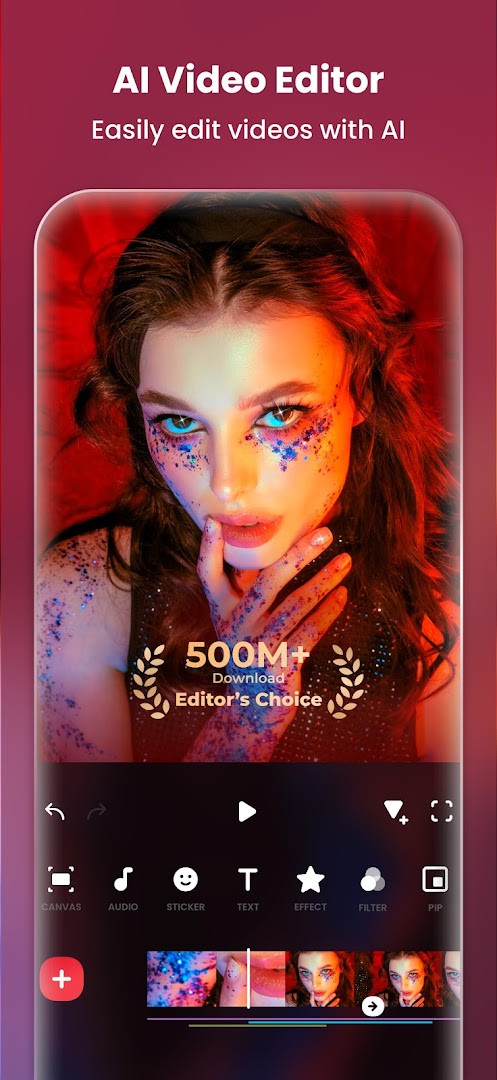
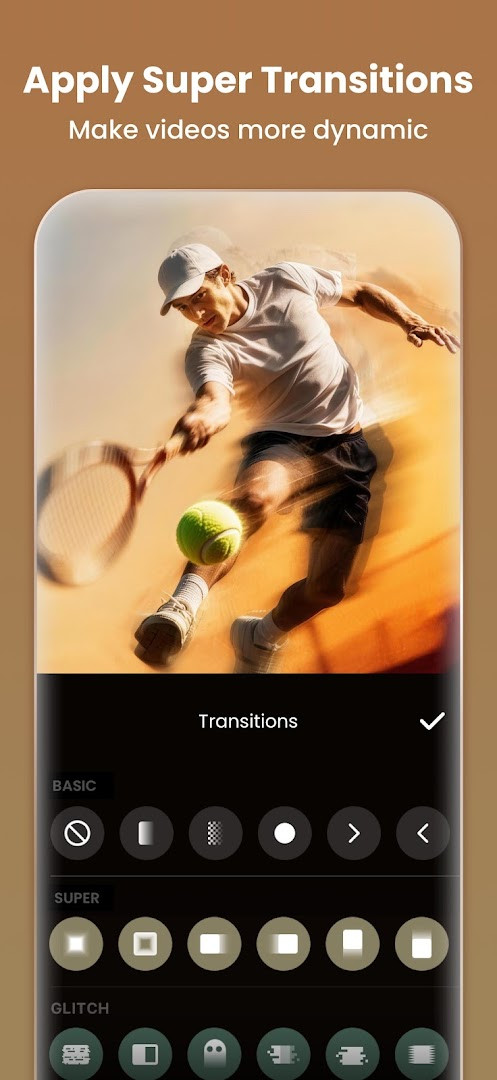
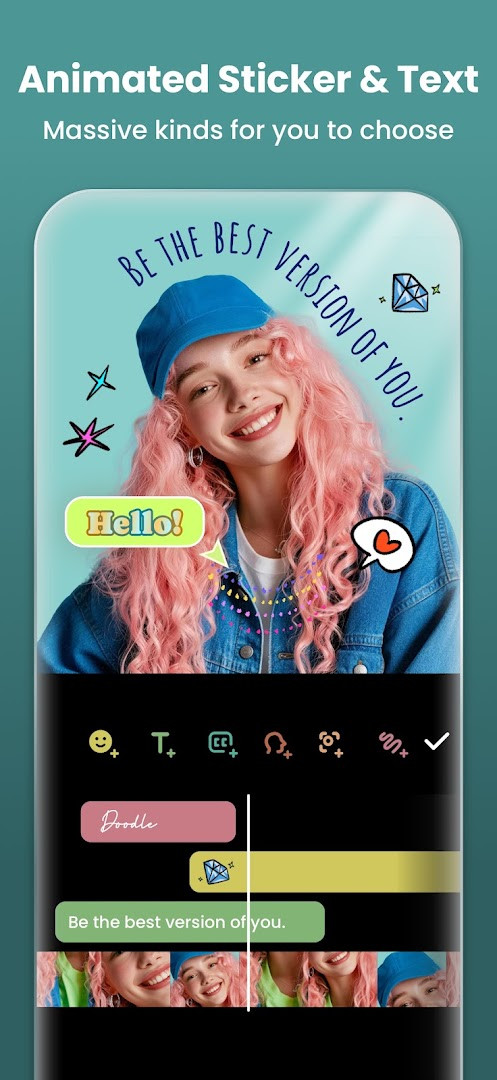
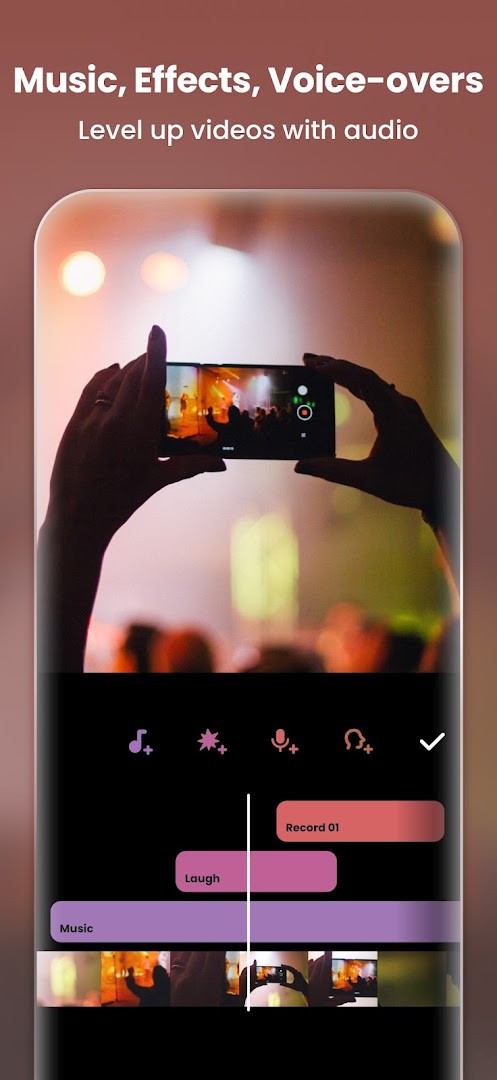
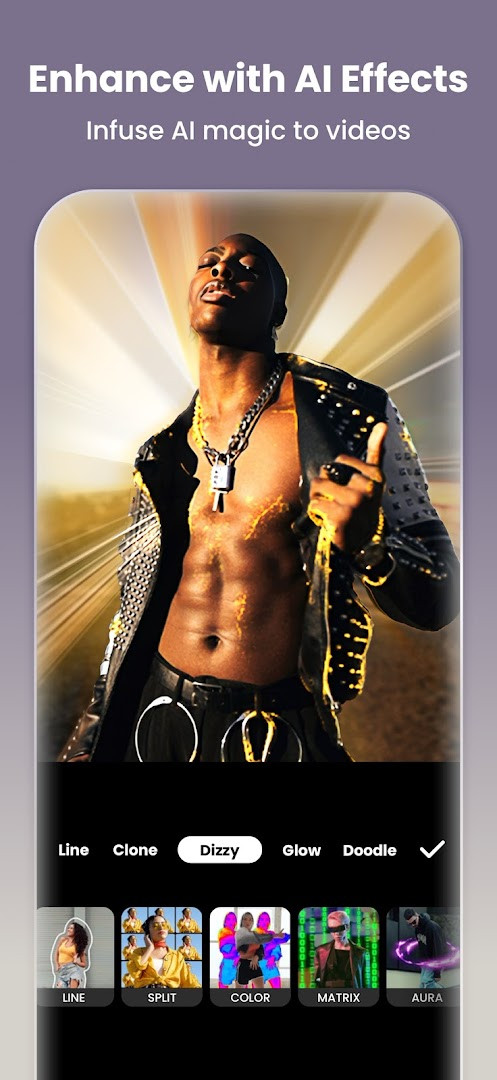
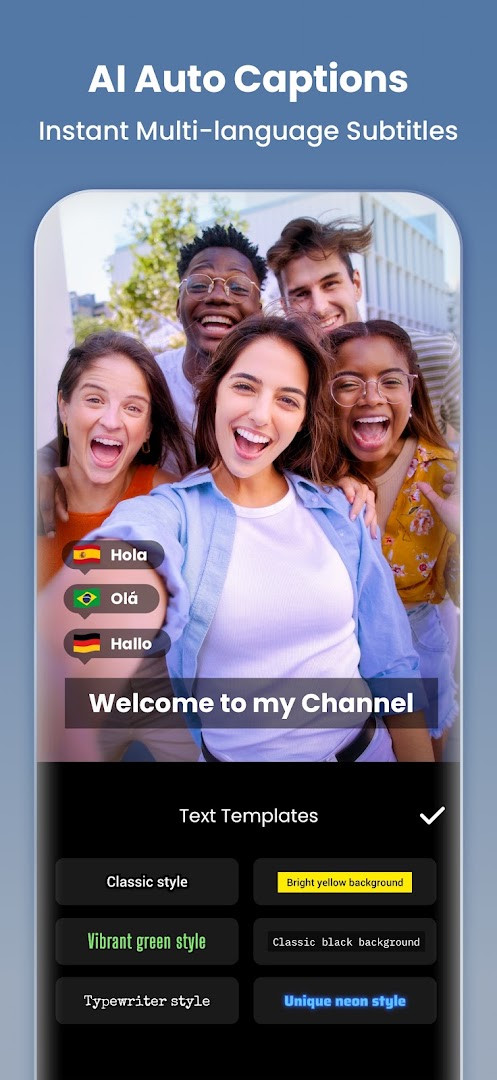
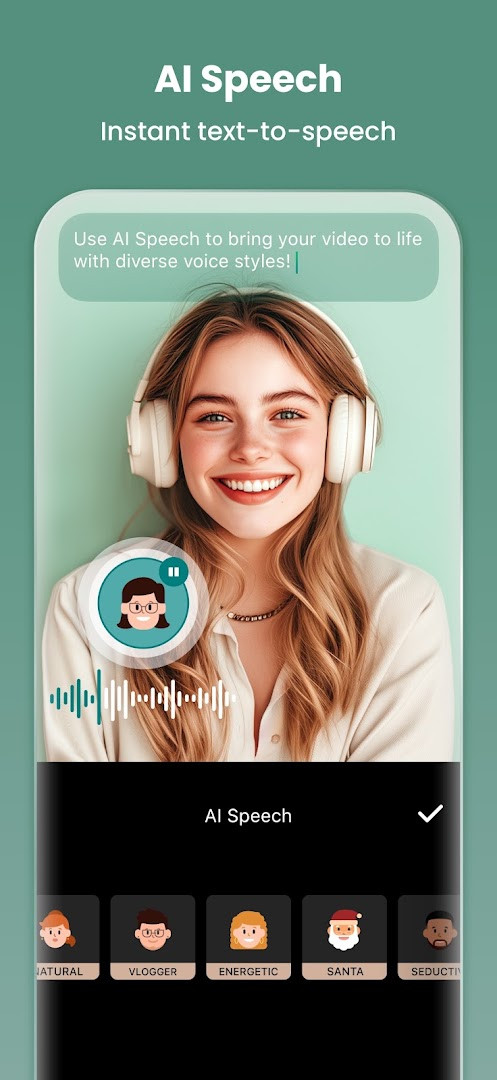
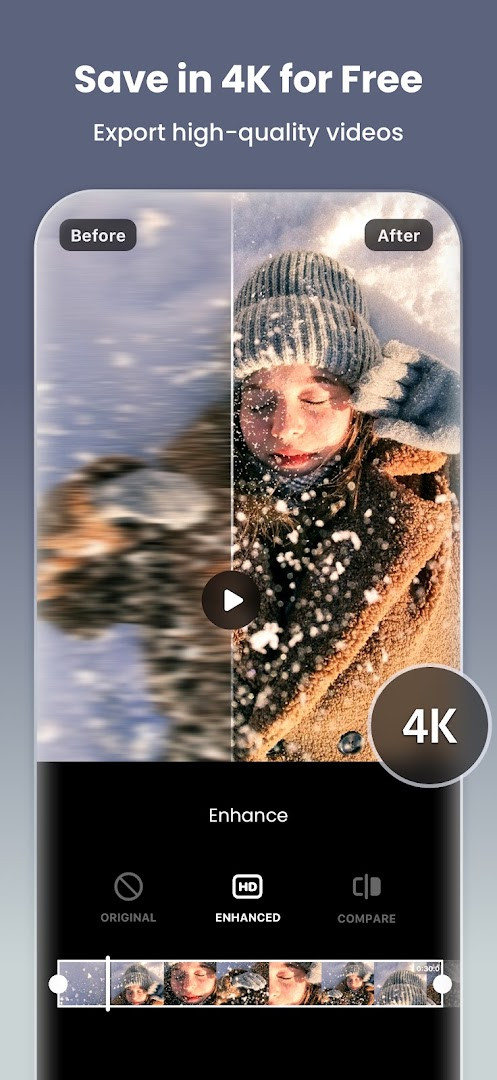
Video Editor & Maker - InShot is a video and photo editing application by InShot Video Editor that provides a comprehensive set of tools for creating, editing, and enhancing multimedia content on Android devices. The app addresses the need for a versatile, all-in-one editor that goes beyond basic trimming, offering AI-driven features, advanced video effects, and photo editing capabilities. It solves the problem of needing multiple apps for different editing tasks by bundling video editing, photo enhancement, collage making, and background removal into a single interface. Users can apply AI auto captions, remove backgrounds with one tap, create smooth slow-motion clips, and use keyframe animations, making it suitable for both casual social media posts and more ambitious vlogs. The app also includes a variety of filters, transitions, and effects, along with tools for adjusting color, speed, and aspect ratio. With support for up to 4K 60fps export and direct sharing to popular platforms, it aims to streamline the content creation workflow. The app is free to download, contains ads, and offers in-app purchases for additional features.
Key features
- AI auto captions that generate subtitles from speech
- AI speech synthesis with multiple accents and natural voices
- One-tap background removal for videos and photos
- Smart tracking to make stickers and text follow moving objects
- Smooth slow-motion effect with seamless playback
- Keyframe editing for custom animations
- Chroma key support for green screen video
- 4K 60fps video export
How to install
- Tap the download button on this page to get the APK file.
- When Android prompts, allow your browser or file manager to install apps by enabling the 'Install unknown apps' setting.
- Open the downloaded APK file from your notification bar or file manager.
- Tap Install and wait for the process to complete.
- Open the app from your app drawer. The file size is not specified, and the minimum Android version required is 8.0.
Pros
- Comprehensive editing suite for both video and photo
- AI-powered tools like auto captions and background removal
- Supports high-resolution export up to 4K 60fps
- Wide range of filters, effects, and transitions
- Includes collage maker with multiple layout options
Cons
- Contains ads that may interrupt the editing experience
- In-app purchases required for full feature access
Latest changes · 2.231.1551
Version 2.231.1551 introduces audio stickers, letting you add sound effects to stickers. It also adds group editing for tracks, so you can adjust multiple tracks simultaneously. A new hair glow effect provides a natural shine to hair in videos. Additionally, this update includes bug fixes and other general improvements.
Version history
| Version | Size | Requires Android | Updated |
|---|---|---|---|
| 2.231.1551 | — | 8.0 | Sep 21, 2026 |
| 1.680.2300.yingYongBao | 50 MB | 5.0 | May 1, 2025 |
| 1.950.1411 | 70 MB | 6.0 | Jul 25, 2023 |
| 1.649.1282.HW | 44 MB | 4.3 | May 31, 2020 |
| 1.441.164 | 21 MB | 4.0 | Jun 19, 2017 |
| 1.416.142 | 20 MB | — | Mar 21, 2017 |
| 1.162 | 6.6 MB | — | Jul 11, 2014 |
This app is designed for Android users who want a versatile editing tool for creating social media content, vlogs, or personal projects. It suits beginners who need an intuitive interface with AI assistance, as well as more experienced editors looking for advanced features like keyframes, chroma key, and multi-layer video. The photo editing and collage features also make it useful for those who want to enhance images or create shareable graphics without switching apps.
To get the most out of the app, explore the AI tools like auto captions and background removal for quick edits, and experiment with keyframes for more dynamic videos. Use the group edit feature for tracks to adjust multiple audio clips simultaneously.
Permissions
Frequently asked questions
What AI-powered captioning feature does InShot offer, and how does it work?
InShot includes an Auto Captions tool that uses AI speech-to-text technology to generate subtitles for your videos quickly and with minimal manual effort.
Can I export my edited videos in 4K resolution at 60 frames per second?
Yes, InShot supports custom video export resolution, including the ability to export in 4K at 60fps, making it suitable for high-definition content creation.
Does InShot allow me to create videos with a green screen effect?
Yes, InShot offers a Chromakey feature that lets you edit green screen footage easily, allowing you to replace backgrounds or overlay elements seamlessly.
What are some of the unique video effects available in InShot?
InShot provides a variety of effects including Glitch, Fade, Noise, Beats, Weather, Retro DV, and Celebrate, along with AI effects like Clone, Stroke, and Auto-blur.
Can I edit multiple audio tracks at the same time in InShot?
Yes, the latest version of InShot includes a Group Edit for Tracks feature, which allows you to edit multiple tracks simultaneously for more efficient audio management.
Video Editor & Maker - InShot offers a robust set of editing tools that cover most needs for video and photo creation. While ads and in-app purchases are present, the free version provides substantial functionality for casual users.
Similar apps



Updated: Oct 21, 2026