
ChatGPT: AI Writing and Image Assistant
ChatGPT is a free productivity app by OpenAI that lets you write, search, generate images, and get answers with an AI assistant.
Get APK · v1.2026.279ChatGPT is a free app with ads and in-app purchases, requiring Android 7.1 or higher. It offers image generation, voice conversations, and photo uploads, and it syncs history across devices. The app suits a broad audience, from students and professionals to casual users seeking creative help and instant answers.
- Version
- 1.2026.279
- Requires Android
- 7.1
- Updated
- Oct 11, 2026
- Installs
- 1B+
- Rating
- ★ 4.78 (64,372,799)
- Category
- Productivity
- Developer
- OpenAI
- Content rating
- Teen
- Package
- com.openai.chatgpt
- Free
- ✓ · Contains ads · In-app purchases
App screenshots
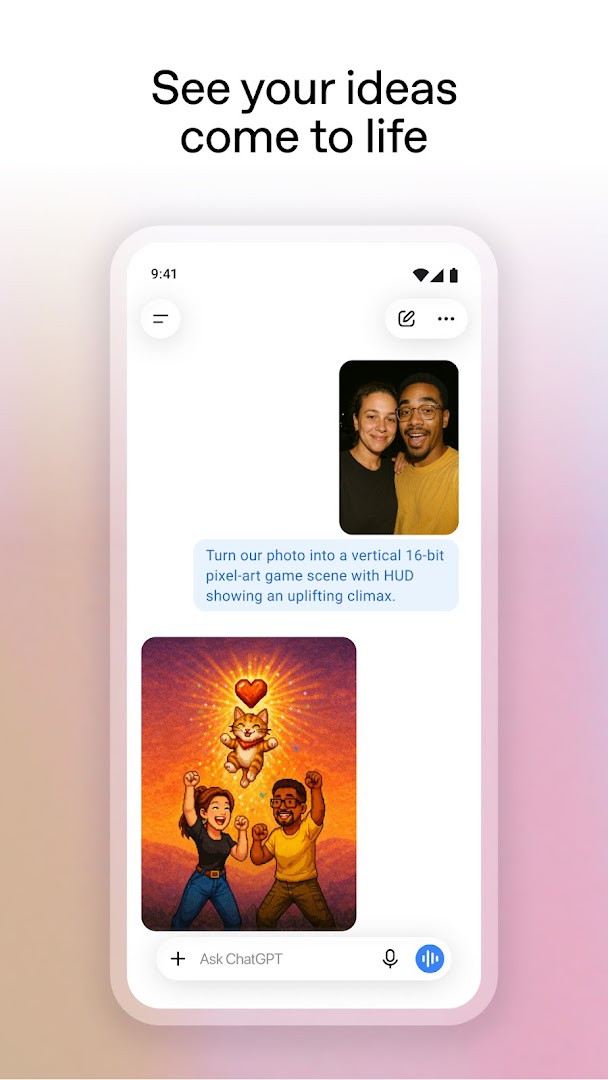
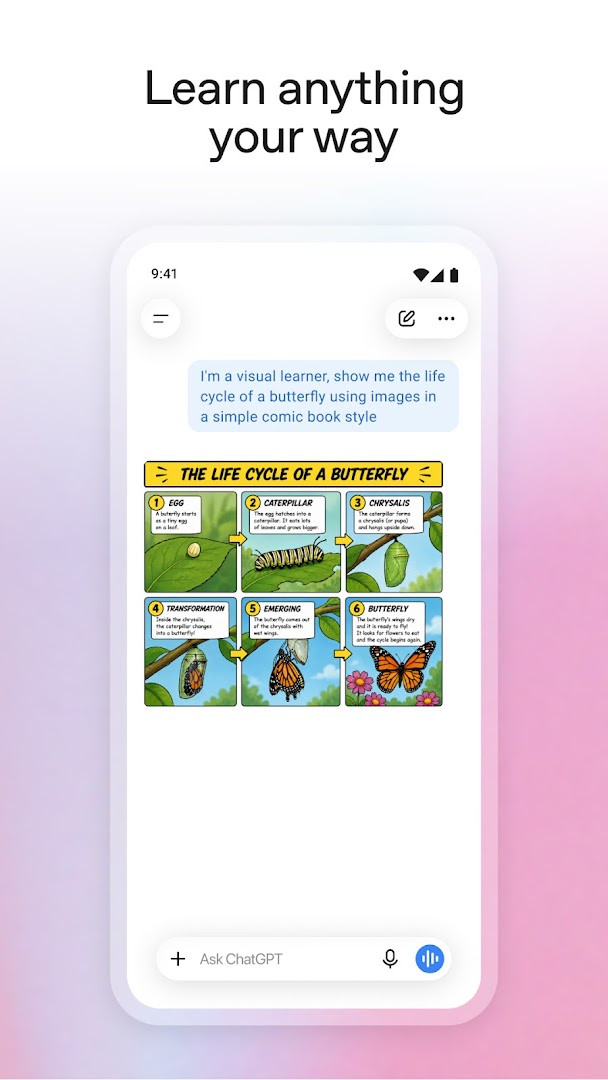
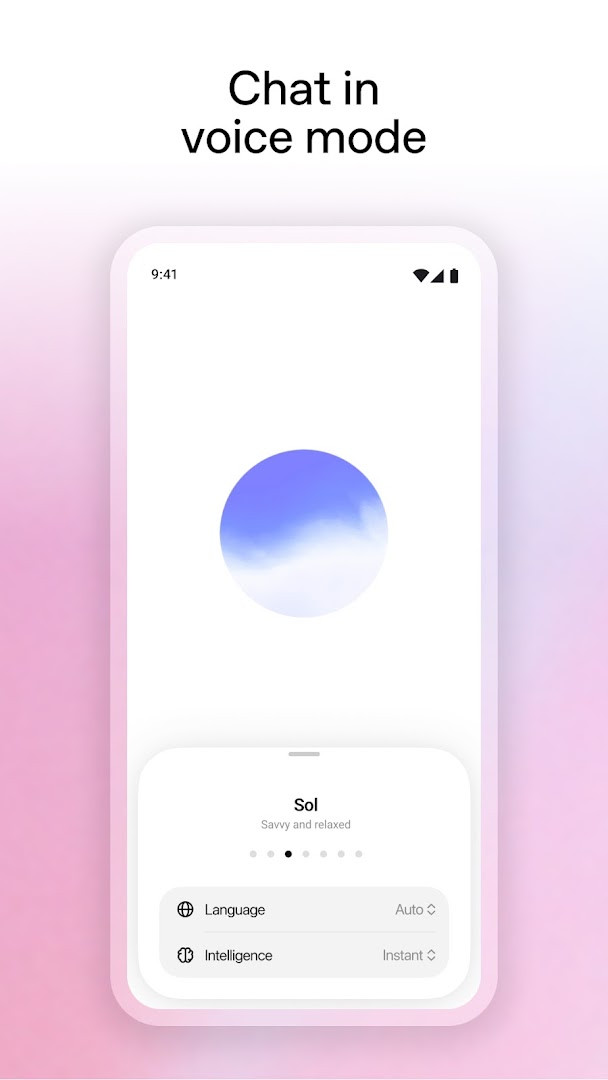
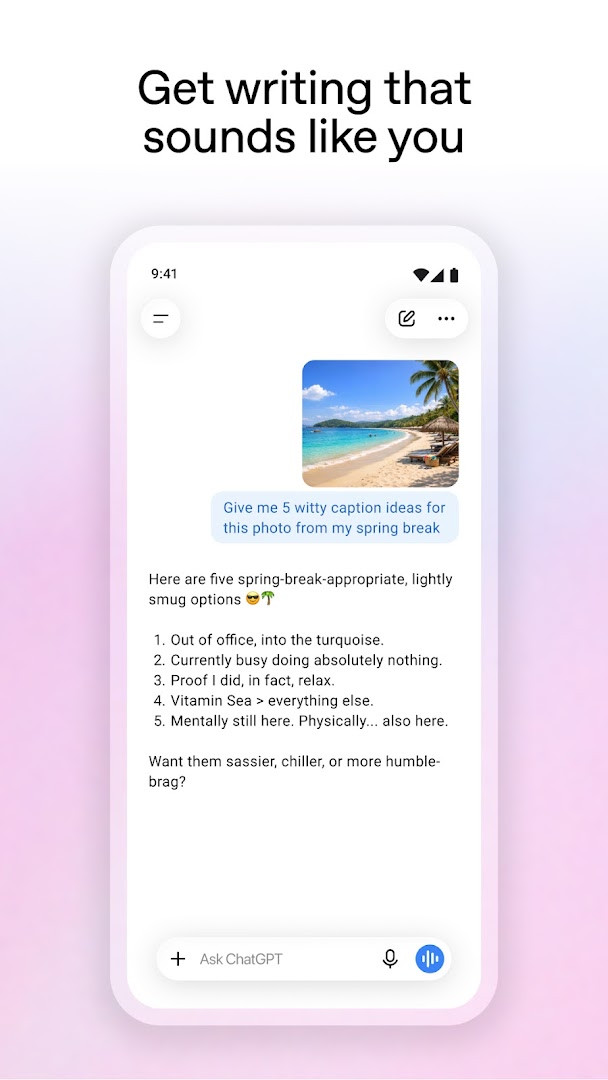
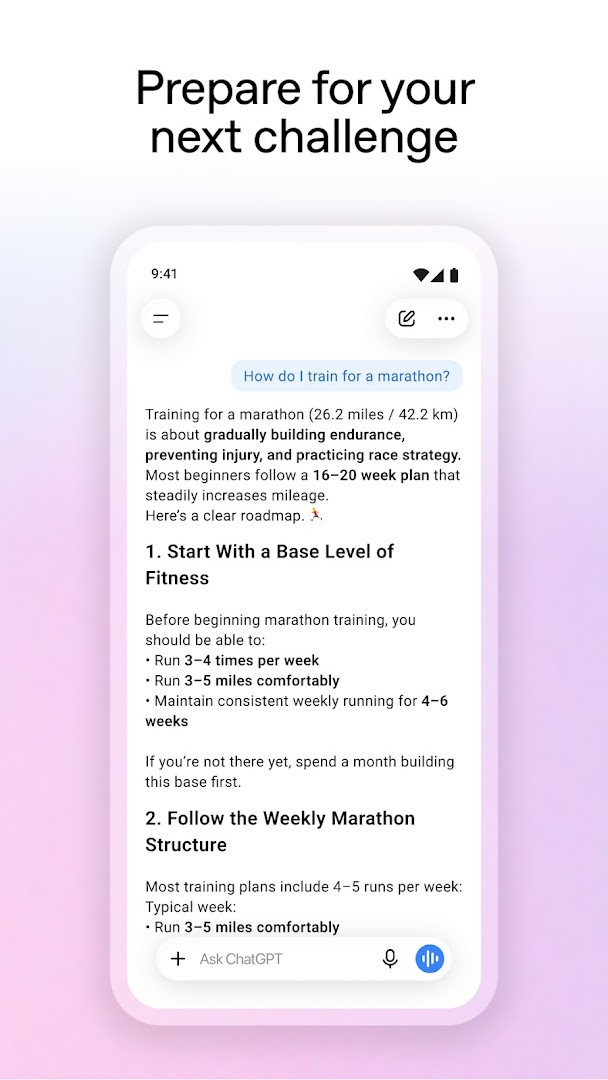
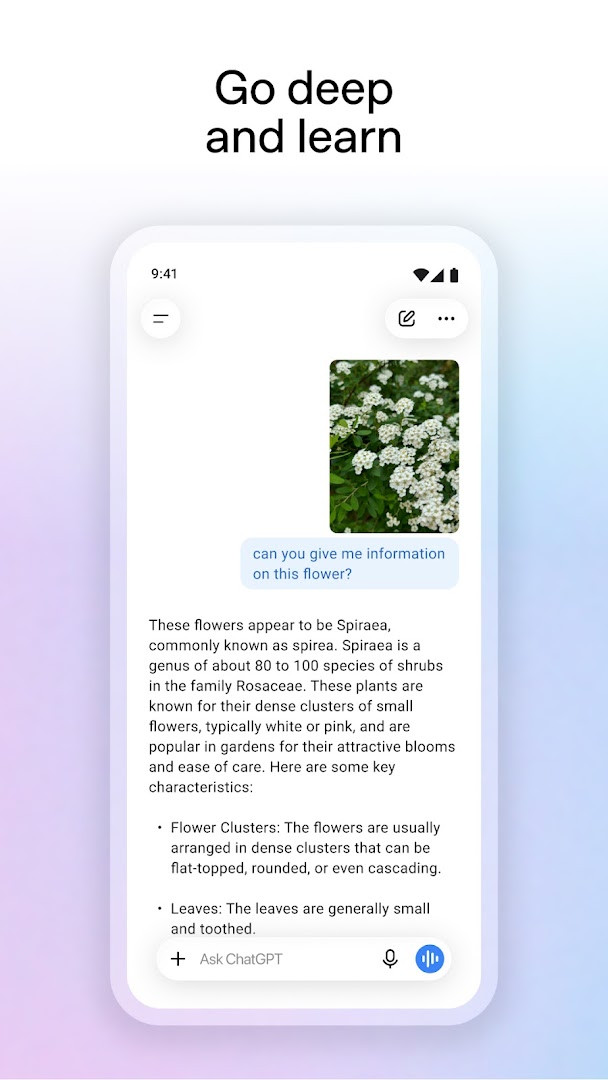
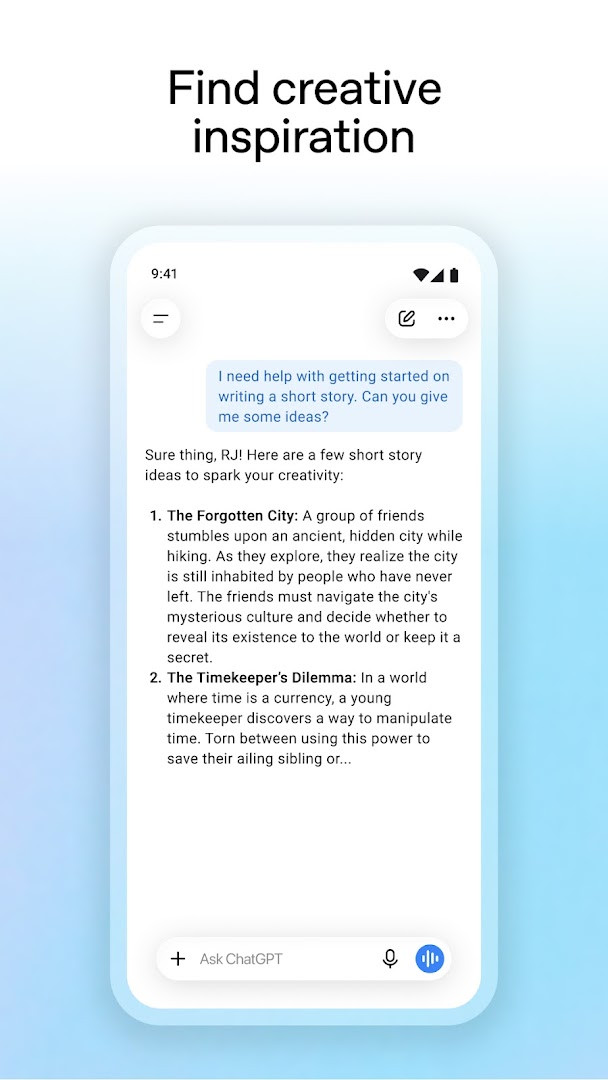
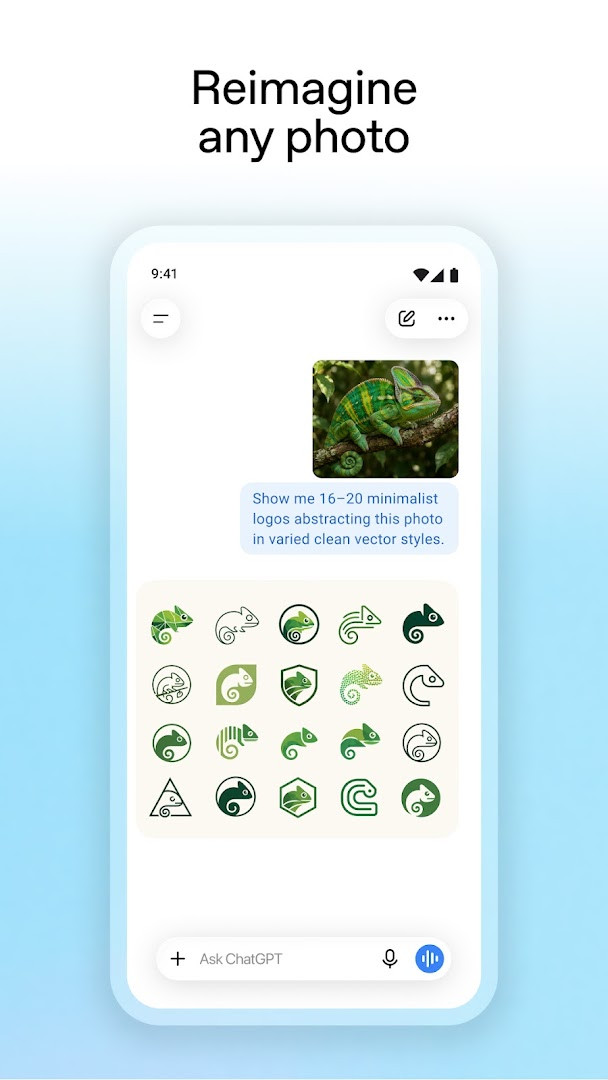
ChatGPT is a productivity app by OpenAI that delivers an AI assistant for everyday questions, writing, research and image creation. It is built around a simple chat window: you type or speak a request, and the assistant replies with text, a generated picture or a spoken answer. The problem it addresses is the gap between a question and a usable answer. Instead of opening several tools or searching through pages of results, you describe what you need in plain language and get a response you can copy, edit or build on. The app keeps your conversation history so you can pick a thread back up later, and the same history stays in step across the devices you sign in on. Because it runs on a phone, it also accepts photos and your voice, which makes it useful in situations where typing is awkward. The download is free, the current version listed here is 1.2026.279 and it was refreshed on 2026-10-11.
Key features
- Image generation: create a new picture from a written description, or rework an existing image with just a few words.
- Advanced Voice Mode: tap the soundwave icon for a real-time spoken conversation, which can help with language practice or settling a friendly argument.
- Photo upload: take or add a picture so the app can read handwriting such as a recipe card, or describe a landmark you are looking at.
- Idea generation for creative tasks, including gift suggestions and personalised greetings.
- Practical guidance for tricky situations, travel planning or drafting a reply you are not sure how to word.
- Personalised learning: explanations pitched at the right level, whether for a curious child or your own refresher on a historic event.
- Work support such as brainstorming marketing copy or sketching out a business plan.
- Instant everyday answers, for example meal ideas based on the few ingredients you already have.
- Optional screen sharing through Accessibility Services, offered in limited availability, so the assistant can respond to questions about what is on screen without a screenshot upload.
How to install
- Tap the download button on this page to get the app file.
- If Android asks, allow your browser or file manager to install apps by turning on the Install unknown apps setting for that app.
- Open the downloaded file from your notifications or your Downloads folder.
- Tap Install and wait for the process to finish. The file size is not listed here, so check your available storage before you start.
- Open the app once installation completes. It needs Android 7.1 or newer to run.
Pros
- Free to download, with the main assistant features available without paying.
- Conversation history syncs across the devices you use.
- Handles a wide mix of tasks, from writing help and learning to images and voice conversation.
- Highly rated by a very large number of users, with an average rating of 4.78.
Cons
- The app shows ads.
- In-app purchases are present, so extra spending is possible inside the app.
- It requests broad permissions, including Calendar, Contacts, Location, SMS, Phone, Camera, Microphone, Wi-Fi connection information, and Device ID and call information.
- Content is rated Teen, so it is not aimed at younger children.
- Some capabilities, such as screen sharing through Accessibility Services, are only available in limited availability.
Version history
| Version | Size | Requires Android | Updated |
|---|---|---|---|
| 1.2026.279 | — | 7.1 | Oct 11, 2026 |
This app suits beginners who want one place to ask questions and get a written or spoken answer without learning a complicated tool. If you write emails, plan trips, study a subject, cook from whatever is in the fridge or need a quick explanation for a child, the chat layout is easy to pick up: type, read, and follow up. It is also a reasonable starting point for small business owners drafting marketing text or outlines. Because the content rating is Teen and several permissions are broad, it is better suited to older teenagers and adults, and anyone who wants tight control over what an app can access should review the permissions before installing.
Start with short, specific requests and refine them in follow-up messages rather than writing one long prompt. When the app asks for a permission you do not need yet, such as Location, Contacts or SMS, deny it at first and enable it later from Android settings if a feature really requires it. Voice and photo features rely on the Microphone and Camera permissions, so those two are worth allowing if you plan to use them. Treat replies as drafts: check facts, names and numbers before you rely on them, and edit the wording to sound like you.
Permissions
Frequently asked questions
How do I install the ChatGPT APK on an Android device?
The app supports Android 7.1 and newer. After downloading the APK file, open it from your file manager and confirm the installation prompt. If your device blocks unknown sources, you may need to allow installations from that app or source in your security settings.
What is the current version of the app?
The current version is 1.2026.279, with the latest update released on October 11, 2026.
Is ChatGPT free, and does it include ads or purchases?
The app is free to download and costs nothing upfront. However, it does show ads and offers in-app purchases, so some features or extras may require payment.
Can I use ChatGPT offline or without an account?
The app description does not mention an offline mode; most features such as chat, image generation, and voice mode require a connection. It does sync your history across devices, so your conversations can be carried over when you are signed in.
What kind of data does the app access?
The app requests access to a range of device data, including contacts, location, SMS, phone, camera, microphone, Wi-Fi connection information, and device ID and call information. It also includes a screen share option via Accessibility Services that is limited in availability.
Are there other AI assistant apps in the Productivity category I could consider?
Yes, the Productivity category includes several other AI assistant apps with similar capabilities such as writing help, search, and image generation. When choosing, you can compare features like voice support, privacy practices, and availability of free tiers to find one that fits your needs.
What can ChatGPT do on Android?
The app offers image generation from descriptions, Advanced Voice Mode for real-time conversations, photo uploads for transcribing or identifying content, creative inspiration, tailored advice, personalized learning, professional input, and instant answers for everyday questions.
ChatGPT packs writing help, image generation, voice conversation and photo-based questions into a single app that is free to download and straightforward for a beginner to use. Just keep the ads, in-app purchases and broad permissions in mind, and grant access only to what you actually need.
Similar apps






Updated: Oct 23, 2026