Google Assistant Voice Control
Google Assistant is a free productivity app by Google LLC that lets you control your phone, manage tasks, and operate smart devices using voice commands.
Get Google Assistant · v0.1.884448652Google Assistant is a 2.4 MB app that requires Android 6.0 or higher, contains no ads or in-app purchases, and has a content rating of Everyone. It is designed for users who want hands-free help with everyday tasks, including making calls, sending texts, setting reminders, and controlling compatible smart home devices.
- Version
- 0.1.884448652
- Size
- 2.4 MB
- Requires Android
- 6.0
- Updated
- Mar 23, 2026
- Installs
- 5B+
- Rating
- ★ 3.76 (1,369,888)
- Category
- Productivity
- Developer
- Google LLC
- Content rating
- Everyone
- Package
- com.google.android.apps.googleassistant
- Free
- ✓
App screenshots
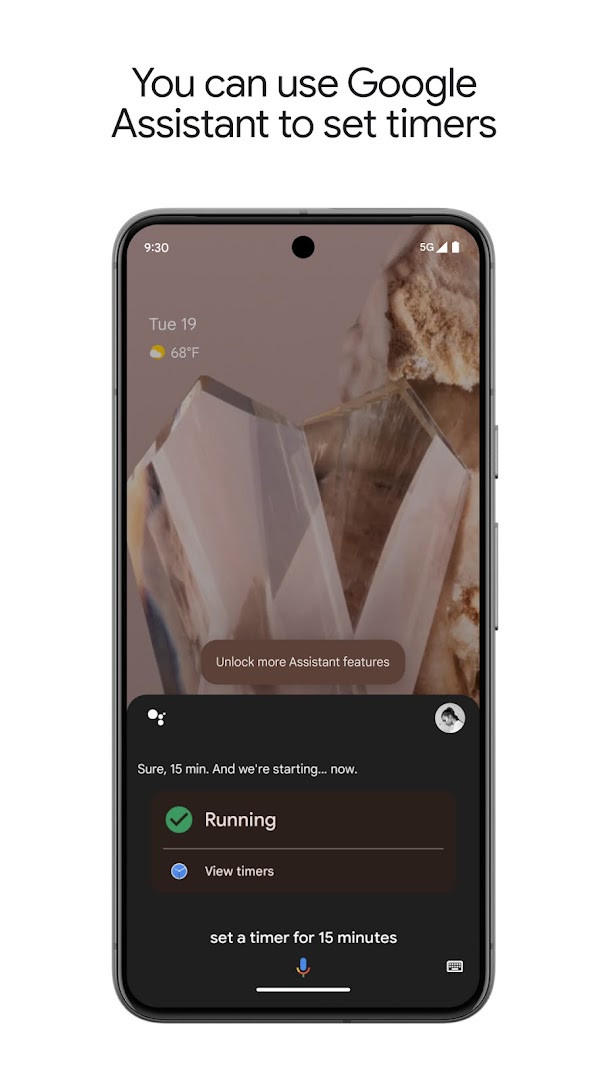
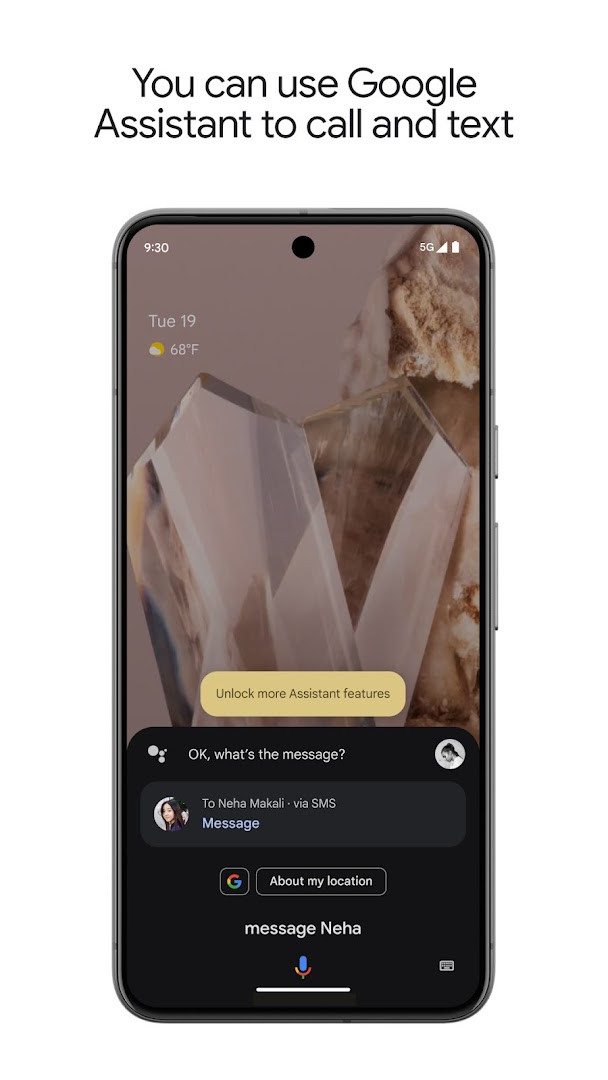
Google Assistant is a productivity app by Google LLC that provides voice-activated help for everyday tasks, from controlling your phone to managing your smart home. It acts as a hands-free companion, letting you perform actions like opening apps, sending messages, and setting reminders simply by speaking. The app is designed to save time and reduce the need for manual interaction, making it a practical tool for multitasking and on-the-go use.
Beyond basic commands, Google Assistant offers proactive information and contextual reminders, helping you stay ahead of your schedule. You can create custom routines for repetitive actions—like a "Good morning" routine that gives you the weather, your calendar, and news—all triggered by a single phrase. The app also extends to smart home control, allowing you to adjust lights, thermostats, and other compatible devices from anywhere, provided you have the right hardware.
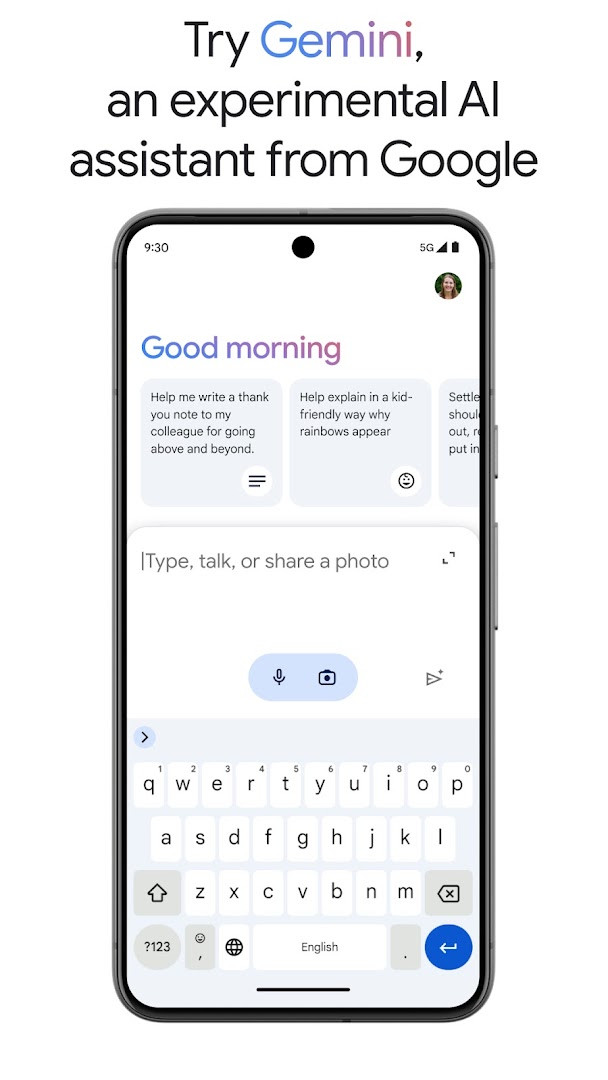
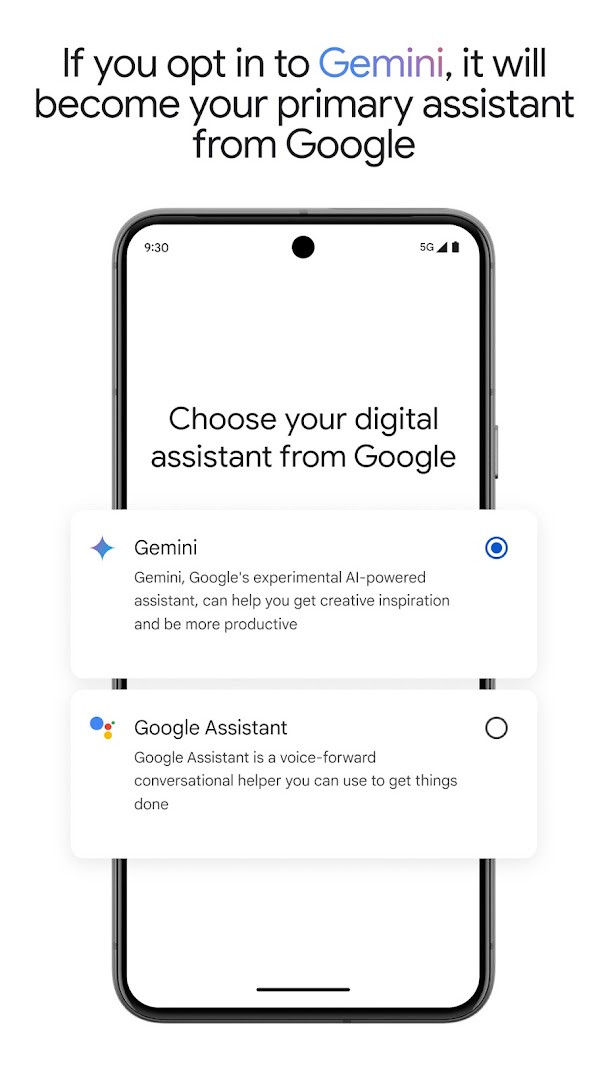
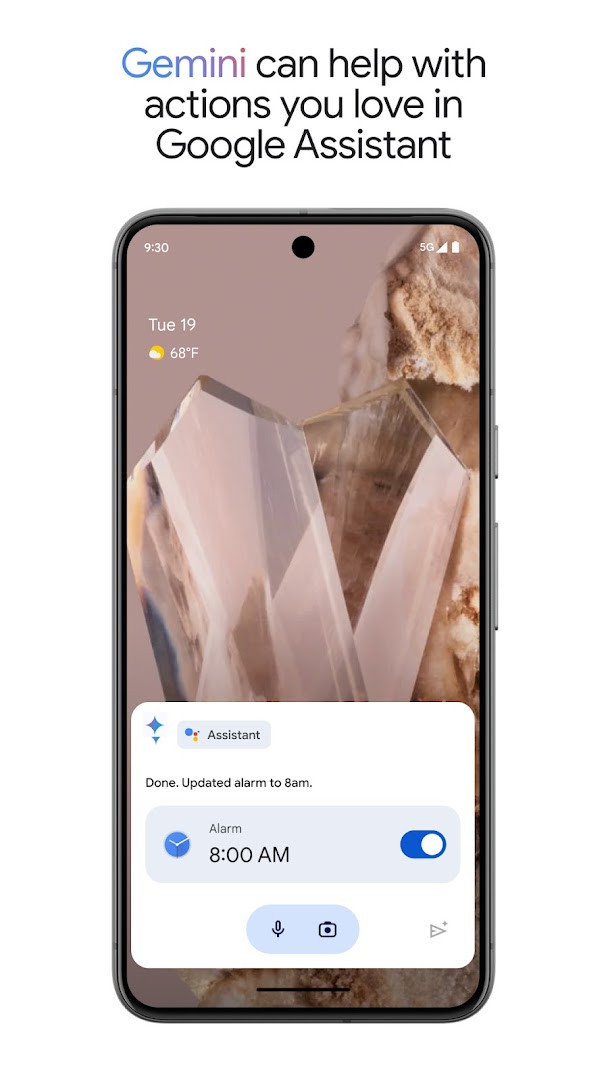
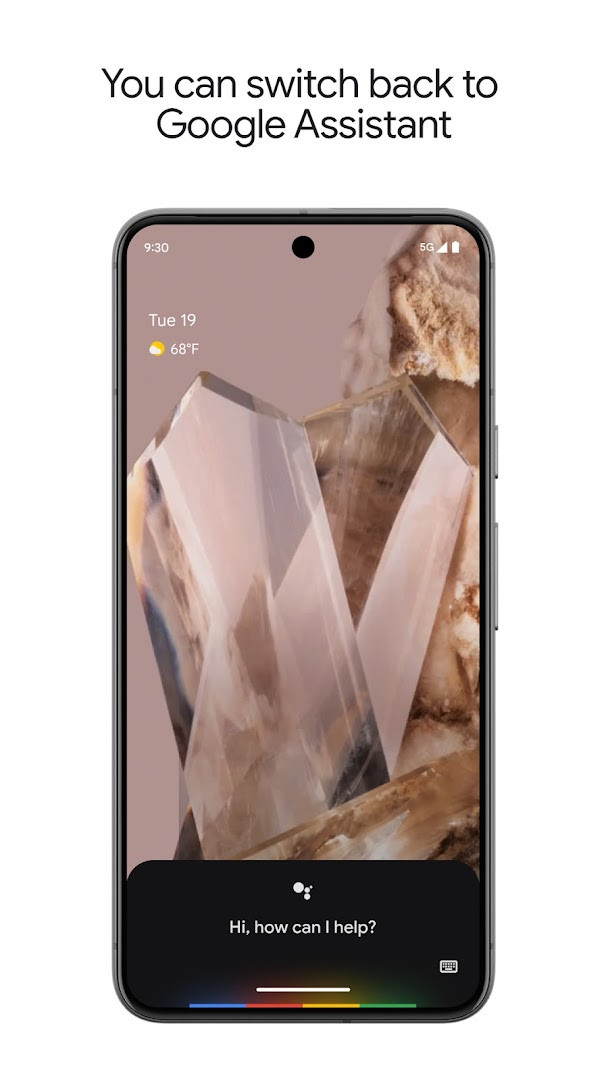
Version 0.1.884448652, released on March 23, 2026, introduces the option to opt in to Gemini, an experimental AI assistant, directly from Google Assistant. When you opt in, Gemini becomes your primary assistant, bringing access to Google's latest AI models while still supporting many of the actions you're used to. The opt-in is rolling out gradually to select devices and countries, and you can switch back to Google Assistant in settings if you prefer. Some actions may not work immediately with Gemini, but support is expanding over time.
Key features
- Voice control for phone functions: open apps, toggle settings like Bluetooth, Wi-Fi, and flashlight
- Hands-free communication: make calls, send texts, and manage emails without touching your phone
- Task management: set reminders, alarms, timers, create shopping lists, and ask questions
- Navigation and local info: get directions, find nearby places, and check traffic
- Smart home control: manage compatible lights, thermostats, and appliances remotely
- Proactive suggestions and contextual reminders based on your habits and schedule
- Custom routines for everyday phrases like "Good morning" or "Good night"
- Optional opt-in to Gemini as your primary assistant, with the ability to switch back
- No ads or in-app purchases; content rated for everyone
How to install
- Tap the download button on this page to get the APK file (2.4 MB).
- When Android prompts, allow your browser or file manager to install apps by enabling the 'Install unknown apps' setting.
- Open the downloaded APK file from your notifications or file manager.
- Tap Install and wait for the installation to complete.
- Open Google Assistant from your app drawer and follow the setup prompts.
- Ensure your device runs Android 6.0 or higher, as this is the minimum required version.
Pros
- Hands-free operation saves time during multitasking
- Integrates deeply with Android, controlling system settings and apps
- Supports a wide range of voice commands and routines
- Smart home integration adds convenience for compatible devices
- Optional upgrade to Gemini offers advanced AI assistance
- No ads or in-app purchases, making it free to use
Cons
- Requires internet connection for many features
- Gemini opt-in not available to all users or regions initially
- Some Gemini actions may not work immediately
- Smart home control depends on compatible devices
- Rating is moderate (3.77), suggesting mixed user experiences
Latest changes · 0.1.884448652
Version 0.1.884448652 introduces an opt-in for Gemini to act as the primary assistant from Google. This experimental AI assistant replaces Google Assistant for select users and countries over the coming weeks. Many existing Assistant actions are supported, though some are not yet functional; support for more is planned. Users can switch back to Google Assistant in app settings. The Gemini opt-in is also accessible by downloading the Gemini app.
Version history
| Version | Size | Requires Android | Updated |
|---|---|---|---|
| 0.1.601924805 | 1.2 MB | 5.0 | Jun 30, 2026 |
| 0.1.884448652 | 2.4 MB | 6.0 | Mar 23, 2026 |
| 0.1.766117055 | 2.3 MB | 5.0 | Jun 18, 2025 |
This app suits busy professionals who need quick, hands-free help with scheduling and communication, smart home enthusiasts who want voice control over their devices, and anyone who prefers talking to typing for everyday tasks like setting timers or getting directions.
For a smoother experience, set up your personal routines (like 'Good morning') to bundle multiple actions—weather, calendar, and news—into a single voice command.
Permissions
Frequently asked questions
Is Google Assistant free to download?
Yes, Google Assistant is free to download. There are no in-app purchases or ads.
What Android version is required?
Google Assistant requires Android 6.0 (Marshmallow) or higher.
How large is the app file?
The app file size is 2.4 MB.
Do I need a Google account to use it?
Yes, a Google account is needed to use Google Assistant, as it integrates with Google services like Gmail, Calendar, and Maps.
What permissions does Google Assistant request?
It requests access to network state, package size information, and Google services (GSF).
How do I update Google Assistant?
To update, simply download the latest version from this page and install it over the current one.
Google Assistant remains a solid, free choice for Android users who want a reliable voice assistant for daily productivity. Its broad feature set and deep system integration make it practical, though the gradual rollout of Gemini may leave some waiting. Overall, it's a worthwhile tool for hands-free convenience, with the caveat that smart home features require compatible hardware.
Similar apps





More from this developer





Updated: Oct 21, 2026