Speech Recognition & Synthesis: Voice Input and Output
Speech Recognition & Synthesis is a free Tools app by Google LLC that lets you convert spoken words into text and have on-screen text read aloud.
Get APKSpeech Recognition & Synthesis is a 15 MB Tools app from Google LLC that needs Android 8.0 or later. It shows no ads and offers no in-app purchases, and it holds a 3.96 rating from 4.35 million ratings. The app is aimed at people who want voice dictation and spoken text output on their devices.
- Size
- 15 MB
- Requires Android
- 8.0
- Updated
- Sep 29, 2026
- Installs
- 10B+
- Rating
- ★ 3.96 (4,352,458)
- Category
- Tools
- Developer
- Google LLC
- Content rating
- Everyone
- Package
- com.google.android.tts
- Free
- ✓
App screenshots
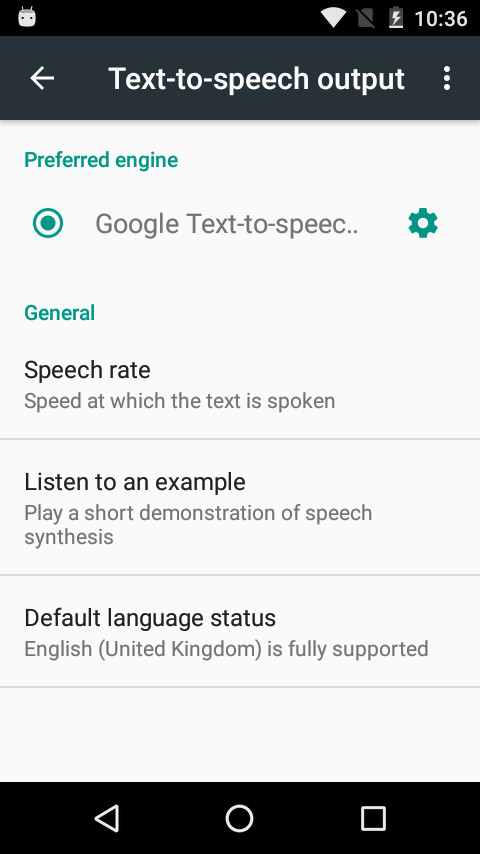
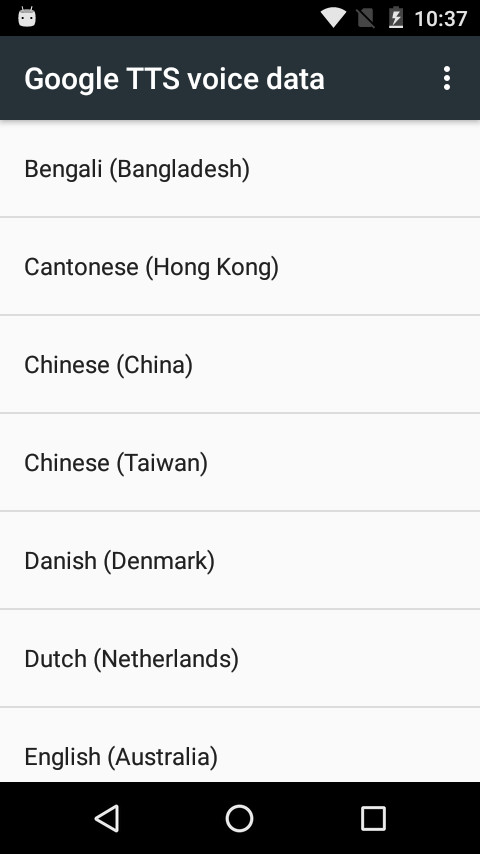
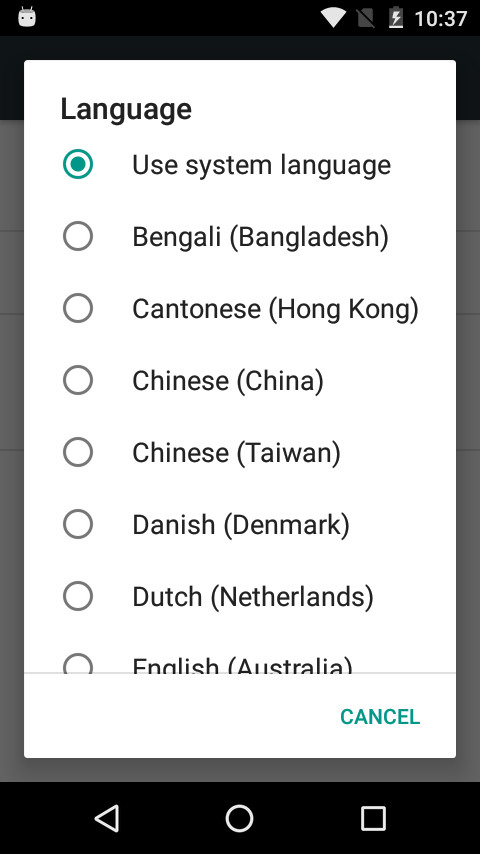
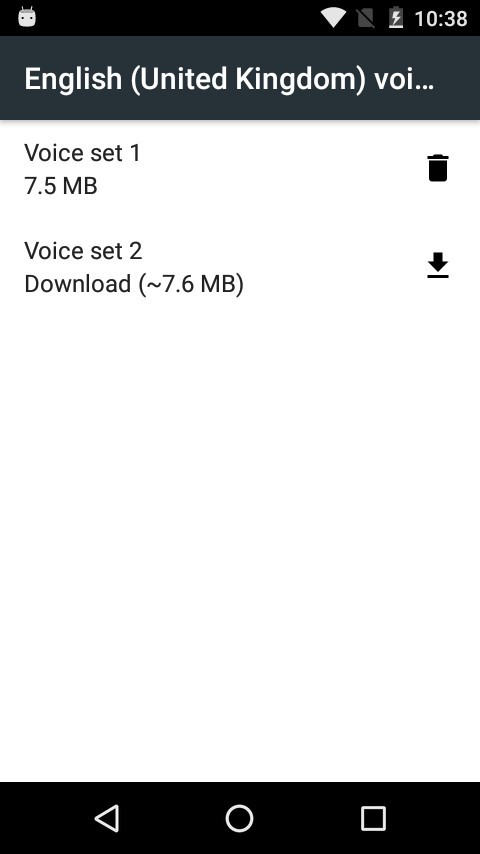
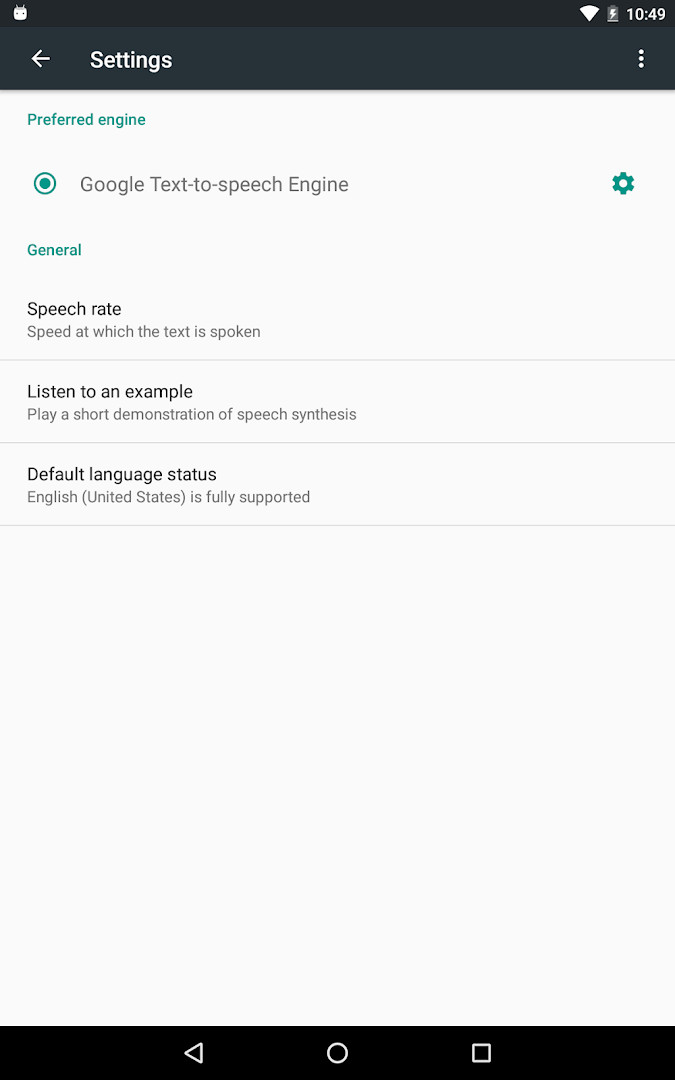
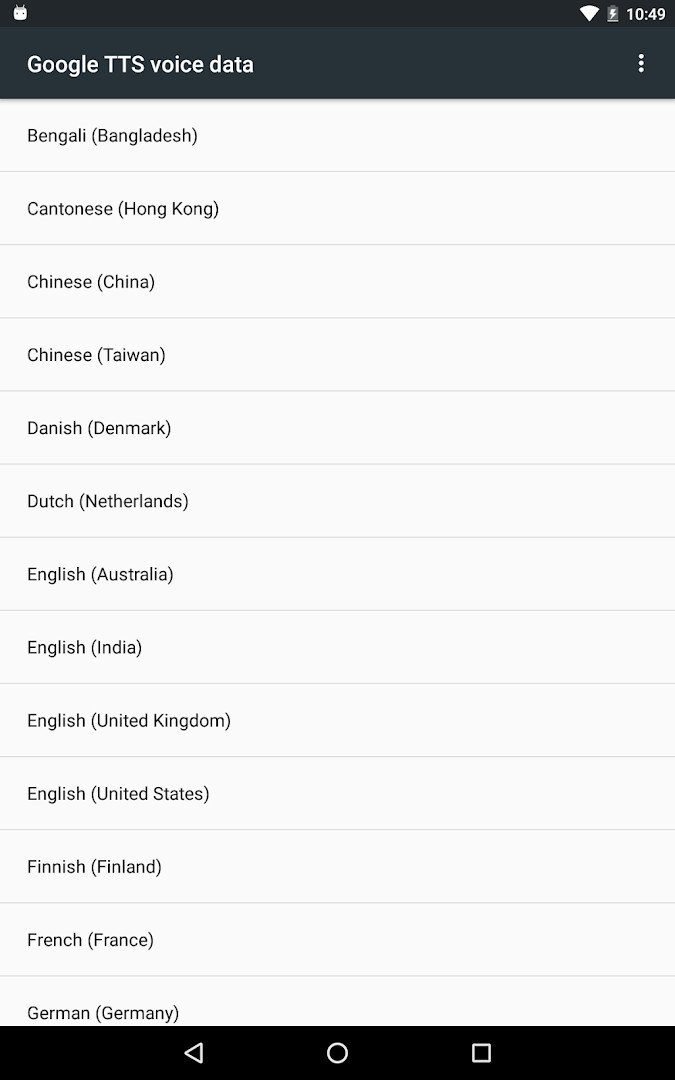
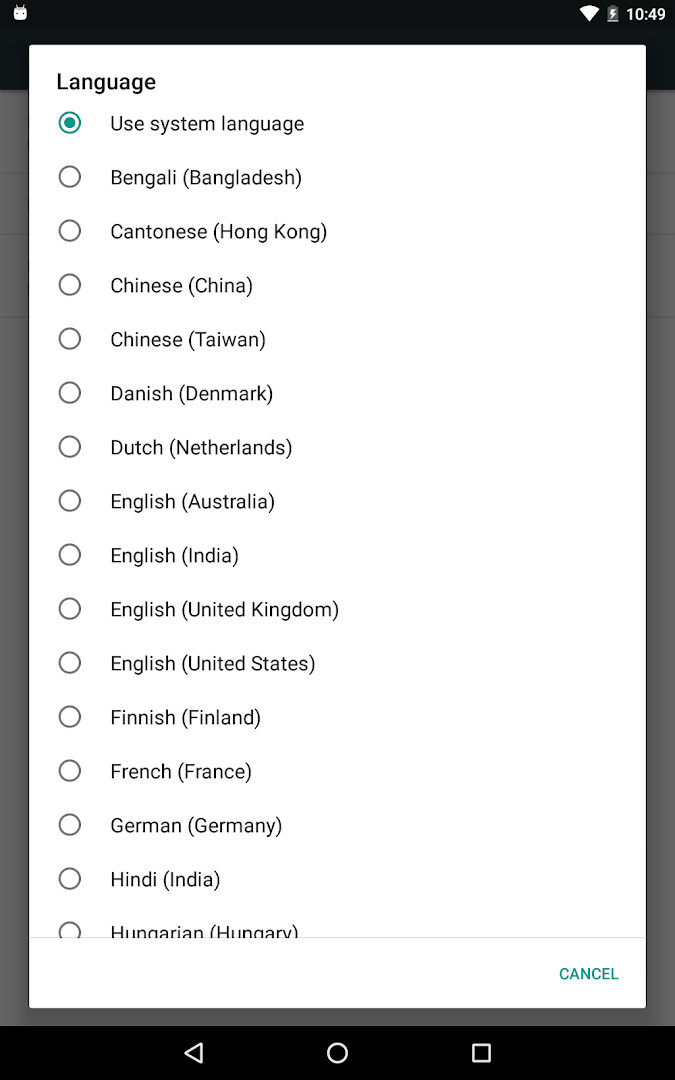
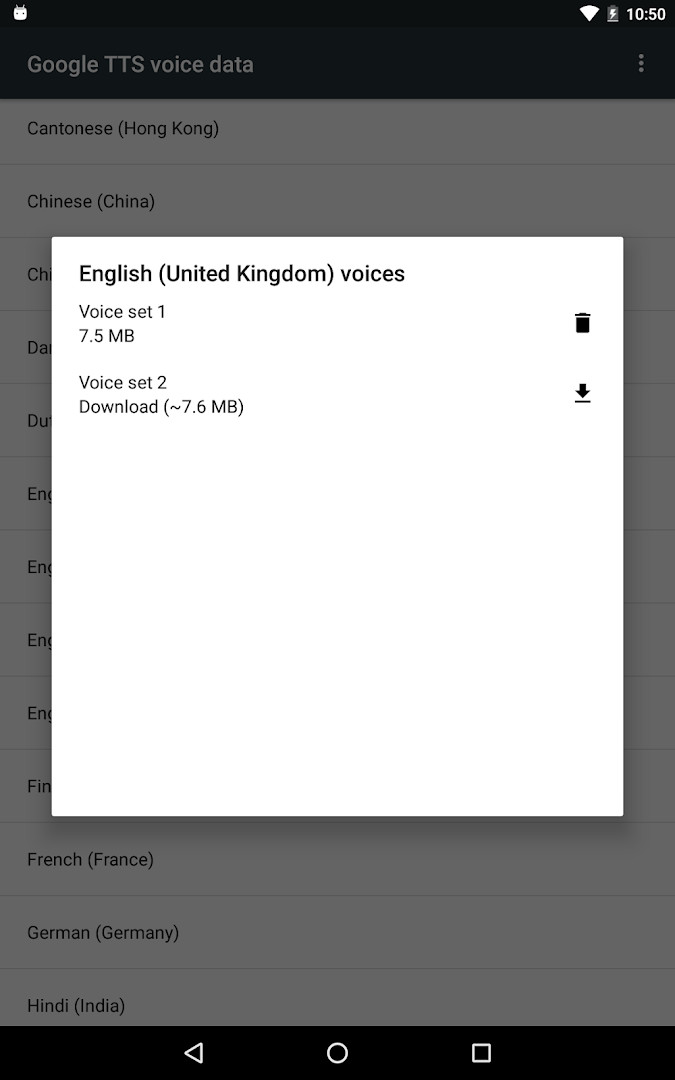
Speech Recognition & Synthesis is a system-level utility app by Google LLC that supplies both speech-to-text and text-to-speech services to other applications on your Android device. Rather than being a standalone productivity tool, it acts as a background engine that other apps call upon whenever they need to convert spoken words into text or read on-screen content aloud. Installing or updating it ensures that voice-dependent features across your device have a consistent, capable recognizer and synthesizer to rely on.
The app serves a wide range of use cases. Navigation apps can understand spoken place names, note-taking apps can transcribe recordings locally on the device, and the Phone app can generate live captions of incoming callers. Accessibility tools such as Voice Access let you operate the phone entirely by voice, while dictation keyboards and language-learning apps use the same speech-to-text engine to recognize what you say. On the text-to-speech side, e-book readers can narrate pages, translation apps can pronounce words aloud, and screen readers like TalkBack provide spoken feedback throughout the interface.
Setting it up is straightforward but requires a small amount of manual configuration. To use the speech-to-text portion, you select the app as your preferred assist or voice input engine in the system settings. For text-to-speech, you choose it as the default output engine in the language and input settings. On many Android devices the service is already present, so installing this version mainly serves as an update that brings the latest improvements.
Key features
- Provides speech-to-text conversion that other apps use for voice search, dictation, and live transcription
- Offers text-to-speech output so apps can read screen content, books, and translations aloud
- Enables real-time call captions through the Phone app Call Screen feature
- Transcribes recordings on the device for supported recorder apps
- Works with accessibility tools like Voice Access and TalkBack for hands-free control
- Uses only the microphone permission to capture audio for recognition
- Has no ads and no in-app purchases, according to the developer
- Runs on Android 8.0 and newer with a 15 MB footprint
How to install
- Tap the download button on this page and wait for the 15 MB APK file to finish downloading.
- When Android prompts you, allow your browser or file manager to install apps by enabling the 'Install unknown apps' setting for that app.
- Open the downloaded APK file from your notifications or file manager.
- Tap Install and, if asked, confirm the installation.
- Open the app once installed; you can then set it as your default voice and text-to-speech engine in system settings.
Pros
- Free and lightweight at 15 MB
- No ads and no in-app purchases
- Supports many third-party apps, including accessibility tools
- Capable of on-device transcription and spoken output
- Regular updates keep it compatible with newer Android versions
Cons
- Requires the microphone permission, which may concern privacy-focused users
- Must be manually selected as the default engine in system settings before it works
- Because it runs in the background, some users may not realize it is installed or why it is needed
Latest changes
The app now goes by the name "Speech Recognition and Synthesis from Google". In addition to converting on-screen text into speech, it can also turn your spoken words into text for use by other apps. Further details are available in the "About this app" section.
Version history
| Version | Size | Requires Android | Updated |
|---|---|---|---|
| 996.0.100.79.22 | 15 MB | 4.1 | Feb 16, 2024 |
It is for Android users who rely on voice input, dictation, screen readers, or any app that converts speech to text or text to speech, including people with accessibility needs, language learners, and frequent users of navigation, recording, or translation apps.
After installing, check Settings > Apps & notifications > Default apps and Settings > Languages & Input > Text-to-Speech output to assign the app as your default engine. If a voice feature stops responding after an update, restarting the device usually re-registers the services so they work again.
Permissions
Frequently asked questions
How do I install Speech Recognition & Synthesis on my Android device?
Use the download button on this page to get the app, then open the file to install it. Your device needs Android 8.0 or newer, and the download is about 15 MB. After installing, you can set it as your preferred voice input or text-to-speech engine in your device settings.
What version is currently available?
The version listed for this release is 996.0.100.79.22. The app was first released on 2013-10-10, and the listing shows a last update date of 2026-09-29.
Does the app contain ads or in-app purchases?
No. It is offered free of charge, there are no ads, and there are no in-app purchases.
Can I use it offline?
The listing does not state clearly which features work without a connection. It does note that some apps, such as a recorder, can transcribe recordings on the device, and it requests only microphone access. For functions that rely on online services, a connection may still be needed.
Are there similar apps in the Tools category?
Yes, the Tools category includes other utilities for voice input, dictation and reading text aloud. If you need different language coverage or extra controls, it is worth comparing a few options before deciding.
Which apps can use its speech features?
Text-to-speech can read on-screen text aloud for e-books, translation apps and accessibility tools such as screen readers. Speech-to-text lets you dictate messages, search by voice, get transcriptions during calls, operate a device with voice commands, and practice pronunciation in language-learning apps.
Is it widely used and how is it rated?
The listing reports an average rating of 3.96 based on 4,352,458 ratings, with an install count of 10,000,000,000. It carries an Everyone content rating and asks only for microphone permission.
Speech Recognition & Synthesis is an essential system component rather than a flashy standalone app, quietly powering voice features across many tools you already use.
Similar apps






More from this developer



Updated: Oct 23, 2026