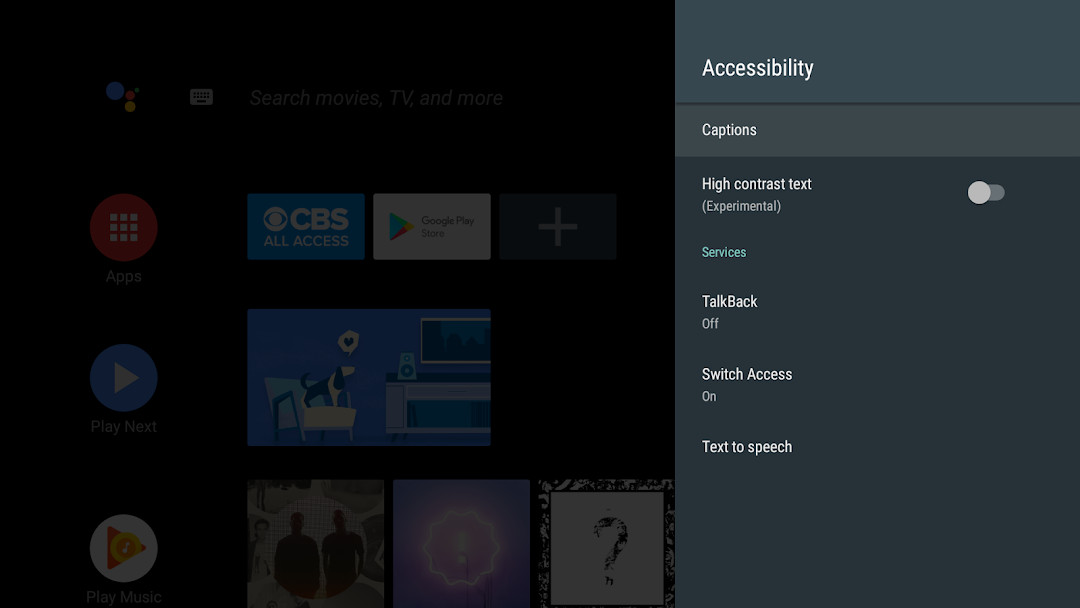

Android Accessibility Suite for Android
Android Accessibility Suite is a collection of accessibility apps from Google LLC for using an Android device eyes-free or with a switch device.
Get the appAndroid Accessibility Suite is for people who need to use their phone eyes-free or with a switch device. The suite combines TalkBack, Select to Speak, and the Accessibility Menu, adding spoken feedback, on-screen controls, and a braille keyboard. The suite is free, contains no ads or in-app purchases, takes about 45 MB, and requires Android 9 or later.
- Size
- 45 MB
- Requires Android
- 9
- Updated
- Oct 23, 2026
- Installs
- 10B+
- Rating
- ★ 4.07 (4,453,622)
- Category
- Tools
- Developer
- Google LLC
- Content rating
- Everyone
- Package
- com.google.android.marvin.talkback
- Free
- ✓
App screenshots
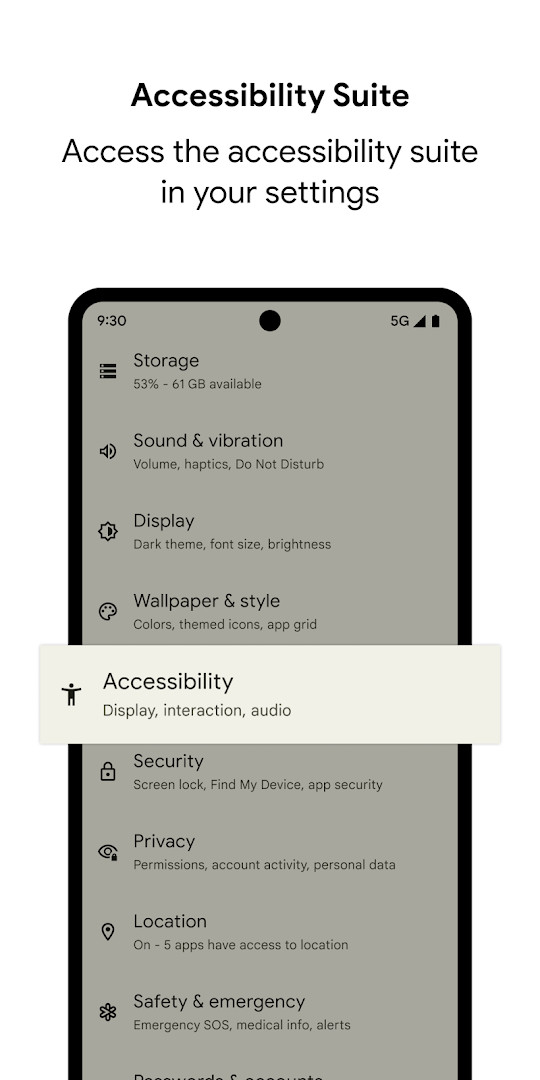
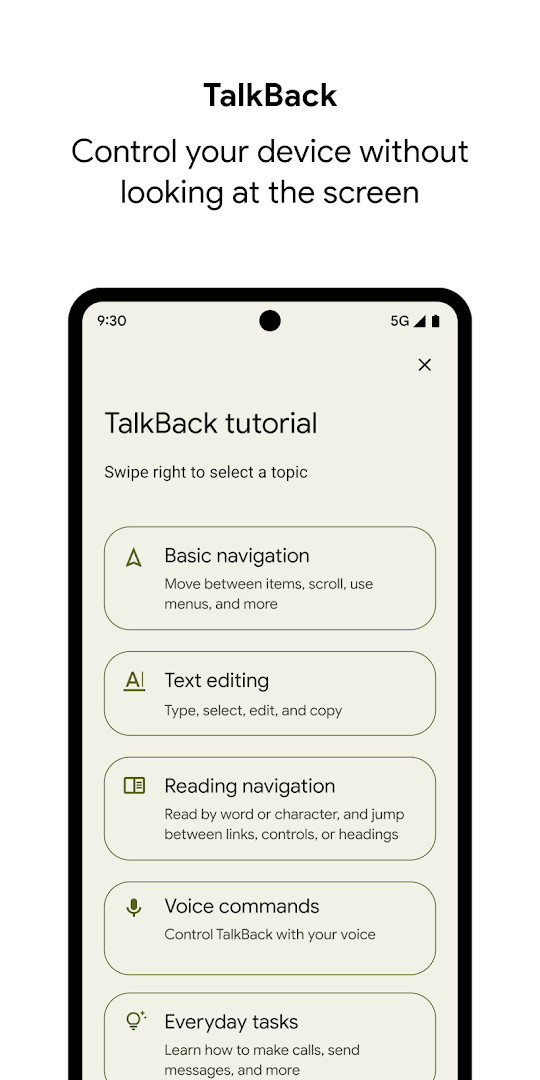
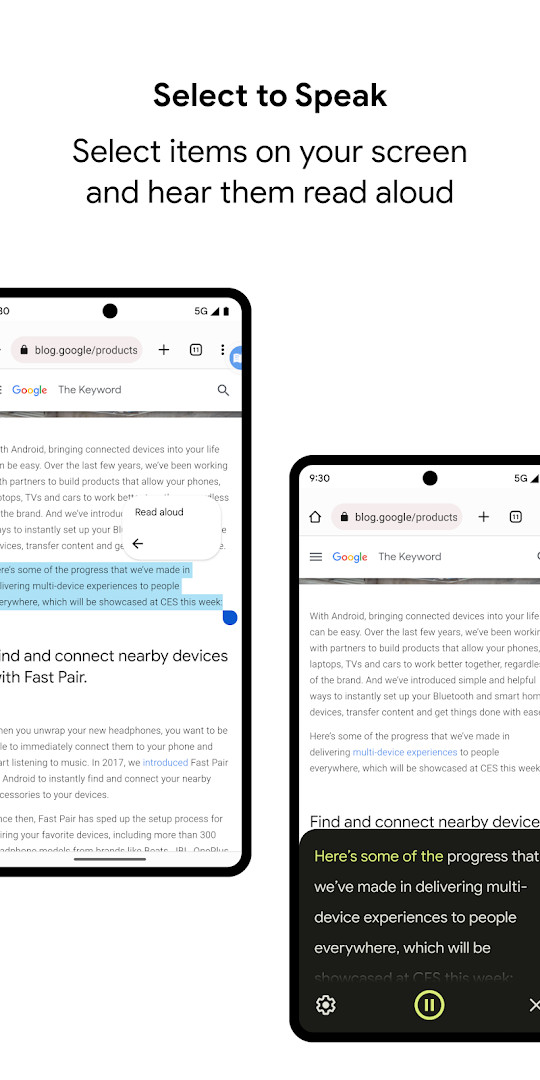
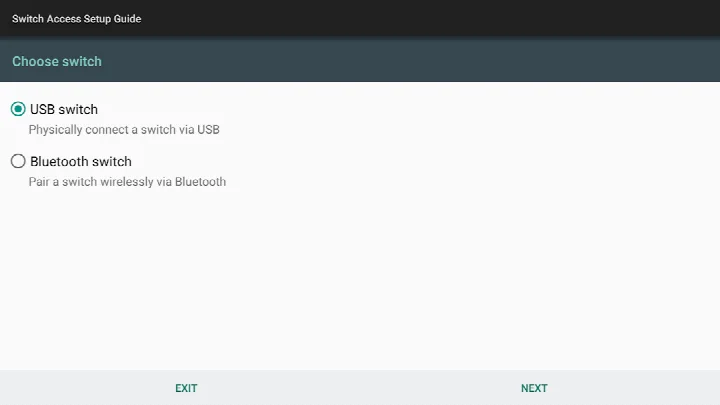
Android Accessibility Suite is a collection of accessibility tools by Google LLC that helps you use an Android device eyes-free, with a switch device, or with on-screen controls that are easier to see and reach.
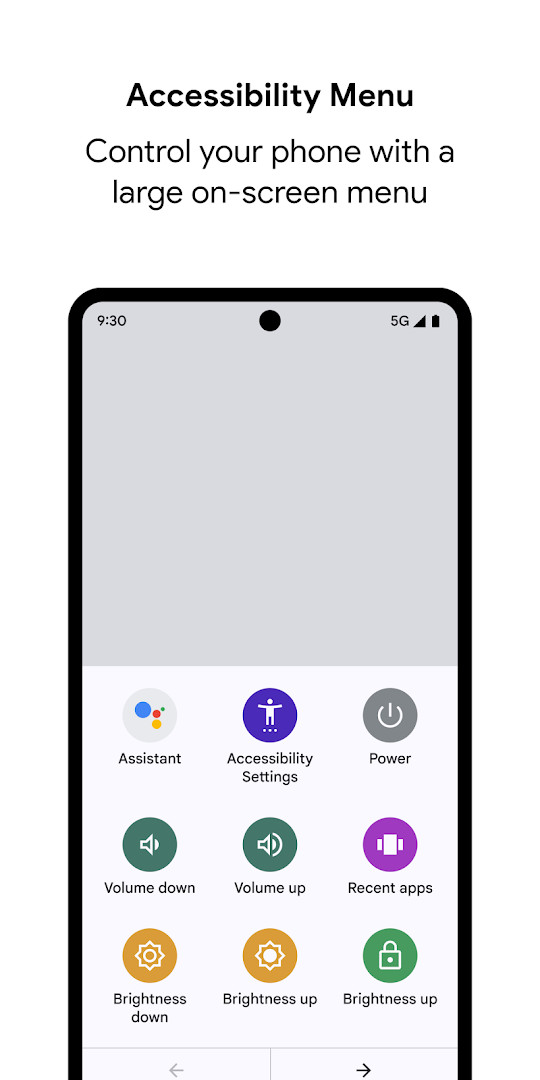
Instead of a single app, the suite bundles several utilities that share one goal: making everyday phone tasks less dependent on precise touch or clear vision. TalkBack provides spoken feedback and gesture navigation for people who cannot see the screen. Select to Speak lets you point at on-screen text and have it read aloud. The Accessibility Menu adds a large, always-available panel for actions like locking the device, adjusting volume and brightness, or taking a screenshot. The suite also includes an on-screen braille keyboard for typing.
This is a practical choice for anyone who needs greater control over how their device talks, listens, and responds. It suits people with visual impairments, users who prefer voice interaction, and those who control their phone through external switches or a physical keyboard. The core features ship as part of the suite, so you get a range of assistance options in one package rather than hunting for separate downloads. It runs on Android 9 and newer and stays current with regular updates from Google.
Key features
- TalkBack screen reader that gives spoken feedback, supports gesture control, and includes an on-screen braille keyboard for typing
- Accessibility Menu, a large on-screen panel for locking the phone, adjusting volume and brightness, and taking screenshots
- Select to Speak, which reads aloud any item you choose on the screen
- Multiple ways to customize your braille display and a more reliable keyboard experience
- More reading control hints when navigating with a physical keyboard
- Adapts announcements to call status by observing the phone state
How to install
- Tap the download button on this page to get the APK file, which is about 45 MB.
- Make sure your phone runs Android 9 or later; the suite will not install on older versions.
- When Android asks for permission, allow your browser or file manager to install apps by enabling the “Install unknown apps” setting for that app.
- Open the downloaded APK file from your notification shade or file manager.
- Tap Install and wait for the process to finish.
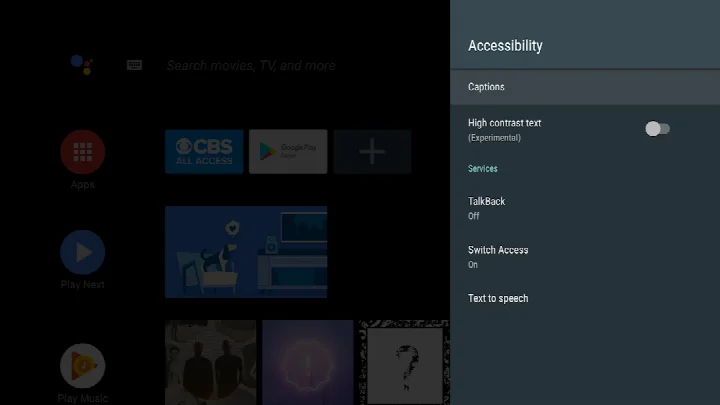
- Open the app, then go to Settings > Accessibility on your device to turn on TalkBack, Select to Speak, or the Accessibility Menu.
Pros
- Free with no ads and no in-app purchases
- Combines screen reader, read-aloud, and on-screen menu tools in one suite
- Includes a braille keyboard option for direct typing
- Actively updated; the latest release noted in the listing is TalkBack 17.0
- Regularly refreshed with improvements to keyboard and braille display behavior
Cons
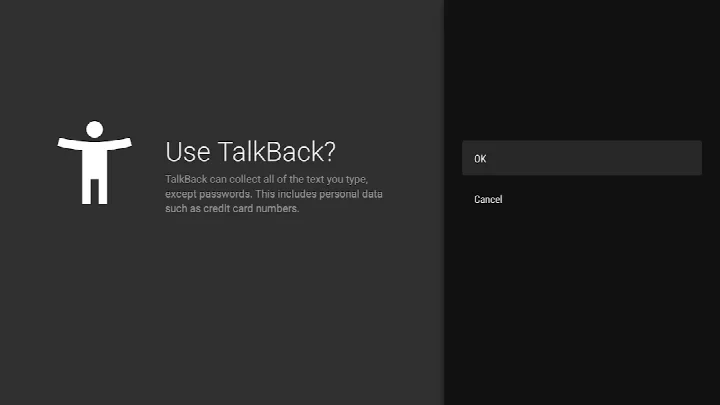
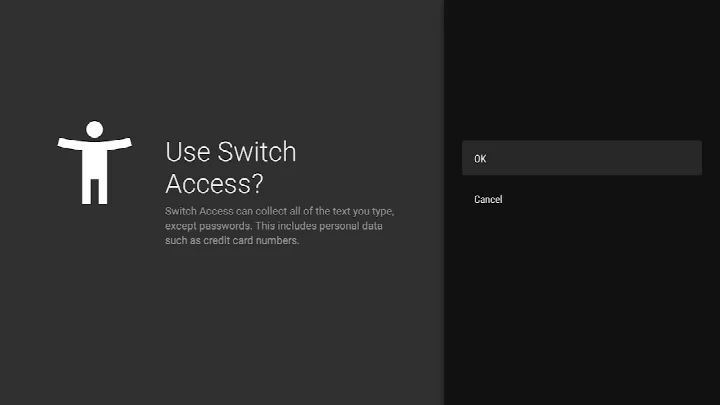
- As an accessibility service, it can observe your actions, retrieve window content, and read text you type
- Requests broad permissions including location, camera, microphone, storage, and device ID
- File size of about 45 MB may be noticeable on devices with limited storage
- Requires Android 9 or later, leaving older devices unsupported
Latest changes
The latest update to Android Accessibility Suite, released on September 29, 2026, brings TalkBack 17.0 with several refinements. You'll find more options for customizing your braille display, a more dependable keyboard experience, and additional reading control hints when navigating with a physical keyboard. These changes aim to make the screen reader more flexible and responsive for a wider range of users and setups.
Version history
| Version | Size | Requires Android | Updated |
|---|---|---|---|
| 3.1.1 | 1.2 MB | 4.1 | Oct 1, 2026 |
| 17.1.0.983118198 | 45 MB | 9 | Sep 29, 2026 |
| 17.0.1.926549743 | 43 MB | 9 | Sep 24, 2026 |
| 12.2.0.461147544 leanback | 28 MB | 6.0 | Jun 26, 2026 |
| 17.0.1.911806202 | 43 MB | 9 | Jun 10, 2026 |
| 9.0.0.332399336 | 15 MB | 11 | Nov 22, 2025 |
| 3.2.0 | 1.3 MB | 4.2 | Nov 10, 2025 |
| 7.3.0.238058557 leanback | 11 MB | 5.0 | Mar 14, 2019 |
| 5.0.7 | 7.2 MB | 4.1 | Nov 13, 2016 |
The suite is for people who want a more accessible everyday phone experience: those with low vision or blindness who rely on spoken feedback, users who prefer select-and-listen reading, people who use external switches or a physical keyboard, and anyone who finds the default controls hard to reach and wants a larger on-screen menu.
After installing, open your phone's Settings, choose Accessibility, and pick the tool you need: TalkBack for spoken feedback, Select to Speak for reading text aloud, or Accessibility Menu for a larger control panel. If you use a physical keyboard, look for the extra reading control hints in TalkBack. Note that TalkBack for Wear devices requires Wear OS 3.0 or later.
Permissions
Frequently asked questions
What improvements did the TalkBack 17.0 update from September 2026 introduce?
TalkBack 17.0 brought additional ways to customize your braille display, a more reliable keyboard experience, and more reading control hints when navigating with a physical keyboard.
Which specific tools are part of the Android Accessibility Suite, and what does each one do?
The package includes Accessibility Menu, which provides a large on-screen menu for locking your phone, controlling volume and brightness, taking screenshots, and more. Select to Speak lets you tap items on your screen to hear them read aloud. TalkBack is a screen reader that offers spoken feedback, gesture controls, and an on-screen braille keyboard.
What are the minimum operating system requirements for this app?
It requires Android 9 or later. If you plan to use TalkBack for Wear, you need Wear OS 3.0 or later.
What accessibility features were included when the app was first released?
This version includes Accessibility Menu, Select to Speak, and TalkBack. The release date for this version was November 26, 2020.
What permissions does the app request, and why is the Phone permission specifically needed?
Several permissions are listed, including Location, Phone, Photos/Media/Files, Storage, Camera, Microphone, and Device ID & call information. For example, the Phone permission allows it to observe the phone state so announcements adapt to your call status.
Android Accessibility Suite brings together the most essential Android assistance tools in one free package. If you need spoken feedback, switch control, or a simpler way to reach common actions, this suite is a reliable everyday companion that keeps improving with each update.
Similar apps





More from this developer



Updated: Oct 23, 2026