
Microsoft OneDrive for Android
Microsoft OneDrive is a cloud storage and file backup app from Microsoft Corporation for syncing, sharing, and protecting photos, videos, and documents across devices.
Get Microsoft OneDriveMicrosoft OneDrive is designed for people who want to back up photos and files, share content with friends or family, and access selected documents without an internet connection. The Android app starts with 5 GB of free storage, while a Microsoft 365 Personal or Family subscription offers 1 TB per user and premium sharing and recovery tools.
- Size
- 104 MB
- Requires Android
- 8.0
- Updated
- Oct 9, 2026
- Installs
- 5B+
- Rating
- ★ 4.62 (7,367,490)
- Category
- Productivity
- Developer
- Microsoft Corporation
- Content rating
- Everyone
- Package
- com.microsoft.skydrive
- Free
- ✓ · In-app purchases
App screenshots
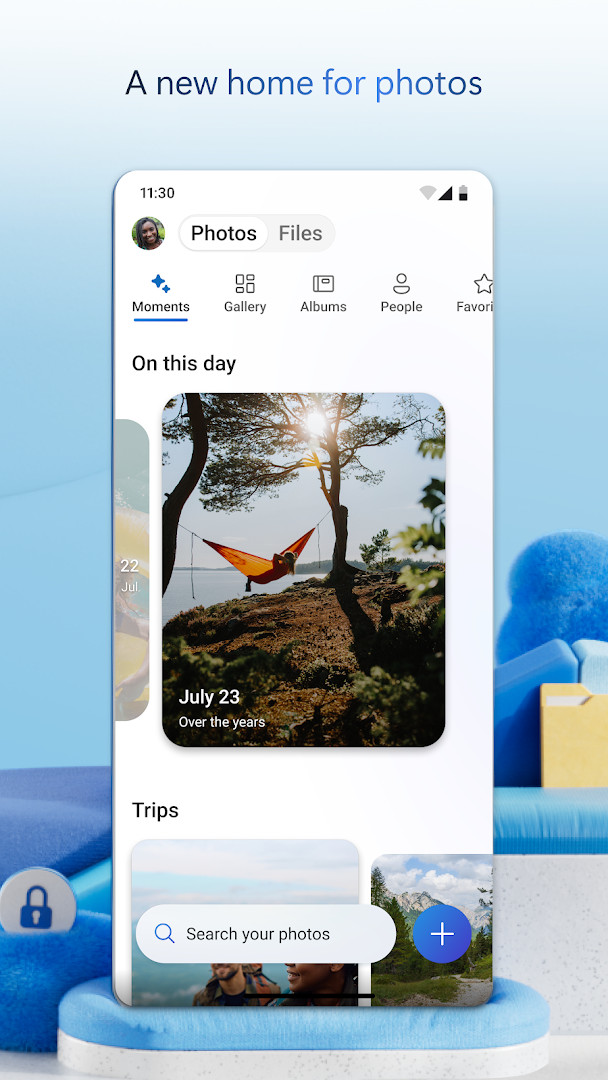
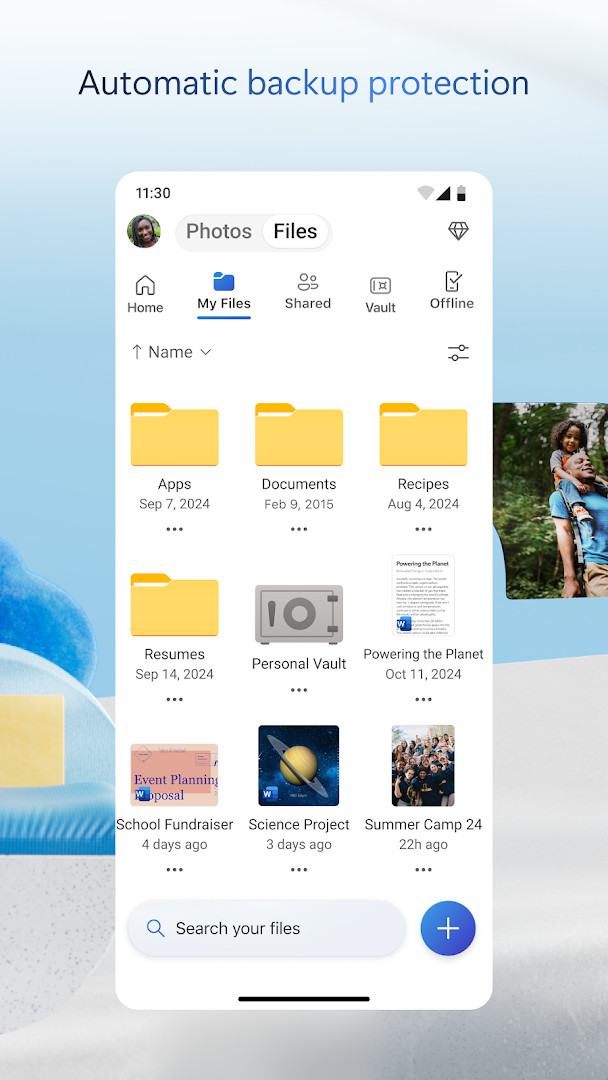
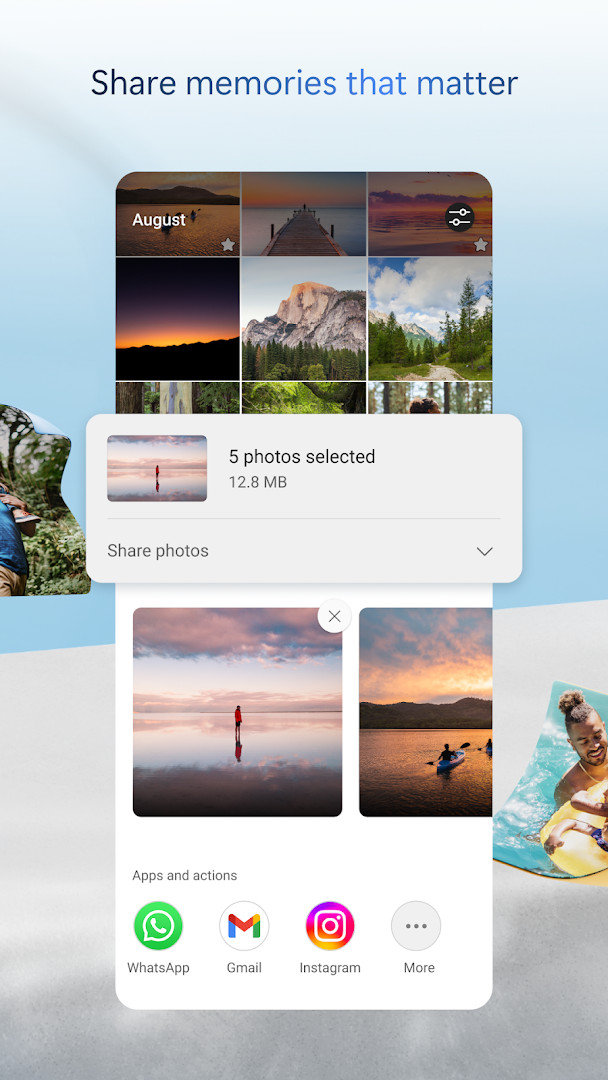
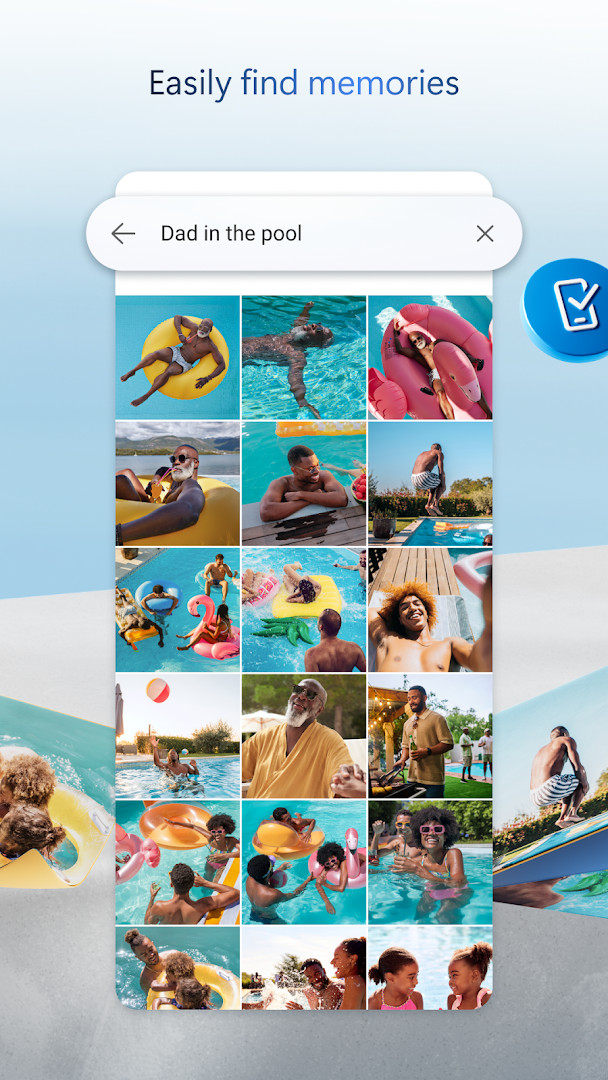
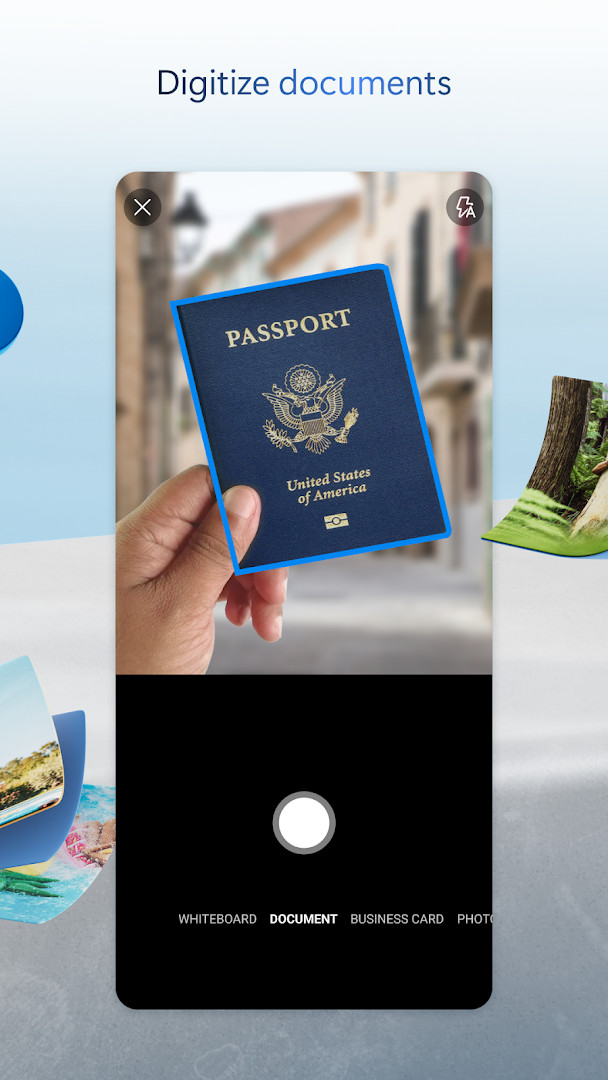
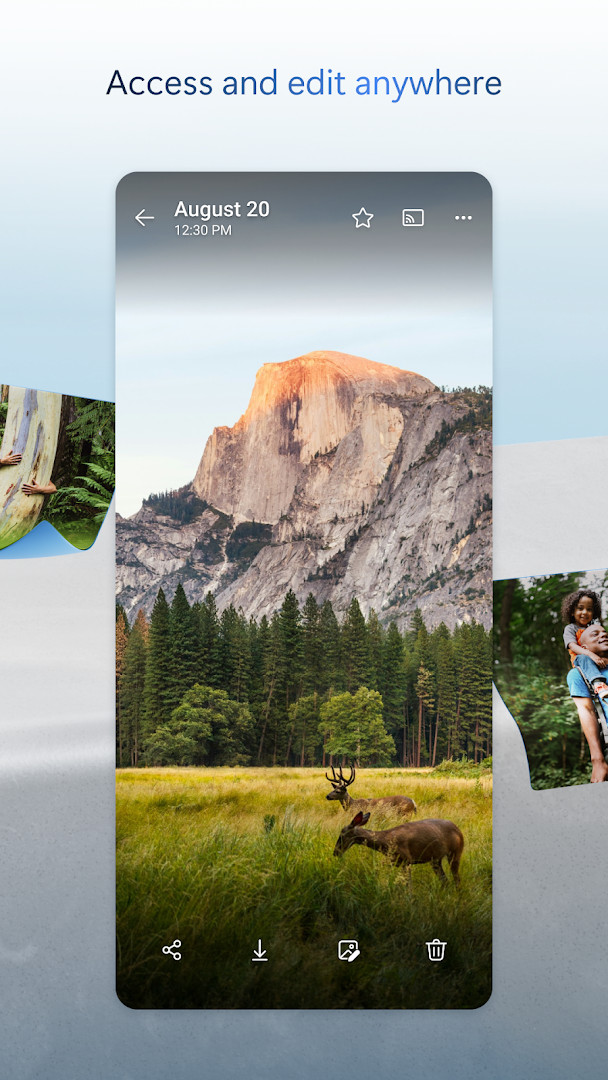
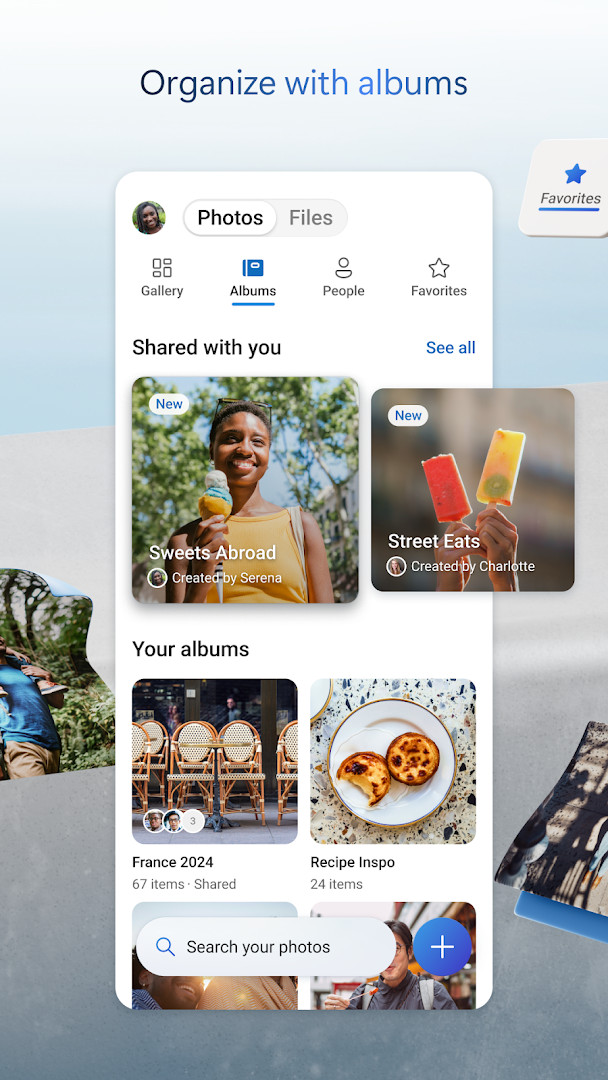
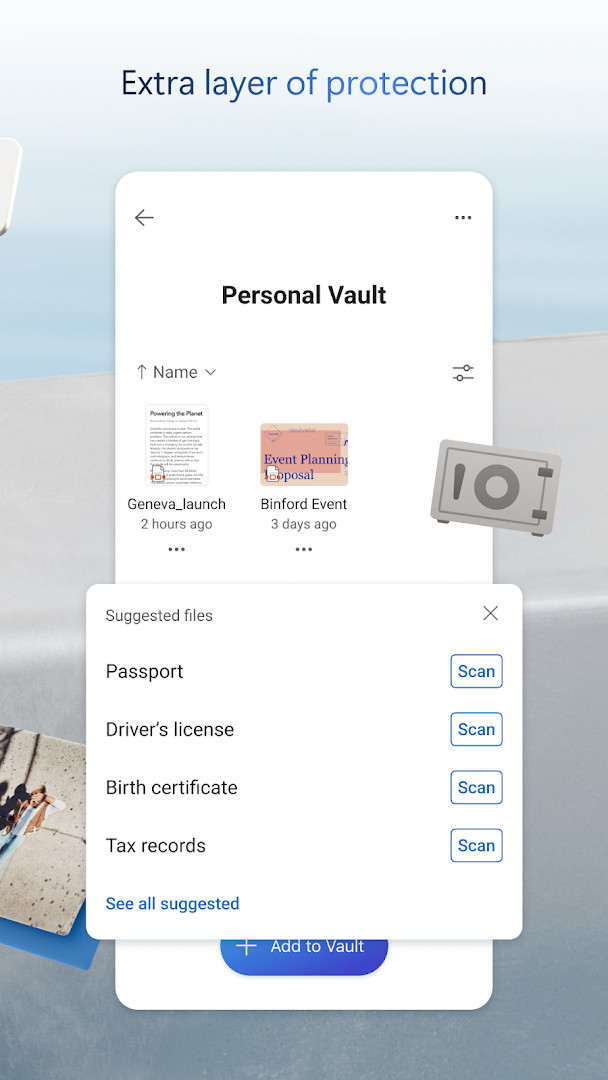
Microsoft OneDrive is a cloud storage and synchronization application by Microsoft Corporation that keeps photos, documents, and other files backed up, protected, and accessible across devices. The app addresses the common problem of scattered files and fragile device storage by continuously syncing selected folders and your camera roll to the cloud, then mirroring changes back to your devices. It offers 5 GB of free storage, with an optional Microsoft 365 Personal or Family subscription that expands capacity to 1 TB per user. Offline access to selected files, encrypted transfers, and recovery tools make it a practical option for users who want a managed cloud layer without leaving the Microsoft ecosystem. More recent versions add a Memories tab that organizes photos by theme and a document scanner capable of processing up to 50 pages in a single session.
Key features
- Automatic Camera Upload keeps photos and videos backed up with encrypted storage
- Offline access for selected files when you are not connected to the internet
- File, photo, video, and album sharing, plus notifications when a shared document is edited
- Personal Vault with identity-verified protection, with files encrypted both at rest and in transit
- Version history that lets you restore previous versions of a file
- Document scanning that lets you scan, sign, mark up, and send documents from the app
- Content search that finds photos by what is in them and documents by name or content
- Real-time editing and collaboration on Word, Excel, PowerPoint, and OneNote files through Microsoft Office apps
How to install
- Tap the download button on this page to get the APK, which is about 104 MB in size.
- When Android asks, allow your browser or file manager to install apps by enabling the “Install unknown apps” setting for that app.
- Open the downloaded APK file from your notifications or Downloads folder.
- Tap Install and confirm any prompts to proceed.
- Open the app, sign in, and start configuring backups; Android 8.0 or later is required.
Pros
- 5 GB of free cloud storage with a clearly defined path to 1 TB per user via subscription
- Solid security features including encryption, Personal Vault, and ransomware detection
- Offline access to selected files keeps important documents available without a connection
- Deep integration with Microsoft Office enables real-time collaboration
- Version history helps recover from accidental edits or deletions
- Automatic camera backup preserves photos and videos without manual effort
Cons
- Many advanced protections, including ransomware detection and higher storage, require a Microsoft 365 subscription
- In-app subscriptions renew automatically and cannot be canceled or refunded during the active period
- Requests broad permissions covering identity, contacts, storage, camera, and microphone
- Work or school sign-in requires a qualifying OneDrive, SharePoint Online, or Microsoft 365 Business subscription
Latest changes
The latest update introduces a Memories tab that organizes your photos by themes like trips, seasons, and people, making it easier to revisit highlights. You can now scan up to 50 pages in a single session for more efficient document handling. Improvements include better cover selection for photos taken in the same location, along with fixes for camera backup folder issues and duplicate memory notifications, plus general performance and bug fixes.
Version history
| Version | Size | Requires Android | Updated |
|---|---|---|---|
| 7.57 | 101 MB | 8.0 | Oct 12, 2026 |
| 7.65 (Beta 29) | 102 MB | 8.0 | Oct 9, 2026 |
| 7.64.2 | 107 MB | 8.0 | Oct 6, 2026 |
| 7.52 | 105 MB | 8.0 | Oct 5, 2026 |
| 7.60 | 103 MB | 8.0 | Oct 5, 2026 |
| 7.58.1 | 102 MB | 8.0 | Oct 4, 2026 |
| 7.59 | 102 MB | 8.0 | Oct 1, 2026 |
| 7.66 (Beta 30) | 104 MB | 8.0 | Oct 1, 2026 |
| 7.61 | 104 MB | 8.0 | Oct 1, 2026 |
| 7.62.1 | 104 MB | 8.0 | Oct 1, 2026 |
This app suits users who already rely on Microsoft services such as Office documents, Outlook, or Windows devices and want a cloud sync layer that matches their workflow. It also appeals to photographers and note-takers who need automatic camera backup, offline files, and document scanning in one place. Because several advanced protections require a paid plan, budget-conscious users should compare the free tier limitations with alternative storage options before committing.
Turn on Camera Upload right after signing in so photos back up automatically. For sensitive documents, move them into Personal Vault and mark important files for offline access before traveling. If you scan many pages, note that a single scan session can capture up to 50 pages.
Permissions
Frequently asked questions
Is Microsoft OneDrive free to use?
Yes, the app is free to download and comes with 5 GB of free cloud storage. Optional Microsoft 365 Personal or Family subscriptions are available as in-app purchases starting at $6.99 per month in the U.S.
Which Android version is required?
Microsoft OneDrive requires Android 8.0 or higher. The app package is about 104 MB in size.
Do I need an account to use OneDrive?
Yes, you need a Microsoft account to sign in, back up your files, and sync across devices. Work or school sign-in requires a qualifying OneDrive, SharePoint Online, or Microsoft 365 Business subscription.
What permissions does the app request?
The app asks for access to identity, contacts, photos/media/files, storage, camera, and microphone. These permissions support features like camera upload, document scanning, and file sharing.
How do I update the app?
To update, simply download the newest version from this page and install it over your current version. The latest available release here is version 7.57, dated October 12, 2026.
Does OneDrive include ads?
No, the app is ad-free. It does offer optional in-app subscriptions for additional storage and premium features.
Overall, OneDrive is a mature, well-integrated cloud storage choice, yet its most valuable protections are tied to a paid subscription. Evaluate your storage needs and privacy expectations before deciding whether the free tier or Microsoft 365 plan is the better fit.
Similar apps





Updated: Oct 21, 2026